




01. Edit your form online
Type text, add images, blackout confidential details, add comments, highlights and more.

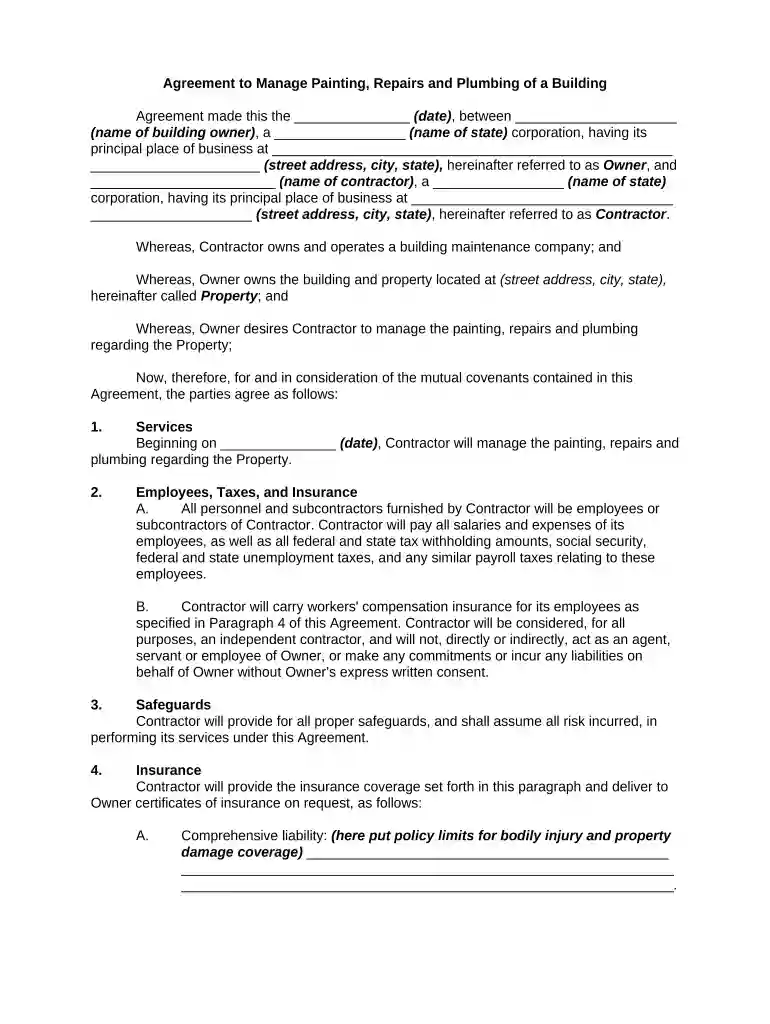
Type text, add images, blackout confidential details, add comments, highlights and more.

Draw your signature, type it, upload its image, or use your mobile device as a signature pad.

Send it via email, link, or fax. You can also download it, export it or print it out.

Start using our platform today for free to streamline your document editing and signing process!
At DocHub, your data security is our priority. We follow HIPAA, SOC2, GDPR, and other standards, so you can work on your documents with confidence.



Jul 4, 2019 The deal is covered by a confidentiality agreement regarding the price of the sale and the identity of the buyer, said the auction houseRead more
This Agreement represents the entire understanding of Union and the Seller concerning the sale of the Work and supersedes all other/prior agreements. The SellerRead more


