




Here's how it works

01. Edit your what is one reason prosecutors may decide to dismiss cases online
Type text, add images, blackout confidential details, add comments, highlights and more.

02. Sign it in a few clicks
Draw your signature, type it, upload its image, or use your mobile device as a signature pad.

03. Share your form with others
Send it via email, link, or fax. You can also download it, export it or print it out.
How to use or fill out dismiss case with our platform

- Click ‘Get Form’ to open the dismiss case document in the editor.
- Begin by entering the date at the top of the form. This is crucial for record-keeping and ensures that all parties are aware of when the document was created.
- Fill in your name, company, and address details in the designated fields. Make sure this information is accurate to avoid any confusion.
- In the 'Re:' section, specify the subject matter related to your case. This helps clarify the purpose of your correspondence.
- Address the recipient appropriately in the greeting line. Use their name or title as necessary.
- In the body of the letter, clearly state that you are enclosing a copy of the Court's Order denying a Motion to Dismiss. Provide context if needed.
- Conclude with a polite closing statement, offering assistance if they have questions, followed by your signature and printed name.
Start using our platform today for free to streamline your document editing and signing process!
Fill out dismiss case online
It's free
Security and compliance
At DocHub, your data security is our priority. We follow HIPAA, SOC2, GDPR, and other standards, so you can work on your documents with confidence.
Learn more


Related forms

Osirix plugins pdf form
The document appears to be empty or contains no discernible content to summarize.
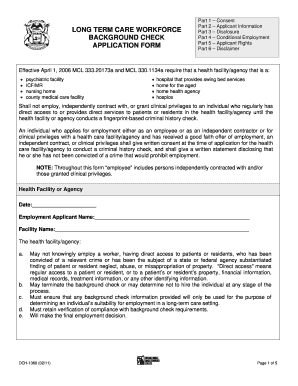
Michigan workforce background check consent form 2011
The document is a Long Term Care Workforce Background Check Application Form, which outlines the requirements and proced ...
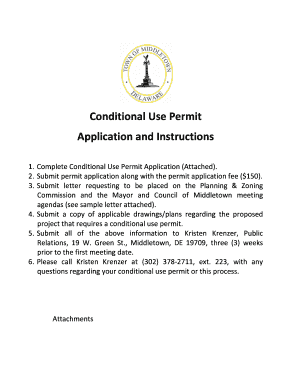
Letter requesting a conditional use permit
The document outlines the process for applying for a Conditional Use Permit in Middletown, including steps such as compl ...
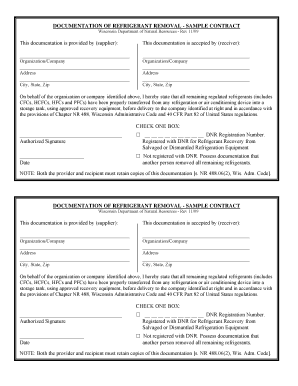
Documentation of refrigerant removal form
The document is a sample contract for refrigerant removal, provided by the Wisconsin Department of Natural Resources. It ...
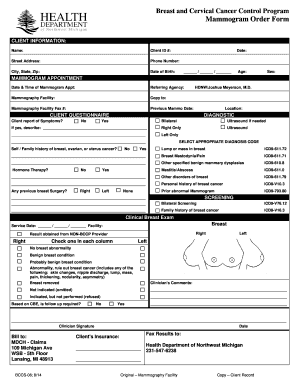
Mammogram order form
The document is a Mammogram Order Form used in the Breast and Cervical Cancer Control Program. It collects client inform ...

Schedule a rp 420 ab rnw i 1995 form
The document is a Renewal Application for Real Property Tax Exemption for Nonprofit Organizations issued by the New York ...