




01. Edit your form online
Type text, add images, blackout confidential details, add comments, highlights and more.

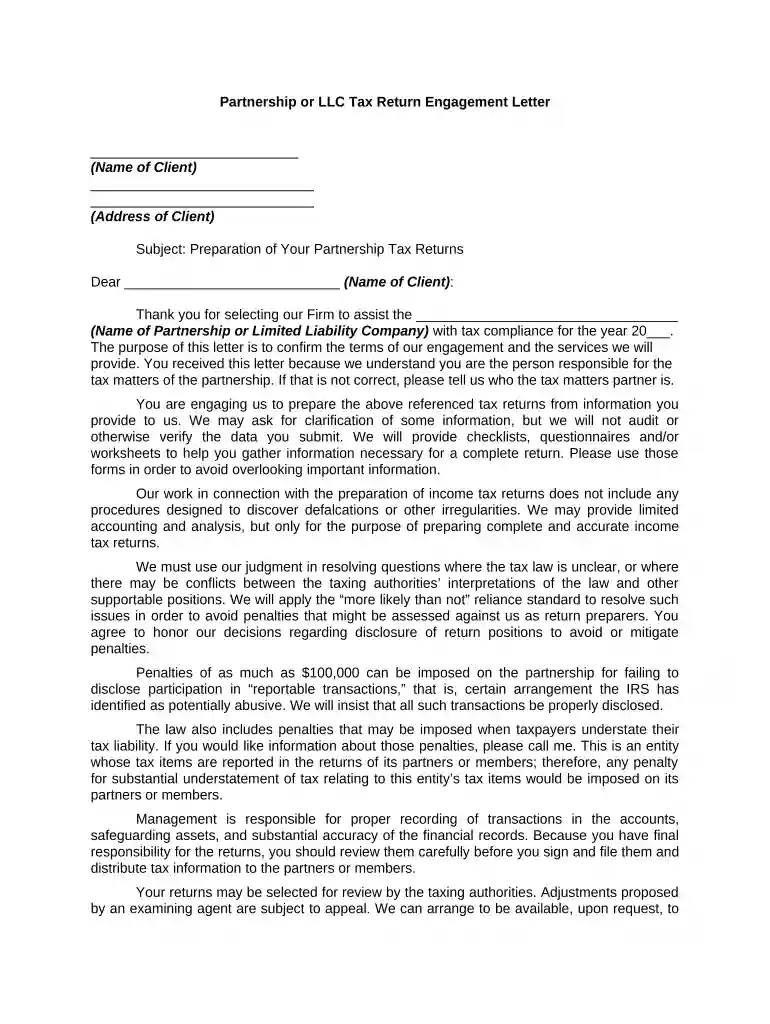
Type text, add images, blackout confidential details, add comments, highlights and more.

Draw your signature, type it, upload its image, or use your mobile device as a signature pad.

Send it via email, link, or fax. You can also download it, export it or print it out.

Start using our platform today to streamline your LLC tax preparation process for free!
At DocHub, your data security is our priority. We follow HIPAA, SOC2, GDPR, and other standards, so you can work on your documents with confidence.
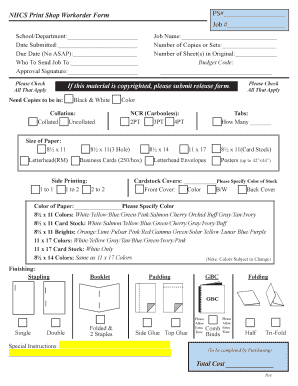



An LLC is a pass-through entity. This means that the LLC itself does not pay taxes on business income and does not have to file a return with the IRS.Read more
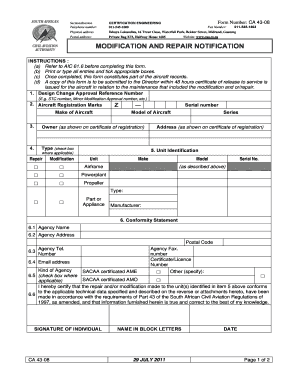
Mar 5, 2026 Every LLC that is doing business or organized in California must pay an annual tax of $800. This yearly tax will be due, even if you are notRead more
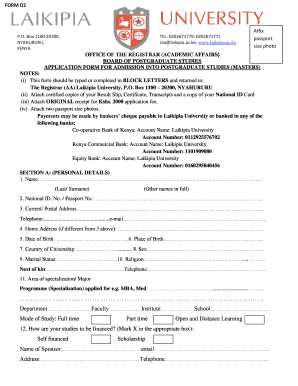
Fuels Tax: Call the Excise Taxes Subdivision of the. DRS Audit Division at 860-541-3224, Monday through Friday, 8:30 a.m. to 4:30 p.m.. For Further Information:Read more


