




Here's how it works

01. Edit your form online
Type text, add images, blackout confidential details, add comments, highlights and more.

02. Sign it in a few clicks
Draw your signature, type it, upload its image, or use your mobile device as a signature pad.

03. Share your form with others
Send it via email, link, or fax. You can also download it, export it or print it out.
How to use or fill out estate trust with our platform

- Click ‘Get Form’ to open the estate trust document in the editor.
- Begin by entering the name of the client and their address in the designated fields. This personal information is crucial for identifying the parties involved.
- In the subject line, specify the name of the trust or estate. This helps clarify which fiduciary tax returns are being prepared.
- Review each section carefully, ensuring that all required information is provided. Use checklists and questionnaires provided within our platform to gather necessary data.
- Once all information is filled out, review your entries for accuracy. It’s essential to ensure that everything is correct before signing.
- Finally, sign and date the document in the designated area to confirm your understanding and agreement with the terms outlined.
Start using our platform today to streamline your estate trust form completion for free!
Fill out estate trust online
It's free
It's free
Security and compliance
At DocHub, your data security is our priority. We follow HIPAA, SOC2, GDPR, and other standards, so you can work on your documents with confidence.
Learn more


Related forms
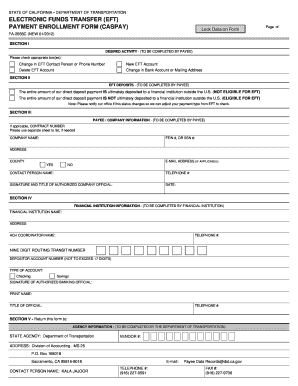
Electronic funds transfer (eft) payment enrollment form ... - Caltrans - dot ca
The document is an Electronic Funds Transfer (EFT) Payment Enrollment Form from the California Department of Transportat ...

Mdad badge application
The document is an application form for obtaining an airport identification badge for General Aviation Airports under th ...

Re 226
The document is an Employment Verification form (RE 226) issued by the California Bureau of Real Estate, intended for ap ...

Williston application
The document is an employment application for the City of Williston, North Dakota. It outlines the necessary steps and i ...
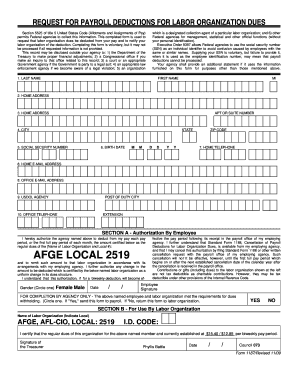
Afge 1187 2009 form
The document is a request form for payroll deductions of labor organization dues, allowing federal employees to authoriz ...

Printable letter of testamentary form
The document is an application for Letters Testamentary or Letters of Administration with Will Annexed in the Probate Di ...