




Here's how it works

01. Edit your dochub com fillable form online
Type text, add images, blackout confidential details, add comments, highlights and more.

02. Sign it in a few clicks
Draw your signature, type it, upload its image, or use your mobile device as a signature pad.

03. Share your form with others
Send engagement form via email, link, or fax. You can also download it, export it or print it out.
How to use or fill out engagement letter with our platform

- Click ‘Get Form’ to open the engagement letter in the editor.
- Begin by filling in the recipient's details at the top of the letter, including the name of the President, Corporation, and address.
- In section one, specify the services to be performed. Clearly state the name of the corporation and date due for review.
- Proceed to section two and complete the form of your report. Ensure you accurately represent the management's information and confirm that it aligns with accounting standards.
- In section three, provide details about consultations on accounting matters required for closing books and drafting financial statements.
- Fill out section four regarding tax returns, specifying both federal and state requirements along with the corporation's name and fiscal year end date.
- Finally, complete section five by detailing fees for services rendered. Include a range for total fees based on time and expenses incurred.
- Sign and date at the bottom of the letter where indicated, ensuring all parties involved have their signatures recorded.
Start using our platform today to streamline your engagement letter process for free!
Fill out engagement letter online
It's free
It's free
Security and compliance
At DocHub, your data security is our priority. We follow HIPAA, SOC2, GDPR, and other standards, so you can work on your documents with confidence.
Learn more


Related forms
Camp petosega reservations
The document is a campsite reservation application for Emmet County Parks and Recreation, specifically for Camp Petosega ...
American rodsmith rods
The document is a Warranty Claim Form for American Rodsmiths, instructing customers to fill it out completely to expedit ...

Bwa 001b form
The document is a Water Allocation Permit Application form from the New Jersey Department of Environmental Protection, s ...
Calstrs recipient designation form 2014
The document outlines the Recipient Designation Form for the California State Teachers' Retirement System (CalSTRS), whi ...
Rd 1980 19
The document is a Guaranteed Loan Closing Report (Form RD 1980-19) used to summarize details of a loan transaction, incl ...

Consolidated extension credit
The document is a Consolidated Joint Application for Extension of Credit, intended for applicants seeking credit from mu ...
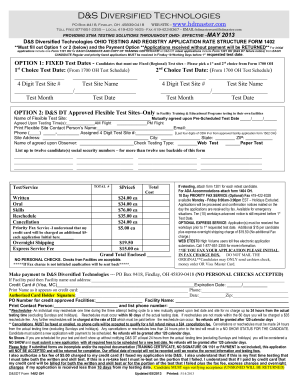
Application rate 1402 form
The document outlines the application process and fee structure for STNA (State Tested Nursing Assistant) testing provid ...
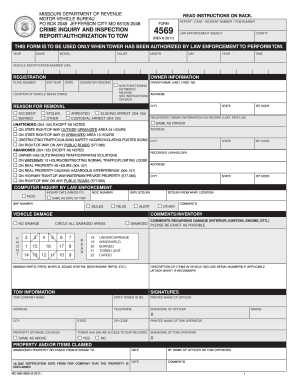
Online dor form 4569
The document is a form (DOR-4569) from the Missouri Department of Revenue for law enforcement to authorize towing of veh ...