Debtor 2026

Get Form
debtor Preview on Page 1

Here's how it works

01. Edit your form online
Type text, add images, blackout confidential details, add comments, highlights and more.
02. Sign it in a few clicks
Draw your signature, type it, upload its image, or use your mobile device as a signature pad.
03. Share your form with others
Send it via email, link, or fax. You can also download it, export it or print it out.

How to use or fill out debtor with our platform

Form edit decoration
9.5
Ease of Setup
DocHub User Ratings on G2
9.0
Ease of Use
DocHub User Ratings on G2
  1. Click ‘Get Form’ to open the debtor document in the editor.
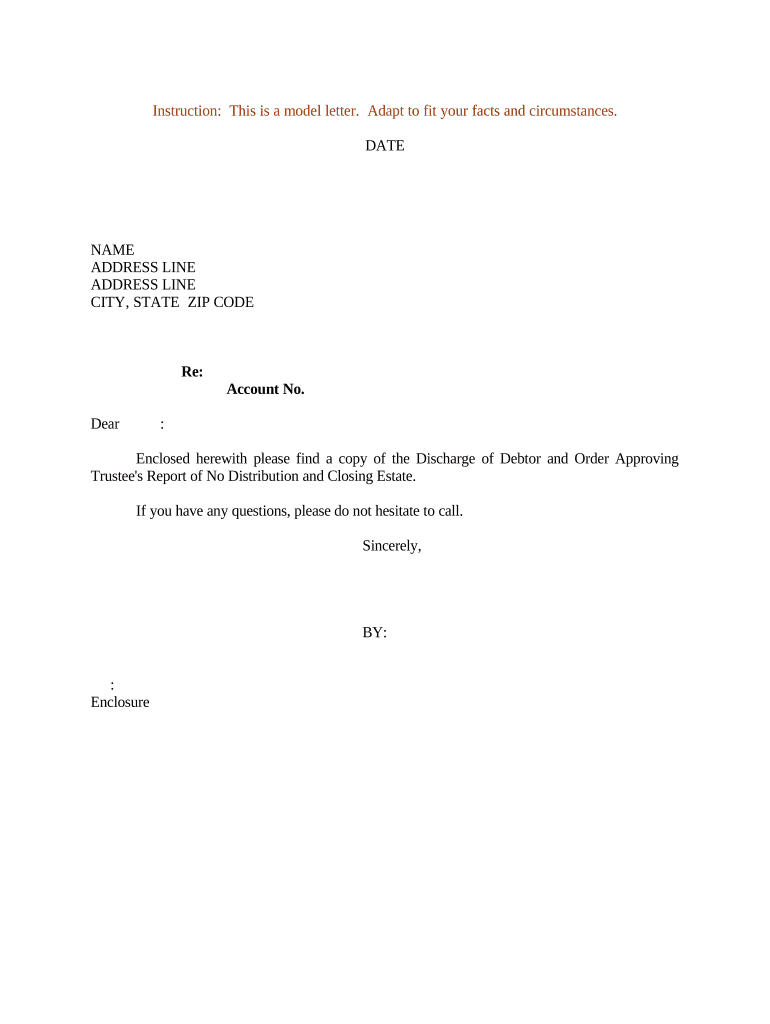
  2. Begin by entering the date at the top of the form. This is essential for record-keeping and ensures that your correspondence is timely.
  3. Next, fill in the recipient's name and address details accurately. Make sure to include all necessary lines such as street address, city, state, and ZIP code to avoid any delivery issues.
  4. In the 'Re:' section, input the account number related to this correspondence. This helps in identifying the specific case or account being referenced.
  5. Craft a personalized greeting using 'Dear' followed by the recipient's name. This adds a professional touch to your communication.
  6. Finally, review your document for accuracy and completeness before saving or sending it directly from our platform.

Start using our platform today for free to streamline your document editing and signing process!

be ready to get more

Complete this form in 5 minutes or less

Get form

Got questions?

We have answers to the most popular questions from our customers. If you can't find an answer to your question, please contact us.
Contact us
They describe a relationship where one party owes money to another party. The debtor is the party that owes the money (debt), while the creditor is the party that loaned the money.
Here are a few advantages of having debtors in the business: Increase in Sales: Customers would like to buy goods on credit as it will not result in bulk cash outflows. Selling goods on credit creates a debtor for the business. Hence, debtors can help increase sales. Debtor in Bankruptcy | Advantages and Disadvantages of Debtors educba.com debtor educba.com debtor
Customers who have not yet paid you, are your debtors. Suppliers you have not yet paid are your creditors.
The debtor is the party that owes the money (debt), while the creditor is the party that loaned the money. For example, if Jay loans Reva $100, Reva is the debtor and Jay is the creditor. One way to remember this is that the debtor is the party that owes the debt. What do debtor and creditor mean? - Peoples Law Library of Iowa peopleslawiowa.org consumer-law what- peopleslawiowa.org consumer-law what-
In the context of financing arrangements, an obligor is usually a debtor (for example, a borrower) or someone who has given security or a guarantee for the payment of a debt or the performance of an obligation.
be ready to get more

Complete this form in 5 minutes or less

Get form

People also ask

A debtor is a person or organisation that owes money. This will often be owed for services or goods, or because they have borrowed money. In most instances, the debtor will have a legal obligation to pay the debt. The person they owe the money to is known as a creditor.
Debtor or creditor are words you have probably heard before, but you might not be sure what they mean. They describe a relationship where one party owes money to another party. The debtor is the party that owes the money (debt), while the creditor is the party that loaned the money.
A debtor is a person or an entity that owes money to another, which could be any individual or institution (including the government). In most cases, the debtor has to pay interest on debt along with the principal debt.

Related links