




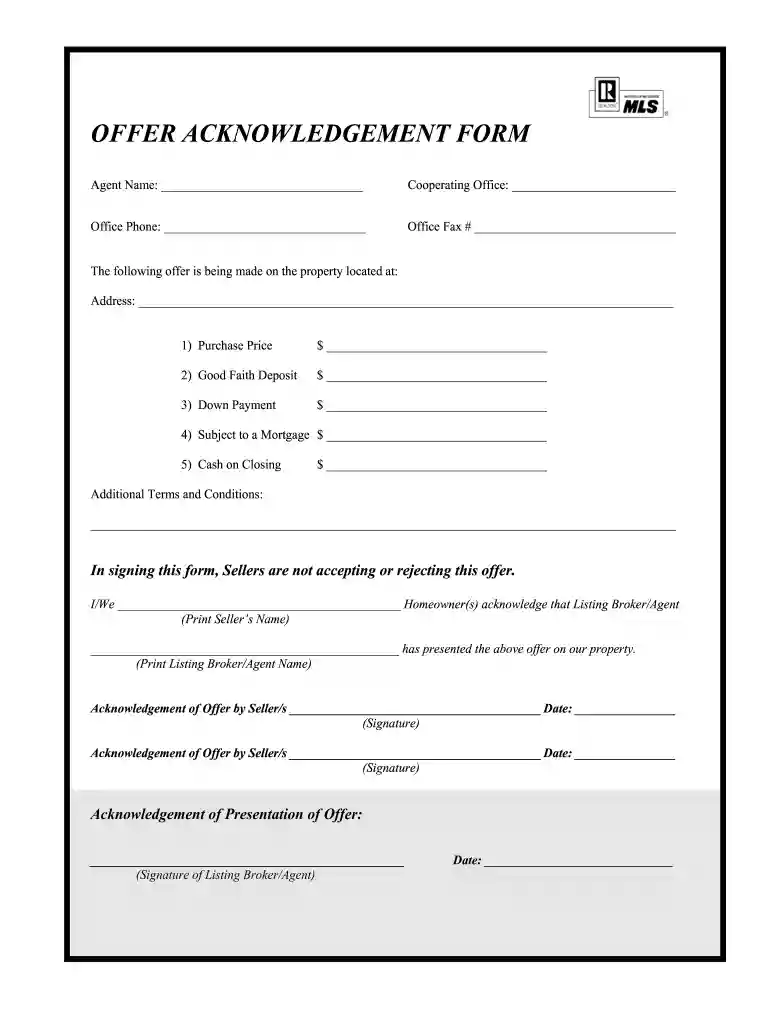
01. Edit your offer acknowledgement online
Type text, add images, blackout confidential details, add comments, highlights and more.

Type text, add images, blackout confidential details, add comments, highlights and more.

Draw your signature, type it, upload its image, or use your mobile device as a signature pad.

Send agnoledge via email, link, or fax. You can also download it, export it or print it out.

Start using our platform today for free to streamline your document editing and signing process!
At DocHub, your data security is our priority. We follow HIPAA, SOC2, GDPR, and other standards, so you can work on your documents with confidence.
Acknowledgement to the Login Success packet sent by the server. Packet ID You can use the form below to submit your suggestions on how we can improve thisRead more
I am writing to confirm my acceptance of your employment offer on April 20 and to tell you how delighted I am to be joining XYZ Corporation in Chicago.Read more
NA Form 17001a (05-16). NHPRC GRANT OFFER ACKNOWLEDGMENT. PAPERWORK REDUCTION ACT PUBLIC BURDEN STATEMENT. A Federal agency may not conduct or sponsor and youRead more


