




01. Edit your form online
Type text, add images, blackout confidential details, add comments, highlights and more.

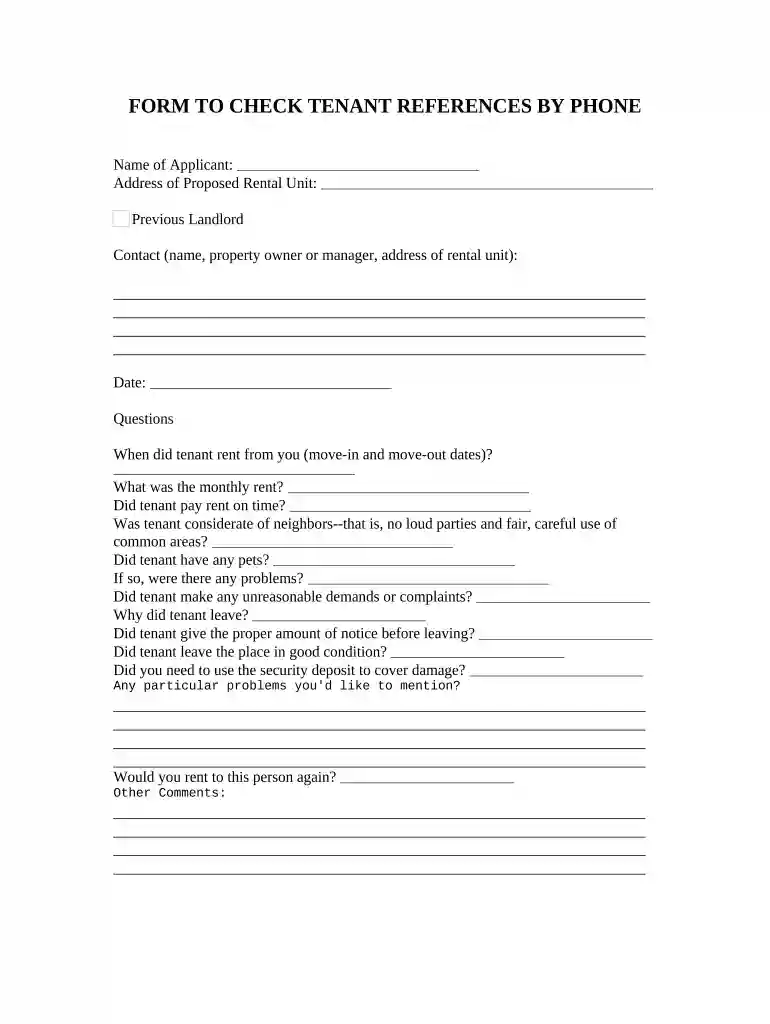
Type text, add images, blackout confidential details, add comments, highlights and more.

Draw your signature, type it, upload its image, or use your mobile device as a signature pad.

Send it via email, link, or fax. You can also download it, export it or print it out.

Start using our platform today to streamline your tenant reference checks for free!
At DocHub, your data security is our priority. We follow HIPAA, SOC2, GDPR, and other standards, so you can work on your documents with confidence.


How long have you rented/did you rent to the candidate? 2. Do/Did you know the candidate other than as a tenant? Y N. Explain: 3. Does/Did the candidate payRead more
Mar 25, 2026 Step 2: Download and fill out the How to Check Rental References form below to include in your rental application packet. This gives potentialRead more
May 24, 2026 Reference checks should also cover issues like Which workflows improved measurably after go-live and which remained manual?, How accurate wereRead more


