




01. Edit your form online
Type text, add images, blackout confidential details, add comments, highlights and more.

Type text, add images, blackout confidential details, add comments, highlights and more.

Draw your signature, type it, upload its image, or use your mobile device as a signature pad.

Send it via email, link, or fax. You can also download it, export it or print it out.

Start using our platform today to streamline your document editing and signing process for free!
At DocHub, your data security is our priority. We follow HIPAA, SOC2, GDPR, and other standards, so you can work on your documents with confidence.




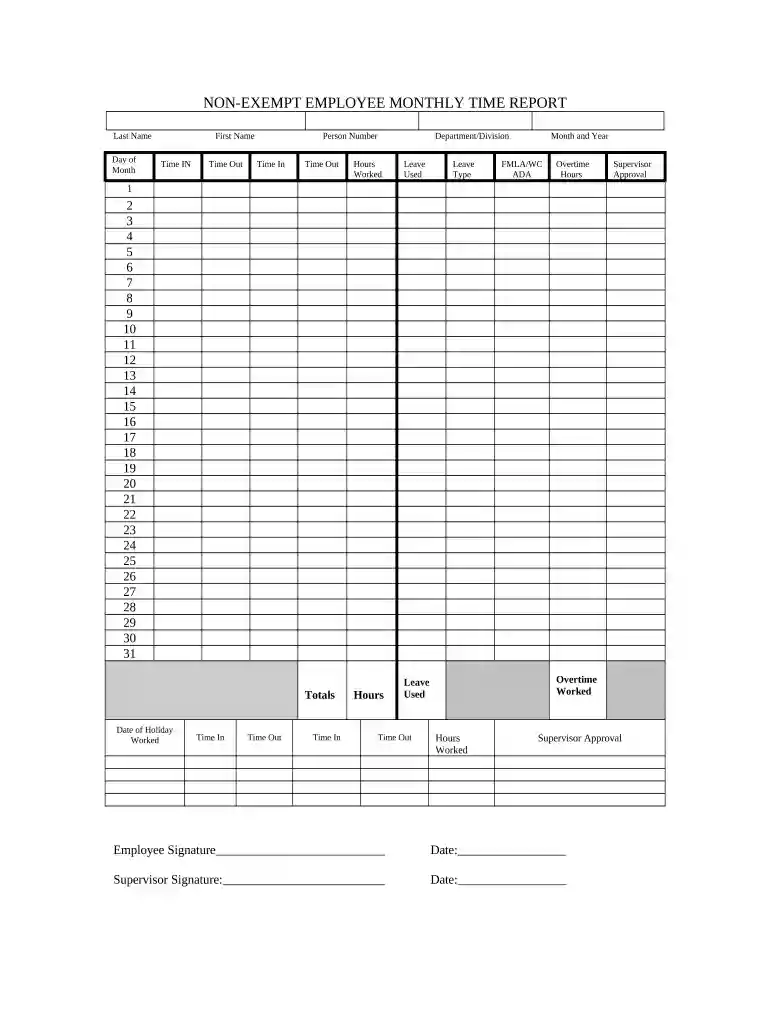
A non-exempt employee is a worker who is covered by the overtime and minimum wage protections of the Fair Labor Standards Act (FLSA). Nonexempt employeesRead more
The exemptions do not apply to manual laborers or other blue-collar workers who perform work involving repetitive operations with their hands, physical skillRead more
Duty to segregate and release non-exempt information. Under the federal FOIA, agencies cannot withhold non-exempt information found in a record merelyRead more


