




01. Edit your termination due to attendance online
Type text, add images, blackout confidential details, add comments, highlights and more.

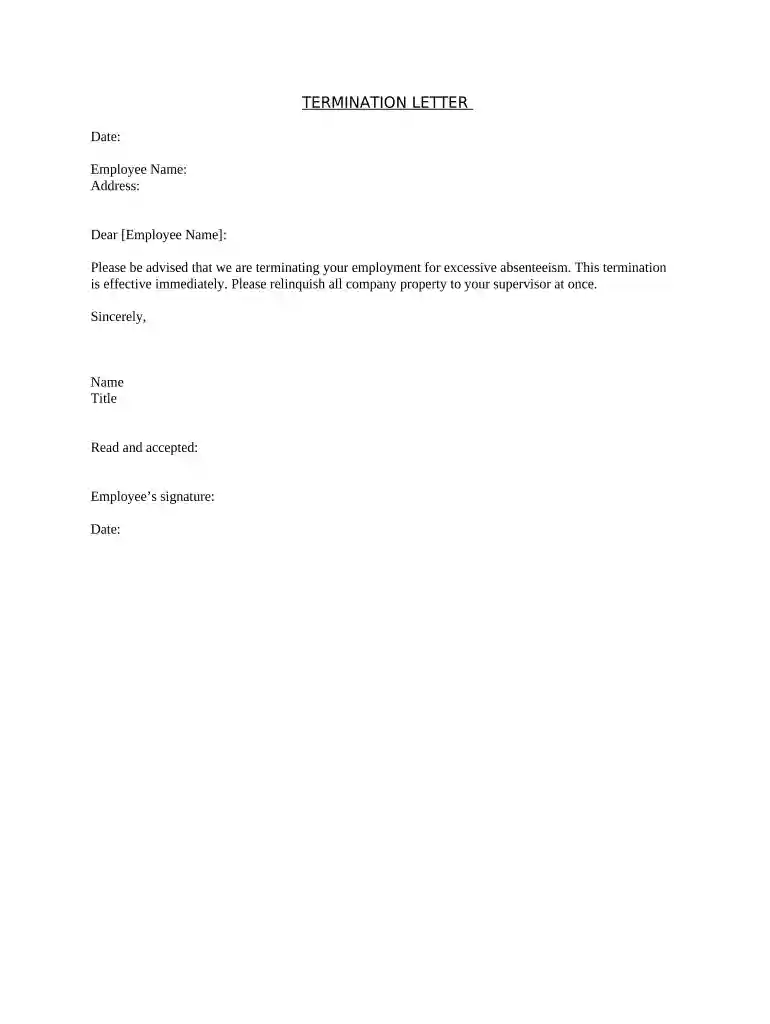
Type text, add images, blackout confidential details, add comments, highlights and more.

Draw your signature, type it, upload its image, or use your mobile device as a signature pad.

Send amazon termination letter via email, link, or fax. You can also download it, export it or print it out.

Start using our platform today for free to streamline your document editing and signing process!
At DocHub, your data security is our priority. We follow HIPAA, SOC2, GDPR, and other standards, so you can work on your documents with confidence.




If an employee refuses to explain why it is necessary to miss work, the employer would be entitled to treat the absence as unauthorized for that reason alone.Read more
Jan 20, 2022 Two (2) or more consecutive workdays of no call/no show may be considered job abandonment and result in termination of employment. SupervisorsRead more
Repeated unexcused absenteeism or lateness is grounds for disciplinary action, including and up to termination. If an employee has three consecutive days ofRead more


