Employment conditions 2026

Get Form
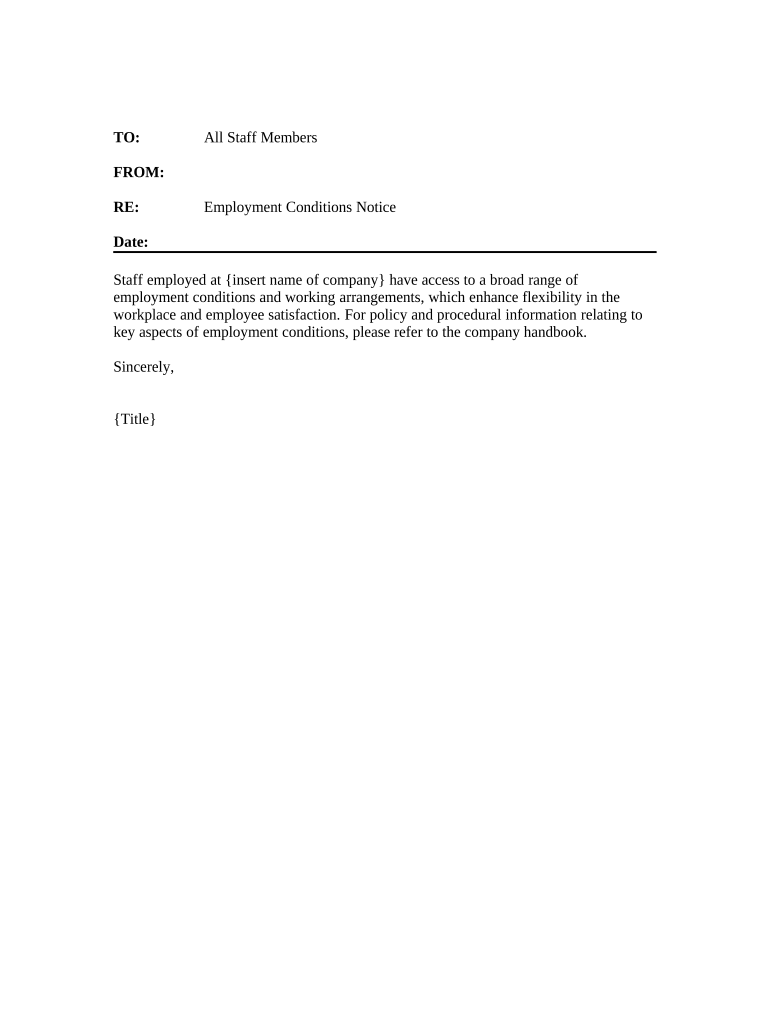
employment conditions Preview on Page 1

Here's how it works

01. Edit your form online
Type text, add images, blackout confidential details, add comments, highlights and more.
02. Sign it in a few clicks
Draw your signature, type it, upload its image, or use your mobile device as a signature pad.
03. Share your form with others
Send it via email, link, or fax. You can also download it, export it or print it out.

How to Use or Fill Out Employment Conditions with Our Platform

Form edit decoration
9.5
Ease of Setup
DocHub User Ratings on G2
9.0
Ease of Use
DocHub User Ratings on G2
  1. Click ‘Get Form’ to open the Employment Conditions Notice in the editor.
  2. Begin by entering the date at the top of the document. This ensures that all parties are aware of when the conditions were communicated.
  3. In the section labeled 'Staff employed at', replace '{insert name of company}' with your company's name to personalize the document.
  4. Review the content regarding employment conditions and working arrangements. Make any necessary adjustments to reflect your specific policies, ensuring clarity and compliance.
  5. Finally, fill in your title in place of '{Title}' to authenticate the notice before distribution.

Start using our platform today for free to streamline your document editing and ensure a smooth workflow!

be ready to get more

Complete this form in 5 minutes or less

Get form

Got questions?

We have answers to the most popular questions from our customers. If you can't find an answer to your question, please contact us.
Contact us

Sure, electronically drawing your signature is acceptable, but only if you utilize a tool that complies with industry laws and regulations. Try DocHub, which guarantees eSignature validity under ESIGN and UETA requirements. All you need to eSign your employment conditions is an account with DocHub and an internet connection. Once you open your file in our editor, click Sign and choose the Draw option.

You can easily complete, edit, and even eSign your employment conditions utilizing DocHub. Create a new account and start your free trial. After that, you may upload the document with the form and easily make all the needed edits. No need to print on paper or use a third-party application to sign it, as you can put your electronic signature on your document quicker via DocHub.

Security and compliance

At DocHub, your data security is our priority. We follow HIPAA, SOC2, GDPR, and other standards, so you can work on your documents with confidence.

Learn more
ccpa2
pci-dss
gdpr-compliance
hipaa
soc-compliance
be ready to get more

Complete this form in 5 minutes or less

Get form