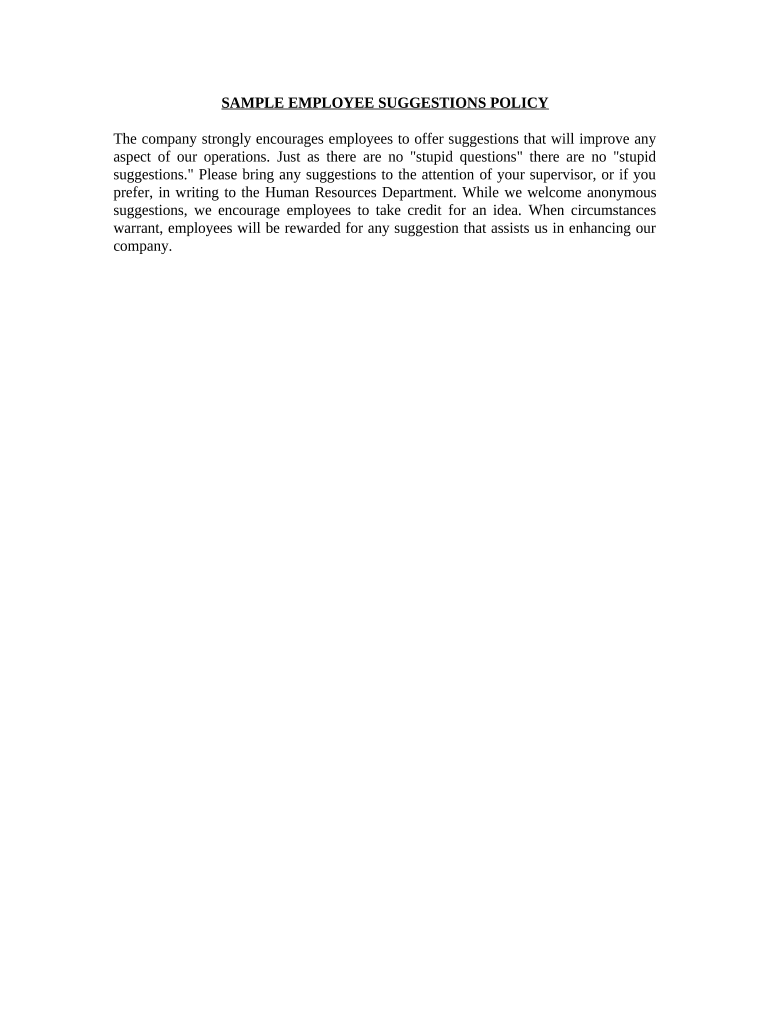
Employee suggestion form 2026

Get Form
employee suggestion form pdf Preview on Page 1

Here's how it works

01. Edit your employee suggestion form pdf online
Type text, add images, blackout confidential details, add comments, highlights and more.
02. Sign it in a few clicks
Draw your signature, type it, upload its image, or use your mobile device as a signature pad.
03. Share your form with others
Send it via email, link, or fax. You can also download it, export it or print it out.

How to use or fill out employee suggestion form with our platform

Form edit decoration
9.5
Ease of Setup
DocHub User Ratings on G2
9.0
Ease of Use
DocHub User Ratings on G2
  1. Click ‘Get Form’ to open the employee suggestion form in the editor.
  2. Begin by entering your name in the designated field. This allows us to acknowledge your contribution, although you may choose to remain anonymous if preferred.
  3. In the 'Suggestion' section, clearly articulate your idea or feedback. Be specific about how your suggestion can improve operations, as detailed suggestions are more likely to be implemented.
  4. If applicable, provide any additional context or examples in the 'Comments' section. This helps clarify your suggestion and its potential impact.
  5. Review your entries for clarity and completeness before submitting. Ensure all required fields are filled out accurately.
  6. Finally, click ‘Submit’ to send your completed form directly to Human Resources for consideration.

Start enhancing our workplace today by sharing your valuable suggestions using our platform!

be ready to get more

Complete this form in 5 minutes or less

Get form

Got questions?

We have answers to the most popular questions from our customers. If you can't find an answer to your question, please contact us.
Contact us
No collaboration: Suggestion boxes dont allow employees to discuss or refine each others ideas, missing opportunities for improvement. Disconnection from strategy: Theres no way to align suggestions with business goals, making it harder to prioritize impactful ideas.
Suggestion boxes have been used for years to have employees participate to improve performance of the organization. But this practice could have a negative effect on employee morale and cause a decrease in performance. Employees want to participate if given the opportunity.
If youre going to commit to having an employee suggestion program, dont do it in a haphazard way. Instead, develop a formal plan with standardized rules and expectations, and show this to your employees. This is a great way to ensure consistency in the process and get buy-in from your people.
Creating a Remote Office Suggestion Box effectively encourages collaboration and engagement in the digital workplace. Its also an effective tool for driving innovation, allowing employees to freely express their ideas without fear of judgment or retribution.
Lack of feedback and collaboration Staff drop their ideas in the hole, and receive no immediate feedback (often, no feedback at all). This apparent lack of interest in their ideas diminishes their desire to contribute, and the suggestion box fails.

Security and compliance

At DocHub, your data security is our priority. We follow HIPAA, SOC2, GDPR, and other standards, so you can work on your documents with confidence.

Learn more
ccpa2
pci-dss
gdpr-compliance
hipaa
soc-compliance

People also ask

A suggestion box makes employees feel more involved with the company. Some potential benefits of employee suggestion boxes include: Employee morale boost: Suggestion boxes boost employee morale, especially when suggestions are implemented or concerns are addressed.
A suggestion box encourages employees to submit suggestions, comments and complaints anonymously, although they can include their names if they want. Suggestion boxes can be physical objects, often seen in businesses where customers are encouraged to write feedback on a service or offering.
How to Write or Draft an Employee Suggestion Form Step 1: State the purpose. Step 2: Create a straightforward, user-friendly design. Step 3: Add a Section for Employee Information. Step 4: Add a feedback loop. Step 5: Implement Accessibility Options. Step 6: Encourage Clear and Specific Suggestions.

Related links