




01. Edit your hotel tax exempt after 30 days online
Type text, add images, blackout confidential details, add comments, highlights and more.

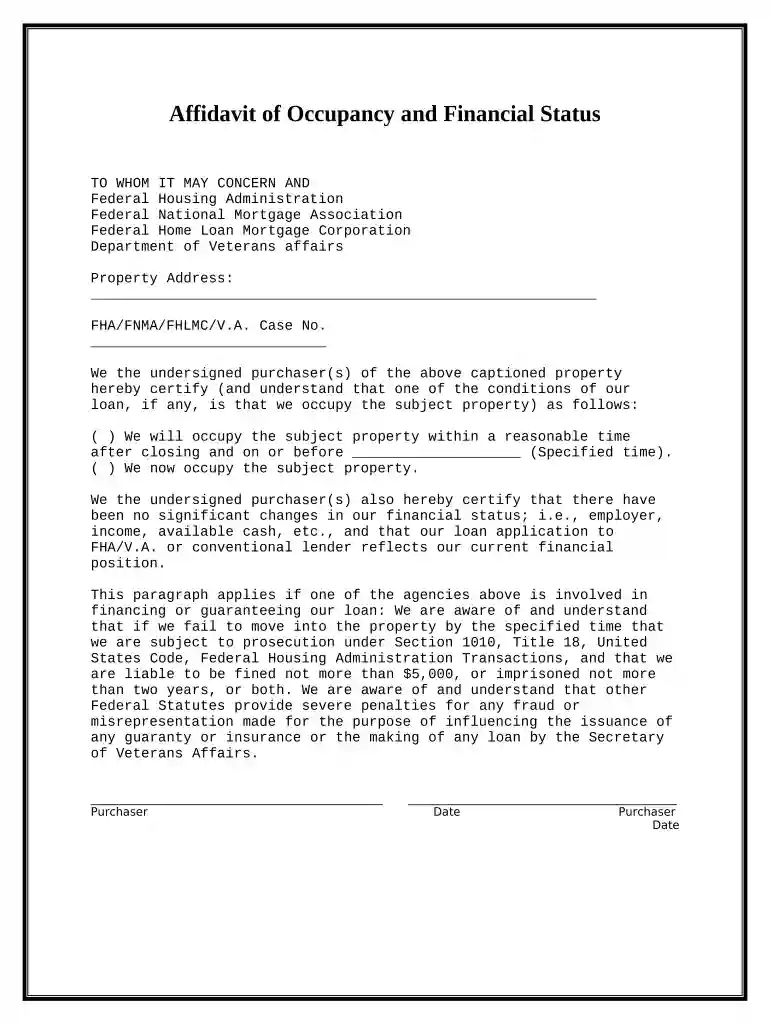
Type text, add images, blackout confidential details, add comments, highlights and more.

Draw your signature, type it, upload its image, or use your mobile device as a signature pad.

Send hotel tax exempt after 30 days tennessee via email, link, or fax. You can also download it, export it or print it out.

Start using our platform today to fill out your tennessee occupancy form easily and for free!
At DocHub, your data security is our priority. We follow HIPAA, SOC2, GDPR, and other standards, so you can work on your documents with confidence.




There are eight distinct units on the thirty acres of land, each with its own private area. The lodging does vary in occupancy from six to two people and in itsRead more
Hotel/Motel Taxes. As of July 1, 2021, every municipality in Tennessee is authorized to levy hotel/ motel or occupancy tax by ordinance.Read more


