




Here's how it works

01. Edit your teacher certification paperwork online
Type text, add images, blackout confidential details, add comments, highlights and more.

02. Sign it in a few clicks
Draw your signature, type it, upload its image, or use your mobile device as a signature pad.

03. Share your form with others
Send teacher certification application via email, link, or fax. You can also download it, export it or print it out.
How to use or fill out guam teacher certification application with our platform

- Click ‘Get Form’ to open the Guam Teacher Certification Application in the editor.
- Begin by filling out your personal information, including your name, contact numbers, and email address. Ensure accuracy as this information is crucial for communication.
- Select the type of request you are making: Initial, Renewal, or Replacement. Check the appropriate box to indicate your request.
- Complete the Certification Request section by selecting the specific certification you are applying for from the provided list.
- In the Professional Information section, provide details about your educational background, including degrees obtained and institutions attended.
- Answer questions regarding your employment status and previous teaching experience. This includes indicating if you hold a valid U.S. teaching certificate.
- Fill out the Language Proficiency Exam section based on your testing history. Be sure to check all applicable boxes.
- Review all sections for completeness and accuracy before submitting your application through our platform.
Start using our platform today to streamline your Guam Teacher Certification Application process for free!
Fill out guam teacher certification application online
It's free
It's free
See more guam teacher certification application versions
We've got more versions of the guam teacher certification application form. Select the right guam teacher certification application version from the list and start editing it straight away!
| Versions | Form popularity | Fillable & printable |
|---|---|---|
| 2011 | 4.8 Satisfied (174 Votes) |
Security and compliance
At DocHub, your data security is our priority. We follow HIPAA, SOC2, GDPR, and other standards, so you can work on your documents with confidence.
Learn more


Related forms
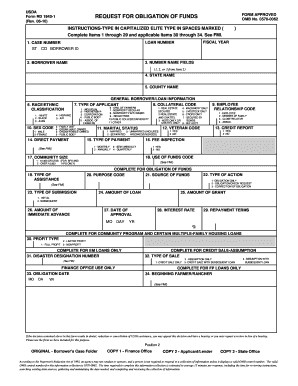
For rd 1940 1 fmi
The document is a USDA Form RD 1940-1, which serves as a Request for Obligation of Funds. It outlines the necessary info ...

Builder buyer agreement pdf
The document is a Builder Buyer Agreement between Vatika Ltd and the Allottee for the purchase of a commercial unit in t ...