Type text, add images, blackout confidential details, add comments, highlights and more.
02. Sign it in a few clicks
Draw your signature, type it, upload its image, or use your mobile device as a signature pad.
03. Share your form with others
Send it via email, link, or fax. You can also download it, export it or print it out.
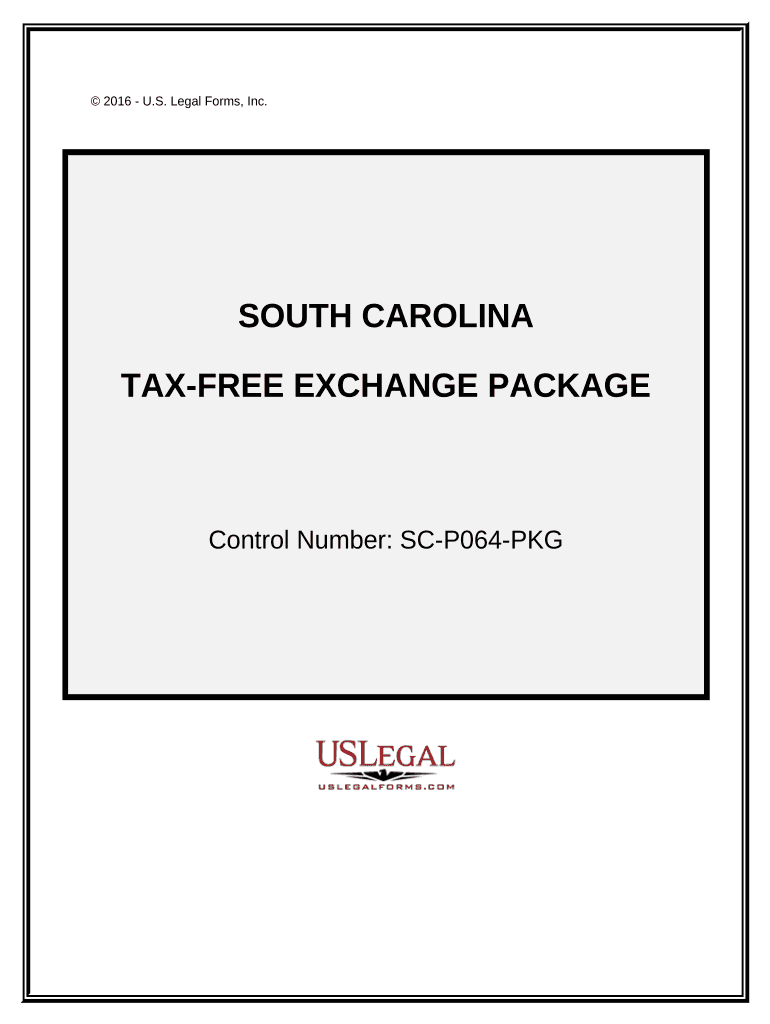
How to use or fill out Tax Free Exchange Package - South Carolina with our platform
Ease of Setup
DocHub User Ratings on G2
Ease of Use
DocHub User Ratings on G2
Click ‘Get Form’ to open the Tax Free Exchange Package in the editor.
Begin with the Exchange Agreement. Fill in the names of the parties involved and specify the property details. This establishes your intent to enter into an exchange agreement.
Next, complete the Exchange Addendum. Here, amend any existing contracts by entering relevant details about assignable rights and cooperation agreements.
Proceed to the Certification Of No Info Reporting On Sale Of Exchange. Indicate whether the sale needs reporting to both the seller and IRS by filling in the required fields.
For Like-Kind Exchanges, report each exchange of business or investment property by detailing transaction specifics as prompted in the form.
Finally, fill out the Sale of Business Property form to report gains, losses, and recapture amounts from your transactions.
Start using our platform today for free to streamline your Tax Free Exchange process!
Fill out Tax Free Exchange Package - South Carolina online It's free
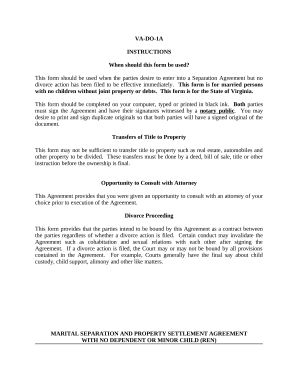
Marital Domestic Separation and Property Settlement Agreement for persons with no Children, no Joint Property, or Debts Effective Immediately - Virginia
Marital Domestic Separation and Property Settlement Agreement for persons with no Children, no Joint Property, or Debts Effective Immediately - Virginia
The document VA-DO-1A is a legal form for a Separation Agreement in Virginia, intended for married couples without child ...
Tax Free Weekend | South Carolina Department of Revenue
If you purchase an item during Tax Free Weekend and exchange it for the same item after August 3, no additional tax will be charged. However, if you return itRead more
Sep 16, 2013 This revenue procedure provides domestic asset/liability per- centages and domestic investment yields needed by foreign life insurance companiesRead more
Jan 9, 2022 Persons who sign up for this free service will automatically receive draft, temporary, and final Revenue Rulings and Revenue Procedures, and
Cookie consent notice
This site uses cookies to enhance site navigation and personalize your experience.
By using this site you agree to our use of cookies as described in our Privacy Notice.
You can modify your selections by visiting our Cookie and Advertising Notice.