




01. Edit your connecticut form 202 interrogatories online
Type text, add images, blackout confidential details, add comments, highlights and more.

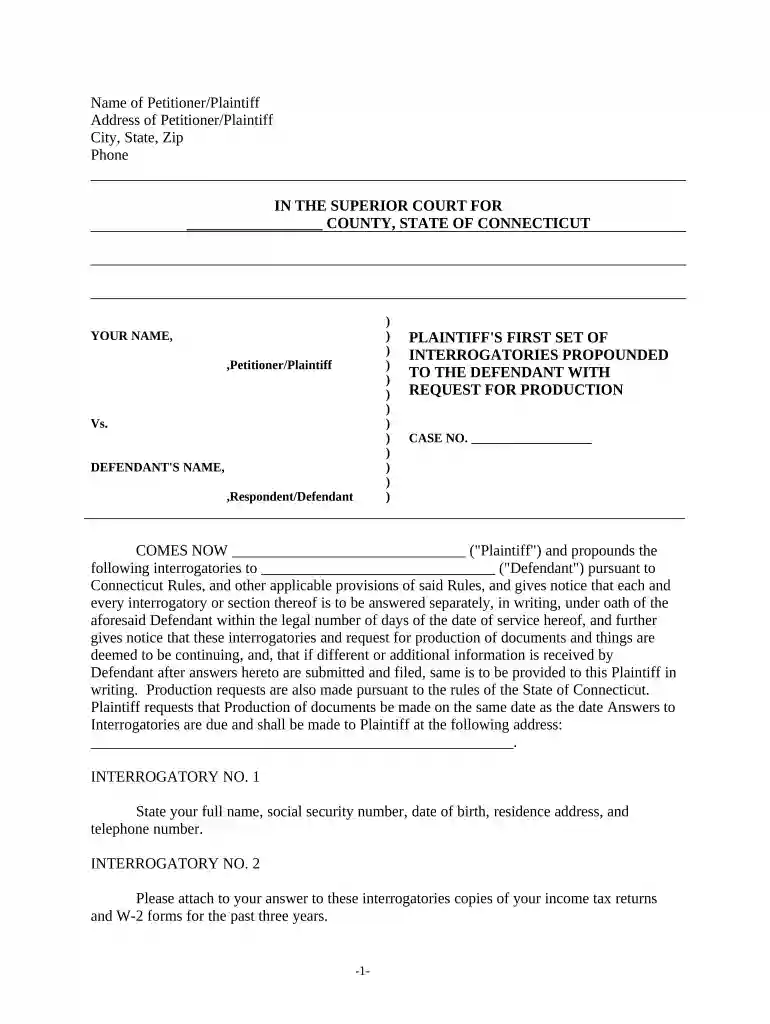
Type text, add images, blackout confidential details, add comments, highlights and more.

Draw your signature, type it, upload its image, or use your mobile device as a signature pad.

Send sample interrogatory questions to defendant via email, link, or fax. You can also download it, export it or print it out.

Start using our platform today to streamline your document editing and ensure a smooth completion of your Discovery Interrogatories!
Of course, electronically drawing your signature is appropriate, but only if you use a tool that complies with industry regulations and policies. Consider DocHub, which ensures eSignature validity under ESIGN and UETA requirements. All you need to eSign your sample request for production of documents to plaintiff personal injury is an account with DocHub and an internet connection. When you open your paperwork in our editor, click Sign and select the Draw tool.
If you store your documents in Google Drive, there is no need to download your Discovery Interrogatories from Plaintiff to Defendant with Production Requests - Connecticut on the computer and upload it back to our editor. A much simpler way is to set up a browser extension created by DocHub to streamline this flow. The extension allows editing PDFs in your web browser. Alternatively, you may integrate your DocHub and Gmail accounts for more efficient modifying.
At DocHub, your data security is our priority. We follow HIPAA, SOC2, GDPR, and other standards, so you can work on your documents with confidence.






On June 13, 2016, the plaintiff served a supplemental request for disclosure and production on the defendant. Interrogatories and Requests for Production.Read more
The defendant should not be allowed to harass plaintiff, plaintiffs counsel, nor plaintiffs physicians by using requests for: production of documents, recordsRead more


