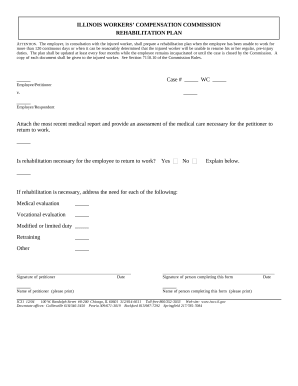
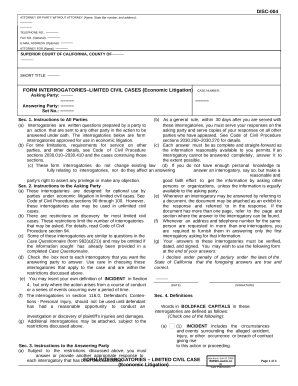
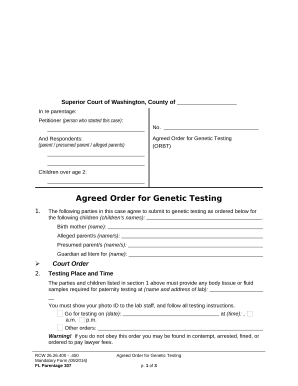
Type text, add images, blackout confidential details, add comments, highlights and more.
02. Sign it in a few clicks
Draw your signature, type it, upload its image, or use your mobile device as a signature pad.
03. Share your form with others
Send it via email, link, or fax. You can also download it, export it or print it out.
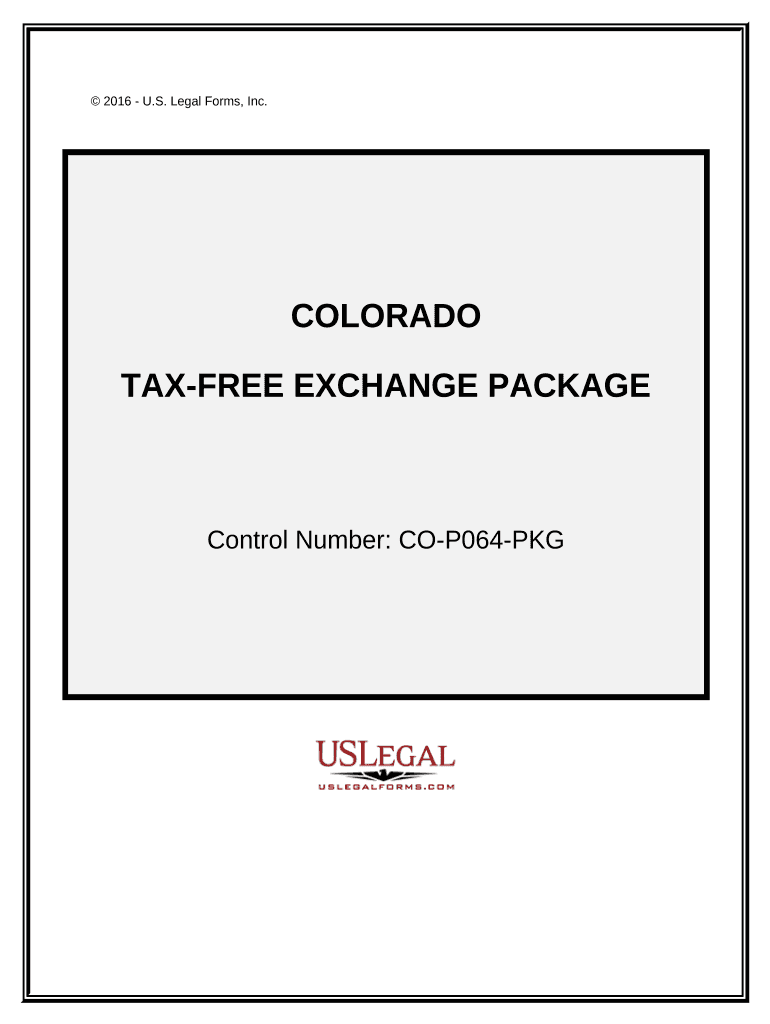
How to use or fill out Tax Free Exchange Package - Colorado
Ease of Setup
DocHub User Ratings on G2
Ease of Use
DocHub User Ratings on G2
Click ‘Get Form’ to open the Tax Free Exchange Package in our editor.
Begin with the Exchange Agreement. Fill in the names of the parties involved and specify the property details. This establishes your intent to enter into an exchange agreement.
Next, move to the Exchange Addendum. Here, amend any existing contracts by entering relevant details about assignable rights and cooperation terms.
Complete the Certification Of No Info Reporting On Sale Of Exchange form by indicating whether the sale needs reporting to the IRS on Form 1099-S.
For Like-Kind Exchanges, report each exchange of business or investment property by filling in necessary information regarding property types.
Lastly, use the Sale of Business Property form to report gains or losses from your transactions. Ensure all fields are accurately filled before finalizing.
Start using our platform today for free and streamline your document editing process!
Fill out Tax Free Exchange Package - Colorado online It's free
Beginning in Fall 2024, students who attend public institutions and have family incomes of $90,000 or less may be eligible for a complete reimbursement ofRead more
Financial services - The Sustainability Management Wiki
May 19, 2026 They manage risks and facilitate payments and the exchange of goods and services. These factors promote economic growth and job creation,Read more
Cookie consent notice
This site uses cookies to enhance site navigation and personalize your experience.
By using this site you agree to our use of cookies as described in our Privacy Notice.
You can modify your selections by visiting our Cookie and Advertising Notice.