Type text, add images, blackout confidential details, add comments, highlights and more.
02. Sign it in a few clicks
Draw your signature, type it, upload its image, or use your mobile device as a signature pad.
03. Share your form with others
Send it via email, link, or fax. You can also download it, export it or print it out.
How to use or fill out California Statutory with our platform
Ease of Setup
DocHub User Ratings on G2
Ease of Use
DocHub User Ratings on G2
Click ‘Get Form’ to open the California Statutory document in the editor.
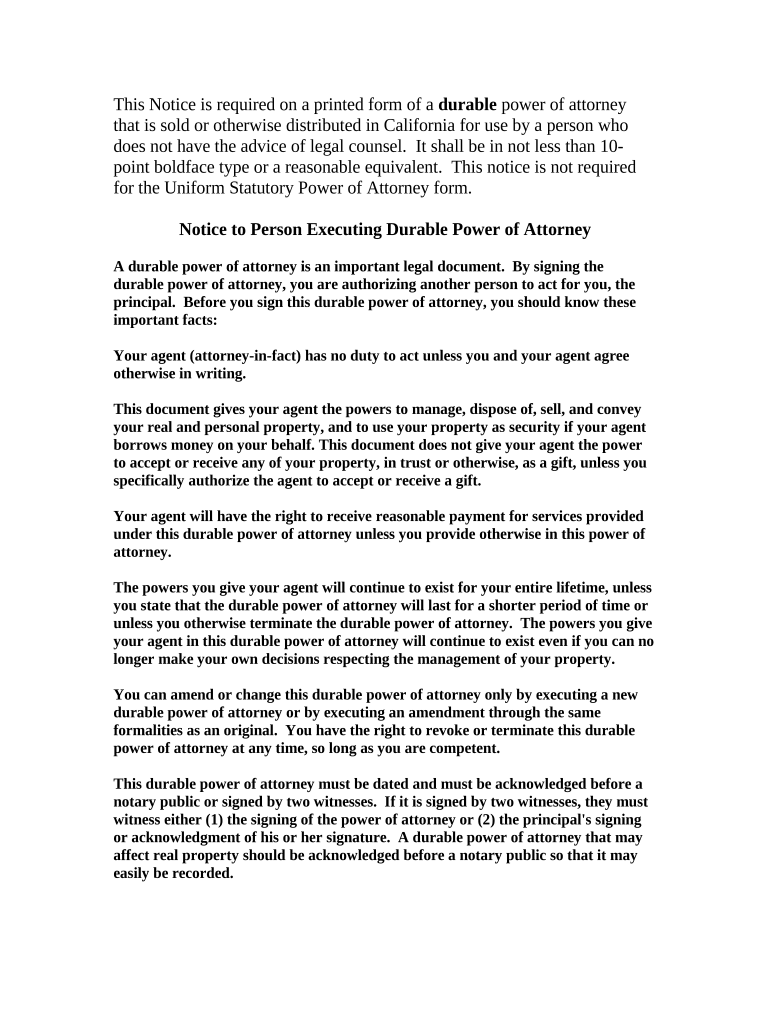
Begin by carefully reading the notice section, which outlines the responsibilities of both the principal and the agent. This ensures you understand the implications of signing.
Fill in your name as the principal and provide any necessary details about your agent (attorney-in-fact) in the designated fields.
Specify any limitations or specific powers you wish to grant your agent. Ensure these are clearly articulated to avoid confusion.
Date the document appropriately and ensure it is acknowledged before a notary public or signed by two witnesses, as required.
Review all entries for accuracy before finalizing. You can easily make edits using our platform if needed.
Start filling out your California Statutory form today for free on our platform!
California Statutory power of attorneyCalifornia Statutory WillCa StatutesCalifornia Code searchUniform Statutory Power of AttorneyCA State lawsCalifornia bills passed todayStatutes def
Security and compliance
At DocHub, your data security is our priority. We follow HIPAA, SOC2, GDPR, and other standards, so you can work on your documents with confidence.
The purpose of these forms is to clarify and facilitate the statutory procedure to expunge DNA database profiles and destroy DNA samples and specimens.Read more
Dec 15, 2025 This guide outlines resources for California statutory materials, such as statutes, codes, initiatives, referenda, uncodified statutes and superceded lawRead more
Cookie consent notice
This site uses cookies to enhance site navigation and personalize your experience.
By using this site you agree to our use of cookies as described in our Privacy Notice.
You can modify your selections by visiting our Cookie and Advertising Notice.