Type text, add images, blackout confidential details, add comments, highlights and more.
02. Sign it in a few clicks
Draw your signature, type it, upload its image, or use your mobile device as a signature pad.
03. Share your form with others
Send it via email, link, or fax. You can also download it, export it or print it out.
How to use or fill out FL Warranty Deed with our platform
Ease of Setup
DocHub User Ratings on G2
Ease of Use
DocHub User Ratings on G2
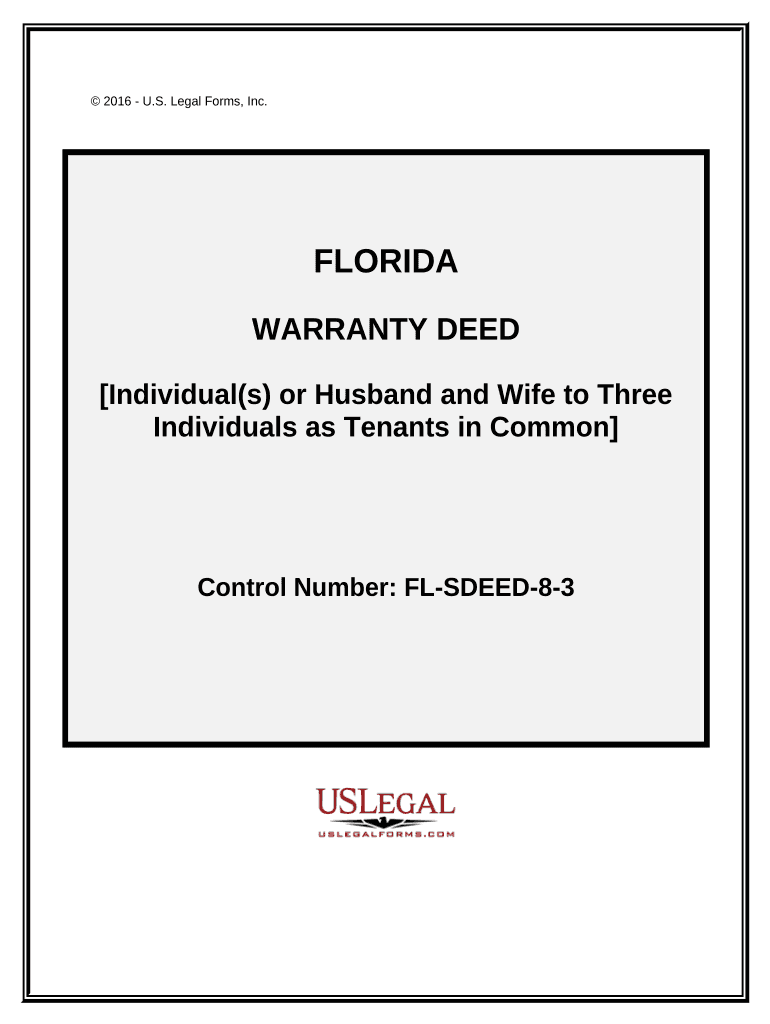
Click ‘Get Form’ to open the FL Warranty Deed in the editor.
Begin by entering the date of the deed at the top of the form. This is crucial for legal documentation.
Fill in the names and addresses of the Grantors (individuals transferring property) and Grantees (individuals receiving property). Ensure accuracy to avoid future disputes.
In the section labeled 'Legal Description', provide a detailed description of the property being transferred. This may include parcel identification numbers and specific location details.
Complete any additional fields regarding taxes or conditions related to the property, as specified in your document.
Finally, ensure that all signatures are collected from both Grantors and witnesses, along with notarization where required.
Start using our platform today for free to streamline your FL Warranty Deed process!
Fla. Admin. Code Ann. R. 66B-3.004 - General Requirements
(4) All conveyances to the District of fee title in land shall be by no less than a special warranty deed, unless the conveyance is from another governmentalRead more
NOTICE: This report was prepared as an account of work sponsored by an agency of the United States Government. Neither the United States Govern-.Read more
Cookie consent notice
This site uses cookies to enhance site navigation and personalize your experience.
By using this site you agree to our use of cookies as described in our Privacy Notice.
You can modify your selections by visiting our Cookie and Advertising Notice.