Type text, add images, blackout confidential details, add comments, highlights and more.
02. Sign it in a few clicks
Draw your signature, type it, upload its image, or use your mobile device as a signature pad.
03. Share your form with others
Send it via email, link, or fax. You can also download it, export it or print it out.
How to use or fill out Quitclaim Deed - Trust to Trust - Florida with our platform
Ease of Setup
DocHub User Ratings on G2
Ease of Use
DocHub User Ratings on G2
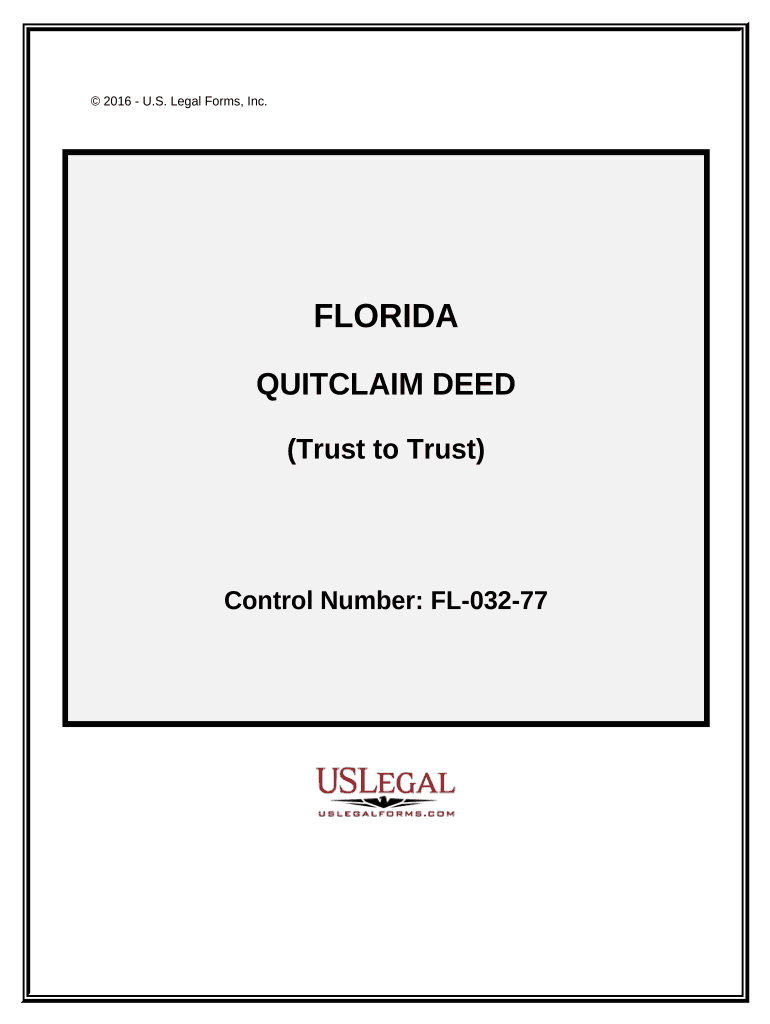
Click ‘Get Form’ to open the Quitclaim Deed - Trust to Trust - Florida in the editor.
Begin by entering the Grantor's name as Trustee under the specified Trust Agreement. Ensure you include the date of the agreement and the name of the trust.
Next, fill in the Grantee's information, including their name and address. This should also reflect their role as Trustee under a corresponding Trust Agreement.
In the section for consideration, input the amount being exchanged for the property. This is crucial for legal validity.
Provide a detailed legal description of the property being transferred. If necessary, refer to Exhibit A for additional details.
Finally, ensure all signatures are completed by both Grantor and witnesses, along with notarization to finalize the deed.
Start using our platform today to easily complete your Quitclaim Deed online for free!
Fill out Quitclaim Deed - Trust to Trust - Florida online It's free
Trust transfer deed FloridaHow to put a house in trust in FloridaTrustee deed FloridaReal estate trust FloridaHow to register a trust in FloridaTax implications of transferring property into a trustQuitclaim deed to revocable trust formHow to transfer deed to trust
Security and compliance
At DocHub, your data security is our priority. We follow HIPAA, SOC2, GDPR, and other standards, so you can work on your documents with confidence.
(a) Erroneous deed means any deed, other than a quitclaim deed, which contains a DocHubners error. (b) Intended real property means the real propertyRead more
Web florida quit claim deed forms are used when there is full trust between the seller (the grantor) and the buyer (the grantee). Web download a free quit claimRead more
Cookie consent notice
This site uses cookies to enhance site navigation and personalize your experience.
By using this site you agree to our use of cookies as described in our Privacy Notice.
You can modify your selections by visiting our Cookie and Advertising Notice.