Type text, add images, blackout confidential details, add comments, highlights and more.
02. Sign it in a few clicks
Draw your signature, type it, upload its image, or use your mobile device as a signature pad.
03. Share your form with others
Send it via email, link, or fax. You can also download it, export it or print it out.
How to use or fill out Florida Discovery with our platform
Ease of Setup
DocHub User Ratings on G2
Ease of Use
DocHub User Ratings on G2
Click ‘Get Form’ to open the Florida Discovery document in the editor.
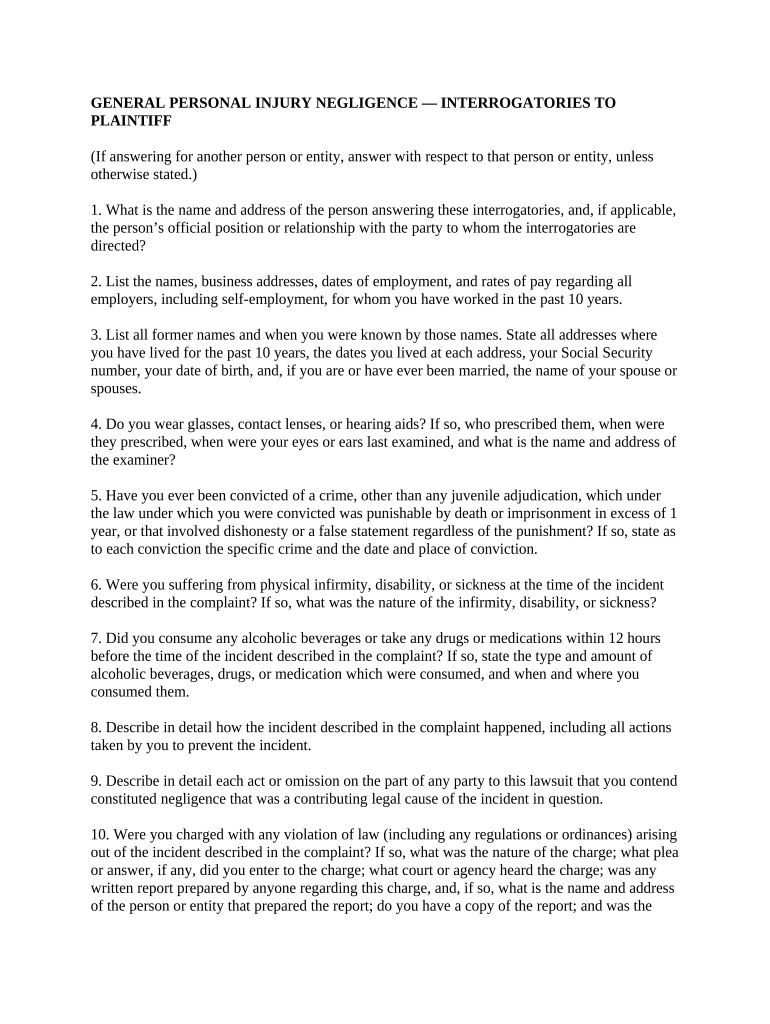
Begin by filling out your personal information in the first section, including your name, address, and relationship to the party involved. This establishes your identity and connection to the case.
Proceed to list your employment history for the past ten years. Include names, addresses, dates of employment, and pay rates. This information is crucial for assessing any potential damages related to lost income.
In the subsequent sections, provide details about any medical conditions or treatments you have received. Be thorough in describing injuries and their impact on your life as this will support your claims.
Finally, review all entries for accuracy before submitting. Use our platform’s features to save or share your completed form easily.
Start using our platform today for free to streamline your Florida Discovery process!
Florida Discovery Handbook3.220 DiscoveryMiddle District of Florida Discovery Handbook3.220 FloridaDemand for Discovery FloridaFlorida rule of civil procedure 1.280 b )( 5What are NORTHUP interrogatories1.280 Fla r civ p
Security and compliance
At DocHub, your data security is our priority. We follow HIPAA, SOC2, GDPR, and other standards, so you can work on your documents with confidence.
After commencement of a proceeding, parties may obtain discovery through the means and in the manner provided in Rules 1.280 through 1.400, Florida Rules ofRead more
Discovery materials are filed only in limited circumstances, including if ordered by the Court, if necessary to the presentation or defense of a motion, or ifRead more
Cookie consent notice
This site uses cookies to enhance site navigation and personalize your experience.
By using this site you agree to our use of cookies as described in our Privacy Notice.
You can modify your selections by visiting our Cookie and Advertising Notice.