




01. Edit your dc recorder of deeds online online
Type text, add images, blackout confidential details, add comments, highlights and more.

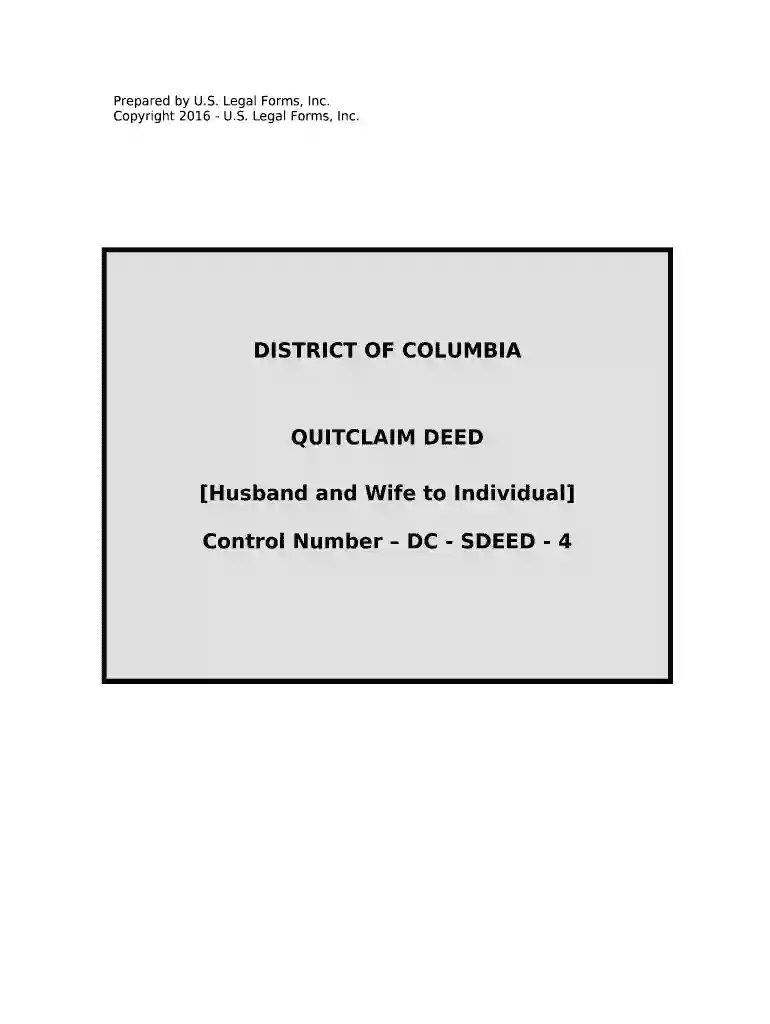
Type text, add images, blackout confidential details, add comments, highlights and more.

Draw your signature, type it, upload its image, or use your mobile device as a signature pad.

Send dc recorder of deeds via email, link, or fax. You can also download it, export it or print it out.

Start using our platform today for free to streamline your dc deed completion!
At DocHub, your data security is our priority. We follow HIPAA, SOC2, GDPR, and other standards, so you can work on your documents with confidence.



This series contains copies of important charters and ordinances, as well as recorders receipts from the District of Columbias Office of the Recorder of DeedsRead more
The Recorder of Deeds, is a part of the Office of Tax and Revenue. This office keeps all official records about land and property in Washington, D.C. ItRead more


