




01. Edit your functional assessment interview online
Type text, add images, blackout confidential details, add comments, highlights and more.

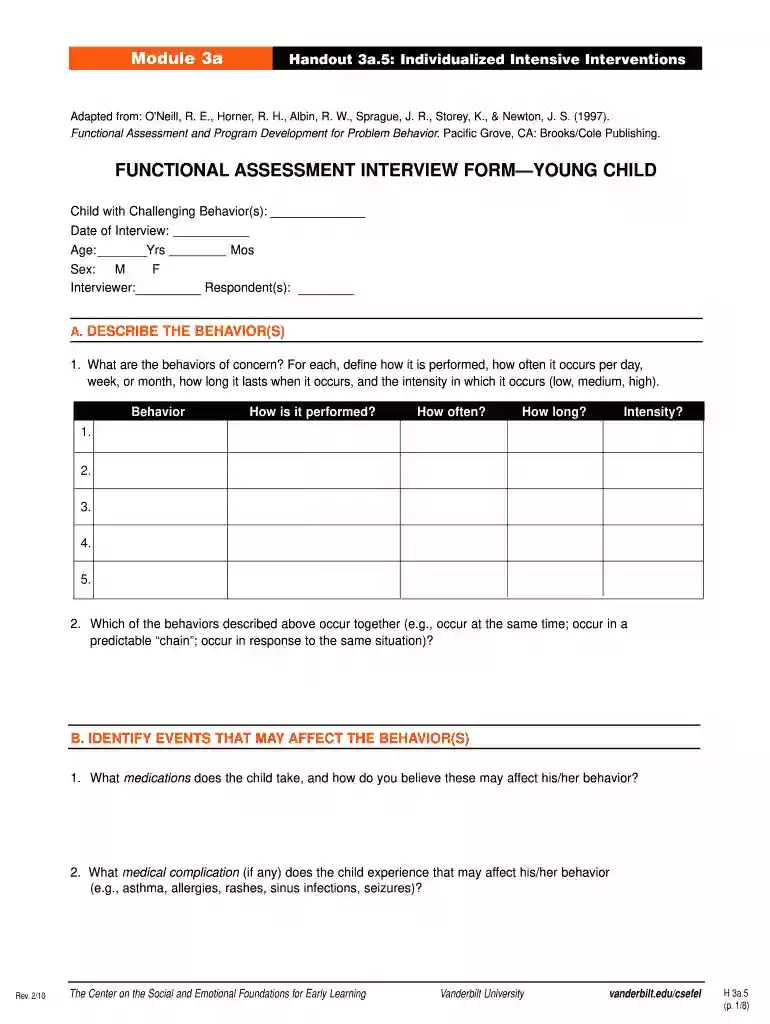
Type text, add images, blackout confidential details, add comments, highlights and more.

Draw your signature, type it, upload its image, or use your mobile device as a signature pad.

Send functional gait assessment form via email, link, or fax. You can also download it, export it or print it out.

Start using our platform today to streamline your functional assessment process for free!
We've got more versions of the functional assessment interview form. Select the right functional assessment interview version from the list and start editing it straight away!
At DocHub, your data security is our priority. We follow HIPAA, SOC2, GDPR, and other standards, so you can work on your documents with confidence.
The Functional Analysis Screening Tool (FAST) is designed to identify a number of factors that may influence the occurrence of problem behaviors. It should beRead more
Selection of ecologically relevant endpoints requires some understanding of the structure and function of the ecosystem potentially at risk. For example, anRead more
Describe each challenging behavior in measurable terms. Include frequency, severity / intensity and duration of behavior(s) based on available data. DataRead more


