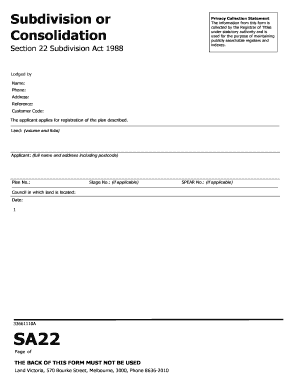
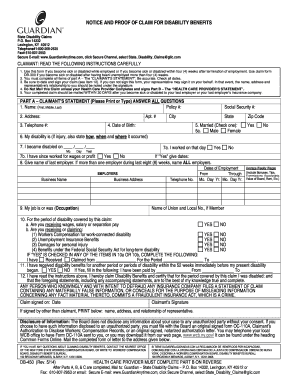
Type text, add images, blackout confidential details, add comments, highlights and more.
02. Sign it in a few clicks
Draw your signature, type it, upload its image, or use your mobile device as a signature pad.
03. Share your form with others
Send it via email, link, or fax. You can also download it, export it or print it out.
How to use or fill out ma agreement with our platform
Ease of Setup
DocHub User Ratings on G2
Ease of Use
DocHub User Ratings on G2
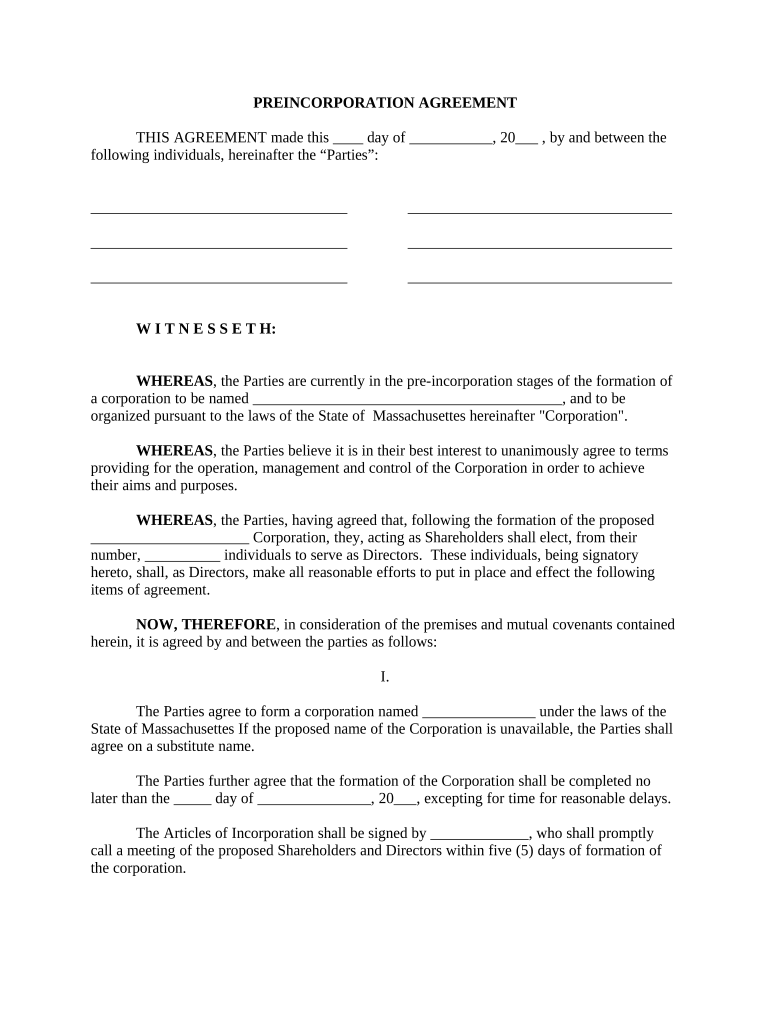
Click ‘Get Form’ to open the ma agreement in the editor.
Begin by filling in the date and names of the Parties involved at the top of the document. Ensure all parties are accurately represented.
In Section I, specify the proposed name of the Corporation and its purpose. If necessary, include a substitute name if the original is unavailable.
Complete the sections regarding Shareholders and Directors by listing their names, positions, and salaries as required.
Fill out the initial capital contributions section with estimates for equipment, salaries, rent, and other expenses to ensure clarity on financial commitments.
Proceed to Section II to indicate how many shares will be issued to each Party along with their consideration (cash or property).
Review all sections for accuracy before saving your changes. Utilize our platform's features to sign and distribute the completed document easily.
Start using our platform today for free to streamline your ma agreement process!
Master Service Agreement templateMaster Service Agreement PDFSOW agreementMaster Service Agreement template freeWhat is a MSA agreement in divorceMaster service agreement constructionMaster service agreement vs contractMaster Service Agreement template Word
Security and compliance
At DocHub, your data security is our priority. We follow HIPAA, SOC2, GDPR, and other standards, so you can work on your documents with confidence.
MA organization means a public or private entity organized and licensed by a State as a risk-bearing entity (with the exception of provider-sponsoredRead more
Cookie consent notice
This site uses cookies to enhance site navigation and personalize your experience.
By using this site you agree to our use of cookies as described in our Privacy Notice.
You can modify your selections by visiting our Cookie and Advertising Notice.