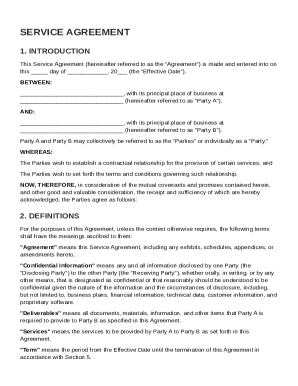
Living Trust Property Record - Louisiana 2026

Get Form
Living Trust Property Record - Louisiana Preview on Page 1

Here's how it works

01. Edit your form online
Type text, add images, blackout confidential details, add comments, highlights and more.
02. Sign it in a few clicks
Draw your signature, type it, upload its image, or use your mobile device as a signature pad.
03. Share your form with others
Send it via email, link, or fax. You can also download it, export it or print it out.

How to use or fill out Living Trust Property Record - Louisiana with our platform

Form edit decoration
9.5
Ease of Setup
DocHub User Ratings on G2
9.0
Ease of Use
DocHub User Ratings on G2
  1. Click ‘Get Form’ to open the Living Trust Property Record in the editor.
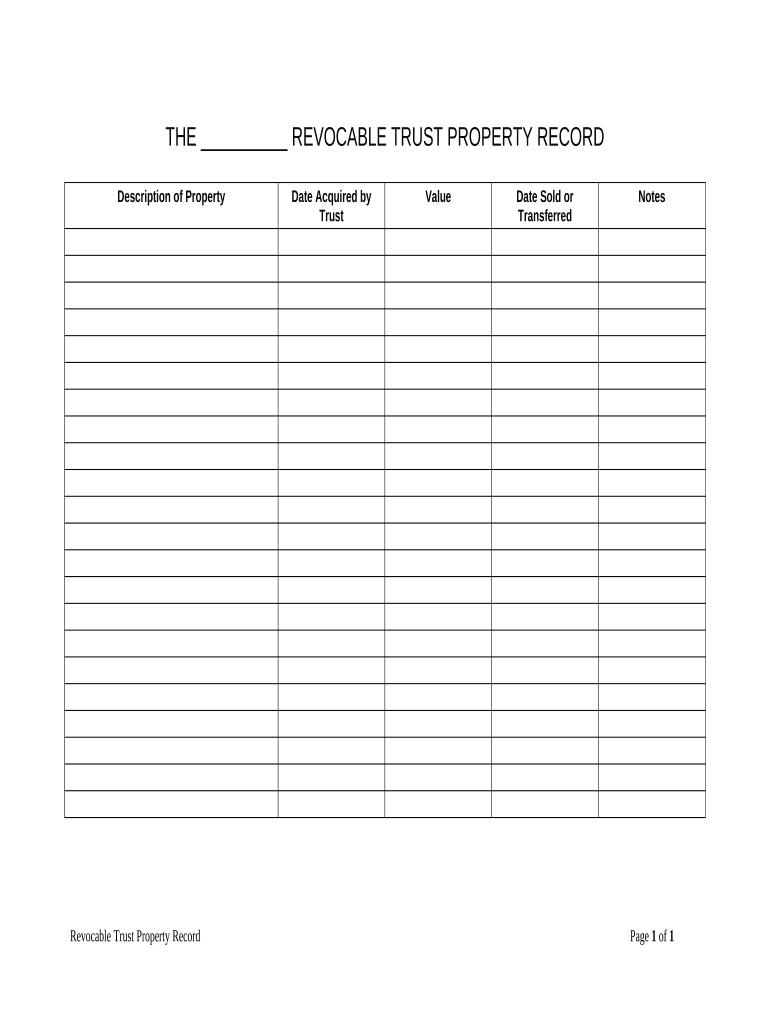
  2. Begin by entering the name of the trust in the designated field at the top of the form. This identifies the specific revocable trust you are documenting.
  3. In the 'Description of Property' section, provide a detailed description of each property held in the trust. Be as specific as possible to ensure clarity.
  4. Fill in the 'Date Acquired by Trust' field with the date when each property was transferred into the trust. This is crucial for tracking ownership history.
  5. Next, indicate the 'Value' of each property at the time it was acquired. This helps establish an accurate assessment for future reference.
  6. If applicable, enter any 'Date Sold or Transferred' information for properties that have been sold or moved out of the trust.
  7. Finally, use the 'Notes' section for any additional comments or important details regarding each property that may be relevant.

Start using our platform today to easily complete your Living Trust Property Record online and for free!

be ready to get more

Complete this form in 5 minutes or less

Get form

Got questions?

We have answers to the most popular questions from our customers. If you can't find an answer to your question, please contact us.
Contact us
The trust is the legal owner. The trustee holds the title and manages it, but always for the benefit of the beneficiaries. The trustor decides the terms, and beneficiaries enjoy the property or its benefits according to those terms.
Check with close relations of the decedent. Even if they dont have the trust documents, they may be able to direct you to a safe, safety deposit box or other secure location where the trust may be stored. They may also have knowledge of the decedents estate planning attorney or financial adviser.
docHub out to the Masters Office in your jurisdiction and provide the trusts name or IT number. Deeds Office Search: If the trust owns property, a search at the Deeds Office can provide confirmation of the trusts ownership and registration.
How to Look Up a Trust in California Step 1: Gather Necessary Information. Step 2: Contact the Trustee. Step 3: Contact Professionals Involved in the Trust Creation. Step 4: Search Personal Records and Belongings. Step 5: Inquire with Family and Friends. Step 6: Check with the County Recorders Office.
Although California doesnt typically provide full access to trusts online, you might find limited information depending on the type of trust and whether it was recorded in connection with any legal proceedings.
be ready to get more

Complete this form in 5 minutes or less

Get form

People also ask

Always start by looking at the document that created the trust. This document, often called the trust instrument, will probably be titled, for example, the James T. Kahane Revocable Living Trust or the Nessler Family Trust. In particular, look for a list of assets at the end of the document.

Related links