




Here's how it works

01. Edit your la certificate service online
Type text, add images, blackout confidential details, add comments, highlights and more.

02. Sign it in a few clicks
Draw your signature, type it, upload its image, or use your mobile device as a signature pad.

03. Share your form with others
Send certificate of service via email, link, or fax. You can also download it, export it or print it out.
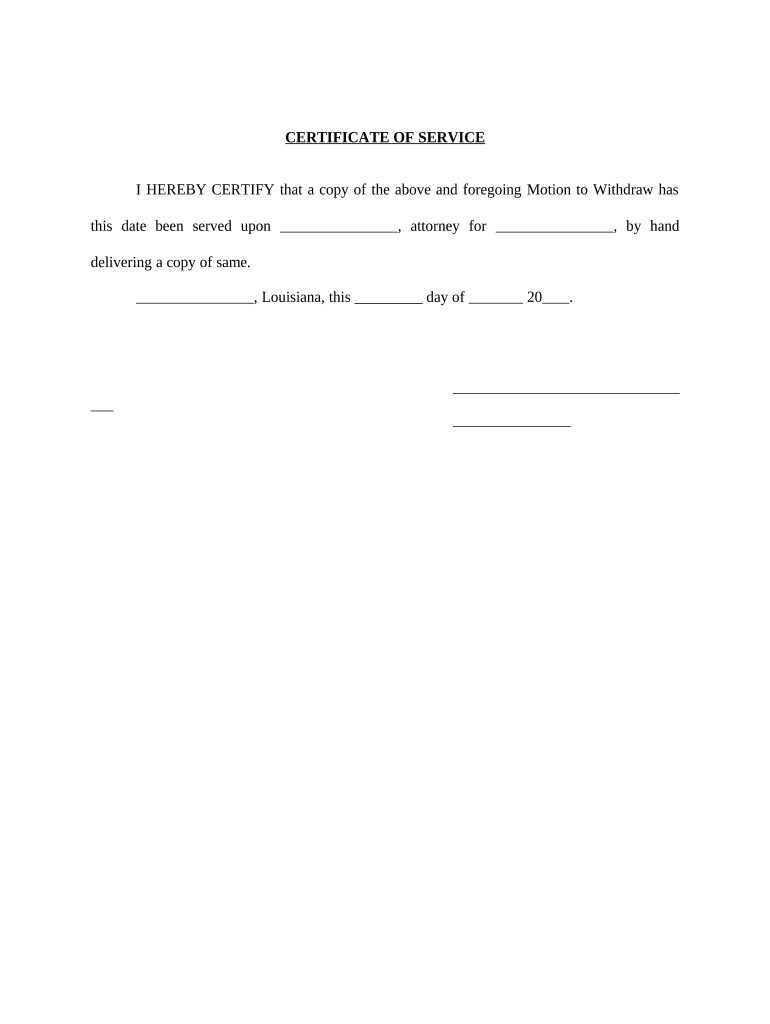
How to use or fill out Louisiana Certificate of Service with our platform

- Click ‘Get Form’ to open the Louisiana Certificate of Service in the editor.
- In the first blank field, enter the name of the attorney who will receive the motion. This ensures proper notification.
- Next, fill in the name of the party represented by the attorney in the corresponding field. This identifies who is involved in the service.
- In the date section, input today’s date when you are completing this certificate. This is crucial for record-keeping.
- Finally, sign your name in the designated area to certify that you have delivered a copy of the motion as stated.
Start using our platform today to easily complete your Louisiana Certificate of Service online for free!
Fill out louisiana certificate service online
It's free
It's free
Security and compliance
At DocHub, your data security is our priority. We follow HIPAA, SOC2, GDPR, and other standards, so you can work on your documents with confidence.
Learn more


Related forms
Mcphs immunization form
The document is an immunization form for MCPHS University, requiring students to provide personal information and vaccin ...

E stamp
The document is a Challan Form No. 32-A used for recording cash payments made to the Treasury or Sub-Treasury in Pakista ...

Doctor registration number
The document is a registration form for NHS family doctor services, which includes sections for personal details, organ ...
Woodies supermarket scholarship
The document outlines the Woodies Supermarket Scholarship Trust, detailing application requirements, deadlines, and cont ...
Hdb acknowledgement form
The document is an Acknowledgement Form for renovation, requiring flat owners to provide their names, NRIC numbers, and ...
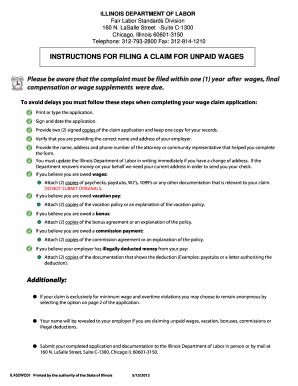
Illinois wage claim
The document provides detailed instructions for filing a claim for unpaid wages with the Illinois Department of Labor. I ...
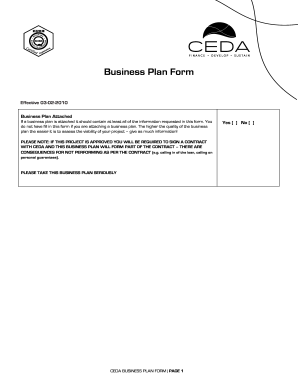
Ceda business plan
The document is a Business Plan Form required by the Citizen Entrepreneurial Development Agency (CEDA) for loan applicat ...

Big coulee district
The document is an application form for assistance from the Big Coulee District, requiring personal information and deta ...