Type text, add images, blackout confidential details, add comments, highlights and more.
02. Sign it in a few clicks
Draw your signature, type it, upload its image, or use your mobile device as a signature pad.
03. Share your form with others
Send it via email, link, or fax. You can also download it, export it or print it out.
How to use or fill out motion bond with our platform
Ease of Setup
DocHub User Ratings on G2
Ease of Use
DocHub User Ratings on G2
Click ‘Get Form’ to open the motion bond in the editor.
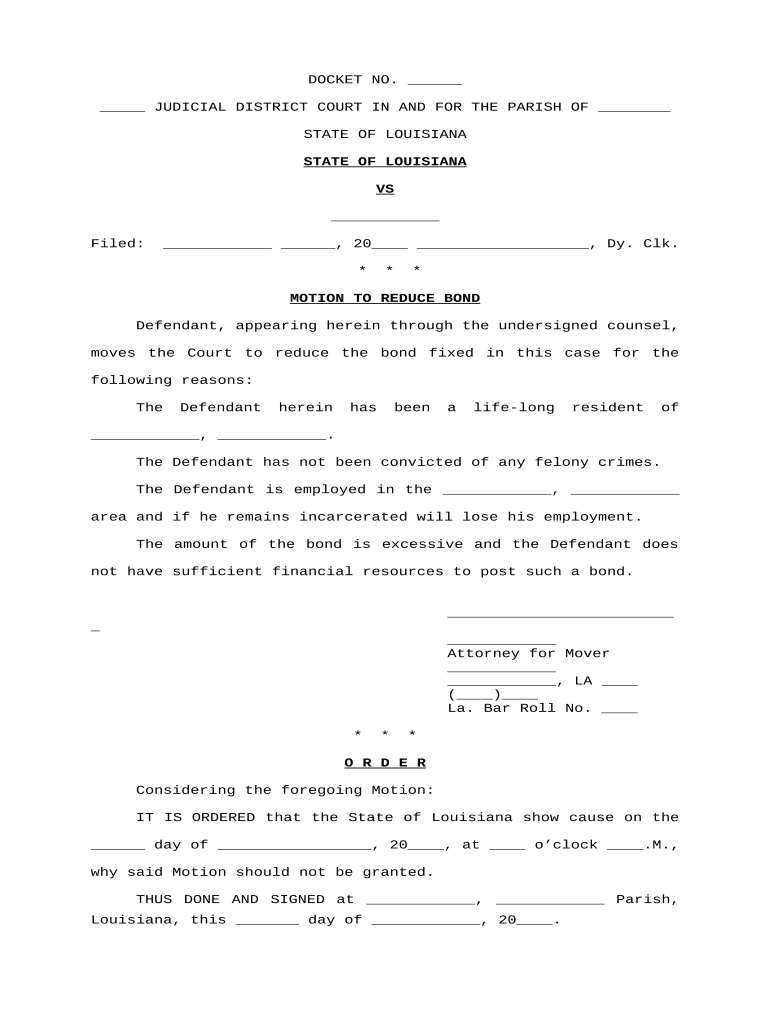
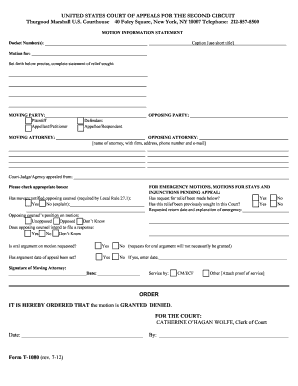
Begin by filling in the DOCKET NO. and JUDICIAL DISTRICT COURT details at the top of the form. Ensure accuracy as this information is crucial for your case.
In the section labeled 'Defendant', provide the name of the defendant and their residential details, emphasizing their ties to the community.
Next, articulate reasons for reducing the bond. Highlight points such as lack of felony convictions, employment status, and financial constraints clearly and concisely.
Complete the attorney's information section, including name, address, phone number, and Louisiana Bar Roll Number to ensure proper representation.
Finally, review all entries for accuracy before signing. Use our platform’s tools to add your signature electronically.
Start using our platform today to streamline your motion bond process for free!
How long does a bond motion takeMotion for bond immigrationSample motion for bond hearing Immigration CourtHow to file a motion for bond hearingBond motion immigration courtImmigration bond hearing WORKSHEETMotion for bond reductionIlrc bond
Security and compliance
At DocHub, your data security is our priority. We follow HIPAA, SOC2, GDPR, and other standards, so you can work on your documents with confidence.
School of Government, The University of North Carolina at
1.7 Investigation and Preparation for Bond Reduction Motion 1.8 Procedure for Bond Reduction Motion 1.9 Post-Release Issues 1.10 Release Pending Appeal.Read more
Upon the aliens request, an Immigration Judge may conduct a bond hearing, in which the Immigration Judge has the authority to redetermine the amount of bondRead more
Cookie consent notice
This site uses cookies to enhance site navigation and personalize your experience.
By using this site you agree to our use of cookies as described in our Privacy Notice.
You can modify your selections by visiting our Cookie and Advertising Notice.