Type text, add images, blackout confidential details, add comments, highlights and more.
02. Sign it in a few clicks
Draw your signature, type it, upload its image, or use your mobile device as a signature pad.
03. Share your form with others
Send it via email, link, or fax. You can also download it, export it or print it out.
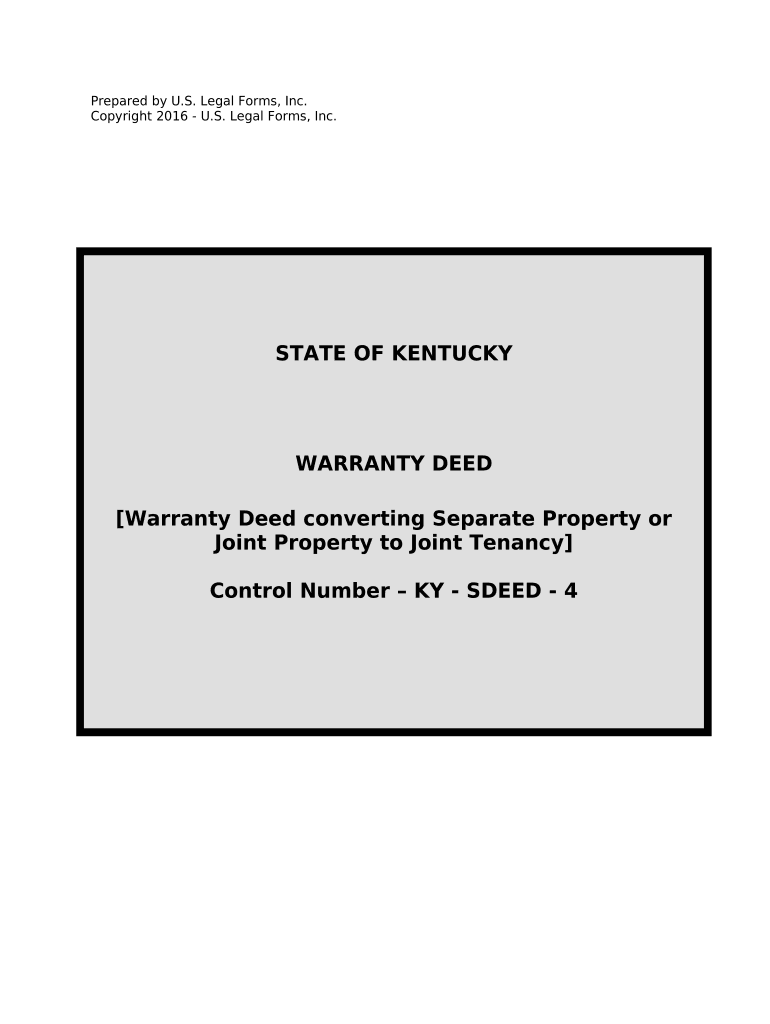
How to use or fill out Warranty Deed for Separate or Joint Property to Joint Tenancy - Kentucky with our platform
Ease of Setup
DocHub User Ratings on G2
Ease of Use
DocHub User Ratings on G2
Click ‘Get Form’ to open the Warranty Deed in the editor.
Begin by entering the names of the Grantor(s) and Grantee(s) in the designated fields. Ensure that you specify their marital status as either married or unmarried.
Fill in the legal description of the property being conveyed, which is crucial for identifying the exact location and boundaries.
Complete the Statement of Consideration section, ensuring that both parties acknowledge the value exchanged. This must be sworn and notarized.
Navigate to the Notary section where both Grantor(s) will sign. Make sure to include their printed names and have a notary public witness this signing.
Finally, review all entries for accuracy before saving your document. Utilize our platform’s features to easily export or share your completed Warranty Deed.
Start using our platform today to effortlessly complete your Warranty Deed for free!
Fill out Warranty Deed for Separate or Joint Property to Joint Tenancy - Kentucky online It's free
Recent Kentucky Cases on Future Interests - UKnowledge
by WL Roberts Cited by 2 If a remainderman gave a warranty deed and the estate finally vested an him, his grantee would be allowed to take under the doctrine of deed by estoppel. AlsoRead more
Cookie consent notice
This site uses cookies to enhance site navigation and personalize your experience.
By using this site you agree to our use of cookies as described in our Privacy Notice.
You can modify your selections by visiting our Cookie and Advertising Notice.