01. Edit your is a bill of sale a legally binding document online
Type text, add images, blackout confidential details, add comments, highlights and more.
02. Sign it in a few clicks
Draw your signature, type it, upload its image, or use your mobile device as a signature pad.
03. Share your form with others
Send bill of sale kentucky template via email, link, or fax. You can also download it, export it or print it out.
How to use or fill out Bill of Sale in Connection with Sale of Business by Individual or Corporate Seller - Kentucky
Ease of Setup
DocHub User Ratings on G2
Ease of Use
DocHub User Ratings on G2
Click ‘Get Form’ to open it in the editor.
Begin by entering the Seller's name and address in the designated fields. Ensure accuracy as this identifies the party transferring ownership.
Next, specify the Purchaser's name and address. This is crucial for legal identification of the buyer.
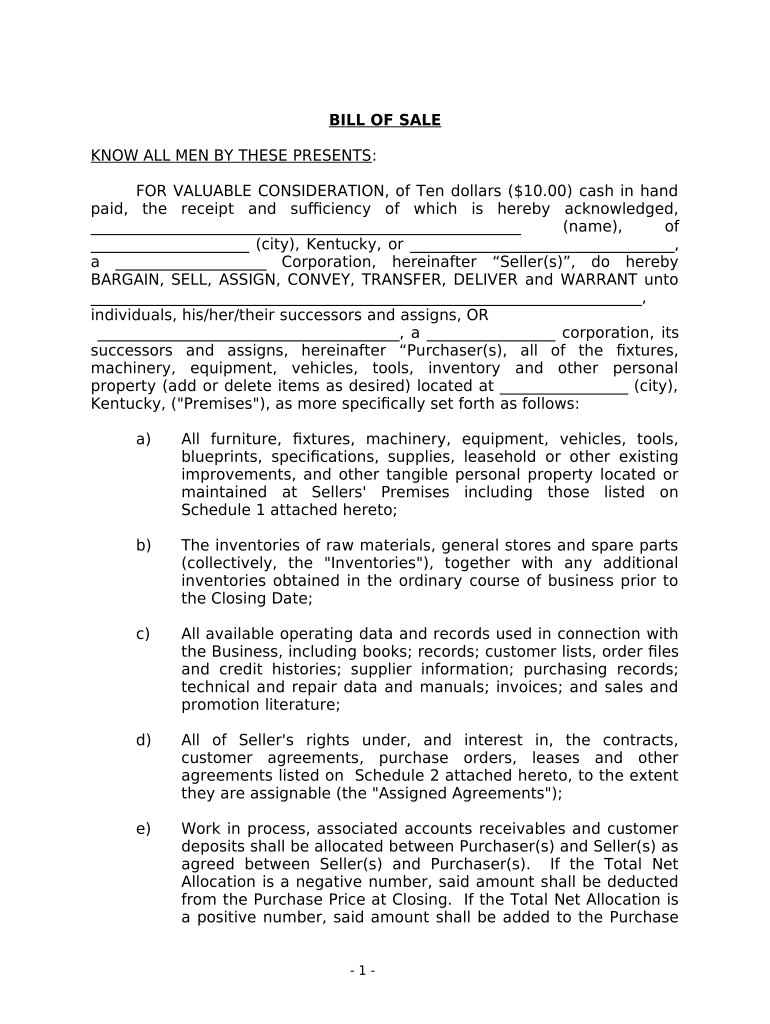
In the section detailing assets, list all items being sold, including furniture, equipment, and any intellectual property. Use Schedule 1 for a comprehensive inventory.
Complete Schedule 2 by listing any agreements that are being assigned or transferred as part of the sale.
Finally, ensure both parties sign and date the document. If applicable, include notarization details to validate the transaction.
Start using our platform today to easily complete your Bill of Sale for free!
Fill out Bill of Sale in Connection with Sale of Business by Individual or Corporate Seller - Kentucky online It's free
Simple bill of sale in connection with sale of business by individual or corporate seller kentuckyKY bill of saleBill of sale templateBill of sale for carFree Bill of Sale templateBill of sale template for commercial vehicleFree bill of sale kentuckyKy Dealer assignment form
Security and compliance
At DocHub, your data security is our priority. We follow HIPAA, SOC2, GDPR, and other standards, so you can work on your documents with confidence.
Sales Use Tax - Department of Revenue - Kentucky.gov
Kentucky Sales and Use Tax is imposed at the rate of 6 percent of gross receipts or purchase price. There are no local sales and use taxes in Kentucky.Read more
Uniform Commercial Code--Major Changes in Sales Law
by FW Whiteside Jr Cited by 22 The 1960 Kentucky Law Journal was devoted largely to a symposium on the Uniform Commercial Code which became effective in this Commonwealth on July 1, 1960.Read more
Cookie consent notice
This site uses cookies to enhance site navigation and personalize your experience.
By using this site you agree to our use of cookies as described in our Privacy Notice.
You can modify your selections by visiting our Cookie and Advertising Notice.