Warranty Deed from Individual to LLC - Kentucky 2026

Get Form
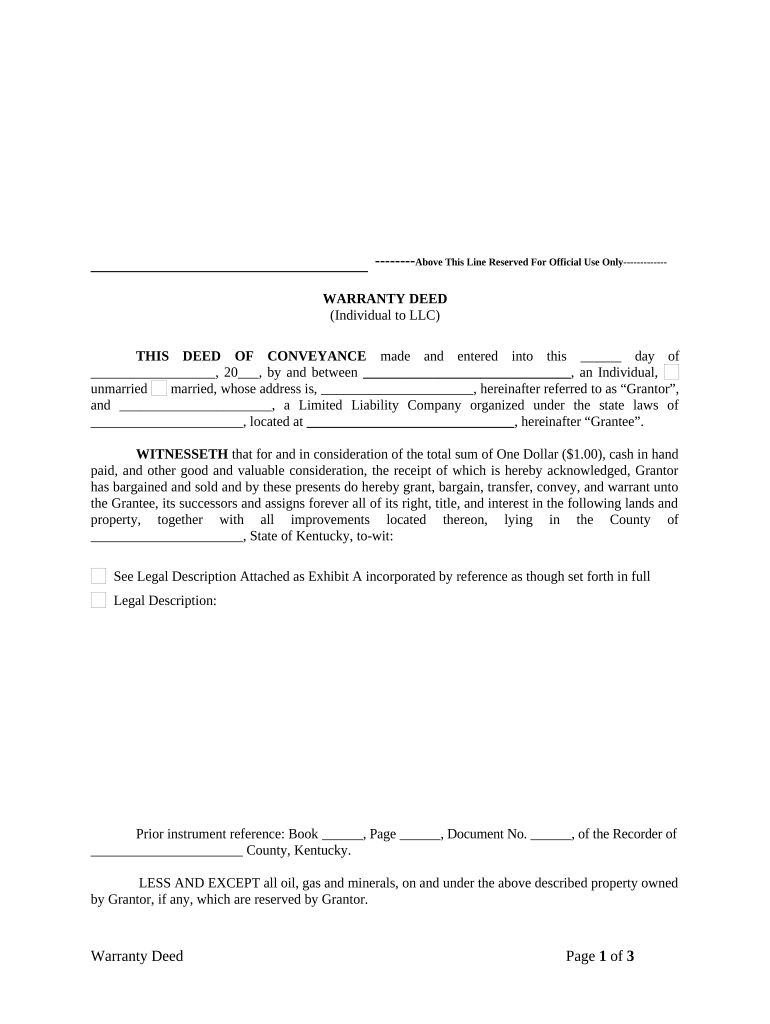
Warranty Deed from Individual to LLC - Kentucky Preview on Page 1

Here's how it works

01. Edit your form online
Type text, add images, blackout confidential details, add comments, highlights and more.
02. Sign it in a few clicks
Draw your signature, type it, upload its image, or use your mobile device as a signature pad.
03. Share your form with others
Send it via email, link, or fax. You can also download it, export it or print it out.

How to use or fill out Warranty Deed from Individual to LLC - Kentucky with our platform

Form edit decoration
9.5
Ease of Setup
DocHub User Ratings on G2
9.0
Ease of Use
DocHub User Ratings on G2
  1. Click ‘Get Form’ to open the Warranty Deed in the editor.
  2. Begin by filling in the date of the deed at the top of the form. This is crucial for establishing when the transfer takes place.
  3. In the 'Grantor' section, enter your name and marital status, along with your address. Ensure accuracy as this identifies you as the seller.
  4. Next, in the 'Grantee' section, input the name of your LLC and its state of organization, followed by its address. This identifies who will receive ownership.
  5. Fill in the legal description of the property being transferred. If necessary, attach Exhibit A for detailed information.
  6. Indicate any prior instrument references if applicable, ensuring all details are correct for record purposes.
  7. Complete the certification section regarding whether this transfer is a gift or a sale and provide an estimated fair cash value for transparency.
  8. Finally, ensure both Grantor and Grantee sign and date where indicated. Don’t forget to have it notarized to validate your document.

Start using our platform today to easily complete your Warranty Deed online for free!

be ready to get more

Complete this form in 5 minutes or less

Get form

Got questions?

We have answers to the most popular questions from our customers. If you can't find an answer to your question, please contact us.
Contact us
By utilizing key documents such as the Operating Agreement, Membership Certificates, Articles of Organization, Meeting Minutes and Resolutions, Financial and Tax Documents, Member Agreements, and Buy-Sell Agreements, LLC members can clearly establish and verify their ownership interests.
Who can sign documents on behalf of an LLC? All members (owners) of the LLC have the authority to sign on behalf of the entity as authorized representatives by default.
Transferring Property to the LLC The deed should clearly state the LLC as the new owner of the property. File the Deed with the County Recorders Office Once the deed is prepared, file it with the county recorders office where the property is located. This officially transfers ownership of the property to your LLC.
Here are seven steps to transfer property to an LLC: Contact the Bank or Lender. Form an LLC. Obtain a Tax ID Number and Open an LLC Bank Account. Obtain a Form for a Deed. Fill out the Warranty or Quitclaim Deed Form. Sign and Record the Deed. Change Your Lease.
Follow these steps to transfer property to LLC business structures. Make sure your LLC is registered. Review the property title and LLC operating agreement. Draft a deed of transfer. docHub and file the deed. Notify your mortgage company. Update tax records. Transfer utilities and insurance. Plan for tax complications.

Security and compliance

At DocHub, your data security is our priority. We follow HIPAA, SOC2, GDPR, and other standards, so you can work on your documents with confidence.

Learn more
ccpa2
pci-dss
gdpr-compliance
hipaa
soc-compliance

People also ask

A warranty deedalso known as a general warranty deedis a specific type of deed that guarantees that the owner of the property owns it free and clear, and is able to transfer the property to the seller.
Make sure your signature line is formatted like this [Your name], [Your LLC Role], [LLC name]

Related links