




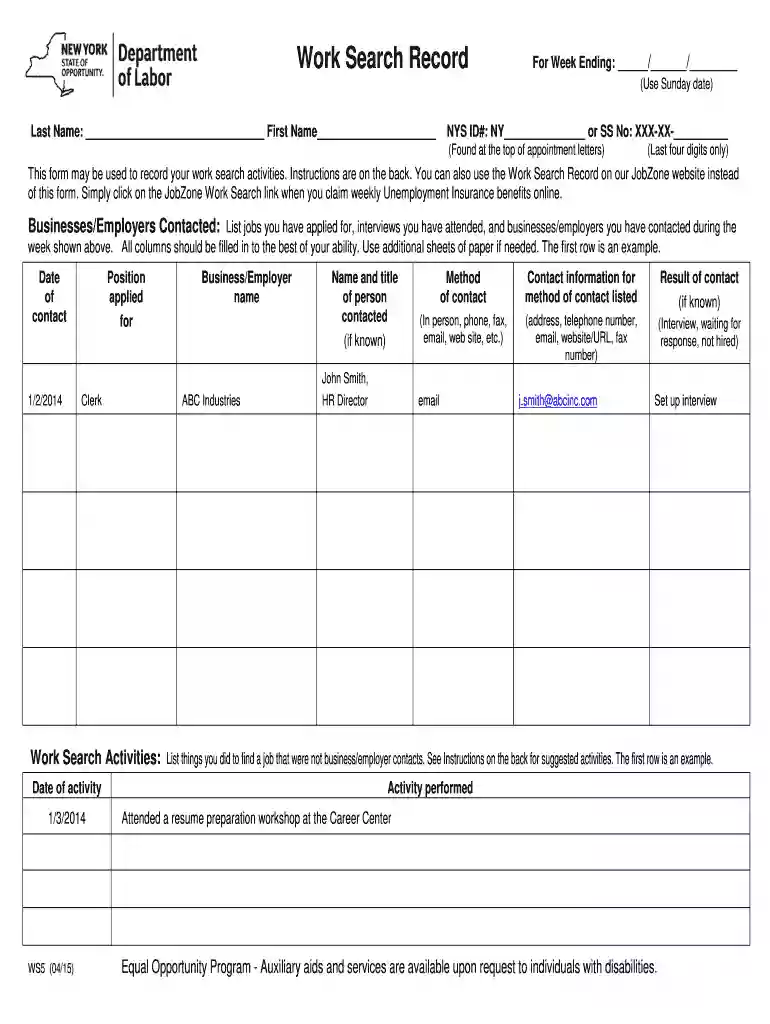
01. Edit your new york unemployment work search record online
Type text, add images, blackout confidential details, add comments, highlights and more.

Type text, add images, blackout confidential details, add comments, highlights and more.

Draw your signature, type it, upload its image, or use your mobile device as a signature pad.

Send jobzone work search record via email, link, or fax. You can also download it, export it or print it out.

Start using our platform today to streamline your work search documentation process for free!
We've got more versions of the new york unemployment work search record form. Select the right new york unemployment work search record version from the list and start editing it straight away!
At DocHub, your data security is our priority. We follow HIPAA, SOC2, GDPR, and other standards, so you can work on your documents with confidence.
Work Search Record WS5. Forms and Publications. Work Search Record. Overview. Work Search Record WS5.Read more
FOR YOUR INFORMATION. Ways to submit attendance: Drop off in person. Email attendance to wesworkfirst@clark.edu (for Transitional Studies email:Read more
A modern team knowledge base for your internal documentation, product specs, support answers, meeting notes, onboarding, more


