Indiana bankruptcy 2026

Get Form
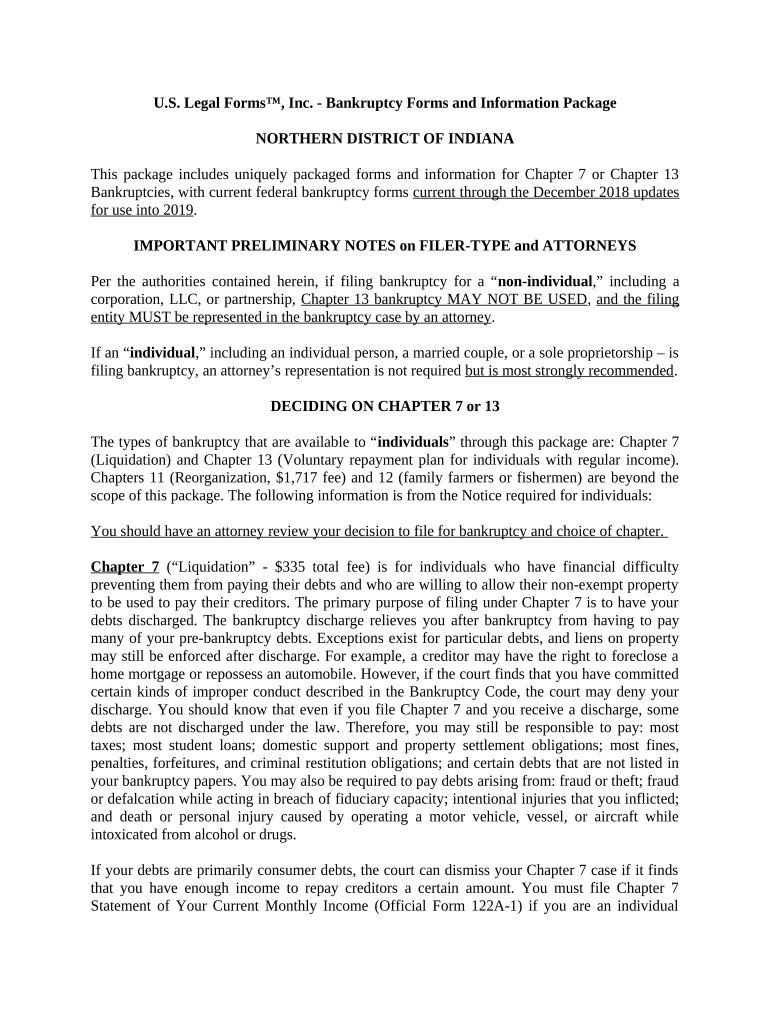
bankruptcy in indiana Preview on Page 1

Here's how it works

01. Edit your bankruptcy in indiana online
Type text, add images, blackout confidential details, add comments, highlights and more.
02. Sign it in a few clicks
Draw your signature, type it, upload its image, or use your mobile device as a signature pad.
03. Share your form with others
Send it via email, link, or fax. You can also download it, export it or print it out.

How to use or fill out Indiana Bankruptcy with our platform

Form edit decoration
9.5
Ease of Setup
DocHub User Ratings on G2
9.0
Ease of Use
DocHub User Ratings on G2
  1. Click ‘Get Form’ to open the Indiana Bankruptcy form in the editor.
  2. Begin by selecting the appropriate chapter for your bankruptcy: Chapter 7 for liquidation or Chapter 13 for a repayment plan. Ensure you understand the implications of each option.
  3. Fill out your personal information in the designated fields, including your name, address, and social security number. Accuracy is crucial here.
  4. Complete the financial sections by detailing your income, expenses, and debts. This will help determine eligibility for Chapter 7 or 13.
  5. If filing under Chapter 7, complete the Chapter 7 Statement of Your Current Monthly Income (Official Form 122A-1) and if necessary, the Means Test Calculation (Official Form 122A-2).
  6. For Chapter 13 filers, draft a repayment plan outlining how you intend to pay back creditors over time. Make sure to include all required details.
  7. Review all entries carefully before submitting. Use our platform’s tools to ensure everything is filled out correctly and clearly.

Start using our platform today to simplify your Indiana Bankruptcy form completion!

be ready to get more

Complete this form in 5 minutes or less

Get form

Got questions?

We have answers to the most popular questions from our customers. If you can't find an answer to your question, please contact us.
Contact us

With DocHub, you can rapidly sign your indiana bankruptcy or any other paperwork on iOS, even without installing extra programs. You can access your DocHub account from any web-connected browser and fill out and sign your document in any way you like with just a couple of clicks.

You can easily edit fill out your indiana bankruptcy on any iOS gadget. Open an internet browser of your liking, go to the DocHub site, authorize or create a new account, add your file for editing, and make your required changes. Our service is mobile-friendly, so using its features on your smartphone will be a no-brainer, even on the first try.

Security and compliance

At DocHub, your data security is our priority. We follow HIPAA, SOC2, GDPR, and other standards, so you can work on your documents with confidence.

Learn more
ccpa2
pci-dss
gdpr-compliance
hipaa
soc-compliance
be ready to get more

Complete this form in 5 minutes or less

Get form