Type text, add images, blackout confidential details, add comments, highlights and more.
02. Sign it in a few clicks
Draw your signature, type it, upload its image, or use your mobile device as a signature pad.
03. Share your form with others
Send it via email, link, or fax. You can also download it, export it or print it out.
How to use or fill out bankruptcy chapters 7 with our platform
Ease of Setup
DocHub User Ratings on G2
Ease of Use
DocHub User Ratings on G2
Click ‘Get Form’ to open the Chapter 7 bankruptcy form in the editor.
Begin by filling out your personal information, including your name, address, and social security number. Ensure accuracy as this information is crucial for your case.
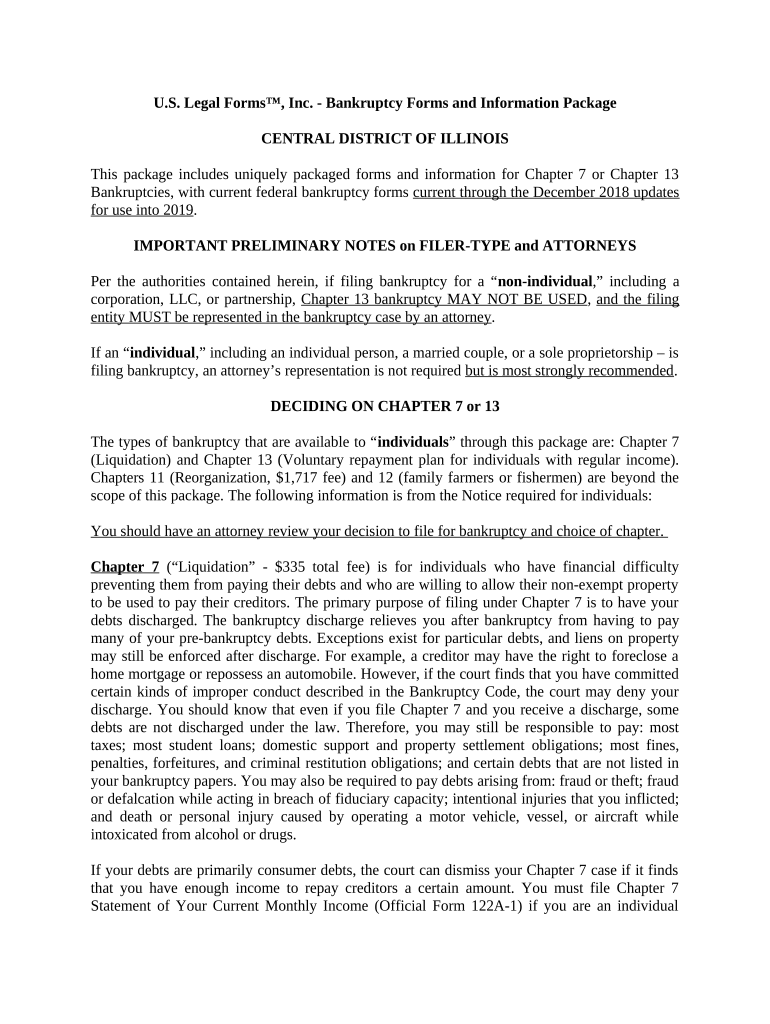
Complete the Chapter 7 Statement of Your Current Monthly Income (Official Form 122A-1). This section requires you to input your income details to determine if you qualify for Chapter 7.
If your income exceeds the state median, proceed to fill out the Chapter 7 Means Test Calculation (Official Form 122A-2) to assess your disposable income and potential repayment ability.
List all non-exempt property on Schedule C: The Property You Claim as Exempt (Official Form 106C). This is essential for protecting certain assets from liquidation.
Review all entries for accuracy and completeness before submitting. Utilize our platform’s features to save and share your document securely.
Start using our platform today for free to streamline your bankruptcy filing process!
Chapter 13 bankruptcyChapter 7 vs Chapter 13Chapter 11 bankruptcyHow to file Chapter 7 with no moneyChapter 7 vs Chapter 11What happens after filing Chapter 7What is Chapter 7What are exempt assets in Chapter 7
Security and compliance
At DocHub, your data security is our priority. We follow HIPAA, SOC2, GDPR, and other standards, so you can work on your documents with confidence.
Differences between Chapter 11 Bankruptcy and Chapter 7 - diff.wiki
Chapter 7, known as liquidation bankruptcy, is typically used by individuals who cannot repay their debts and by businesses that see no viable future. In a
11 U.S. Code Chapter 7 - LIQUIDATION - Law.Cornell.Edu
SUBCHAPTER IOFFICERS AND ADMINISTRATION ( 701 707) SUBCHAPTER IICOLLECTION, LIQUIDATION, AND DISTRIBUTION OF THE ESTATE ( 721 728) SUBCHAPTER IIIRead more
This chapter of the Bankruptcy Code provides for liquidation - the sale of a debtors nonexempt property and the distribution of the proceeds to creditors.Read more
Cookie consent notice
This site uses cookies to enhance site navigation and personalize your experience.
By using this site you agree to our use of cookies as described in our Privacy Notice.
You can modify your selections by visiting our Cookie and Advertising Notice.