




Here's how it works

01. Edit your lien release letter online
Type text, add images, blackout confidential details, add comments, highlights and more.

02. Sign it in a few clicks
Draw your signature, type it, upload its image, or use your mobile device as a signature pad.

03. Share your form with others
Send vehicle auto lien release letter via email, link, or fax. You can also download it, export it or print it out.
How to use or fill out Illinois Release Lien with DocHub

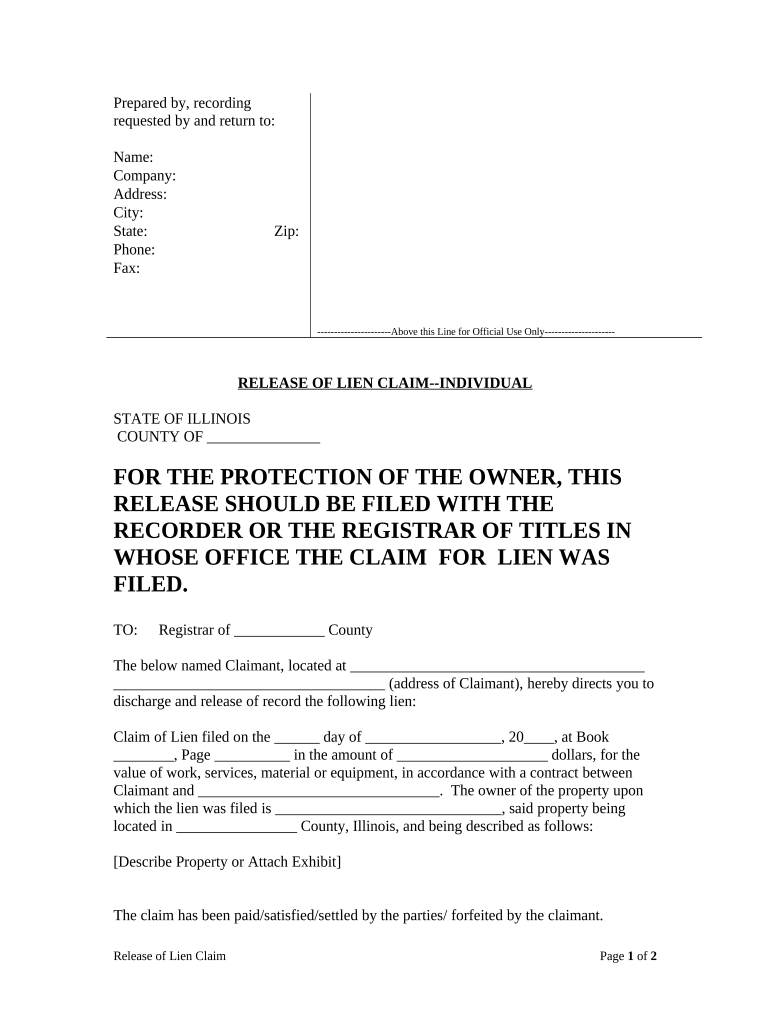
- Click ‘Get Form’ to open the Illinois Release Lien in our editor.
- Begin by filling in the 'Prepared by, recording requested by and return to' section. Enter your name, company, address, city, state, phone, fax, and zip code.
- In the 'FOR THE PROTECTION OF THE OWNER' section, ensure you understand that this release should be filed with the appropriate recorder or registrar of titles.
- Specify the county where the lien was filed and provide the claimant's address in the designated fields.
- Fill in details about the lien including the date it was filed, book and page number, and amount. Also include information about the contract between you and the claimant.
- Describe the property related to the lien or attach an exhibit if necessary.
- Indicate whether the claim has been paid, satisfied, settled by parties, or forfeited by checking the appropriate option.
- Sign and date at the bottom of the form. Ensure all information is accurate before finalizing.
Start using our platform today for free to streamline your document editing and signing process!
Fill out illinois release lien online
It's free
It's free
Security and compliance
At DocHub, your data security is our priority. We follow HIPAA, SOC2, GDPR, and other standards, so you can work on your documents with confidence.
Learn more


Related forms
Aed inspection
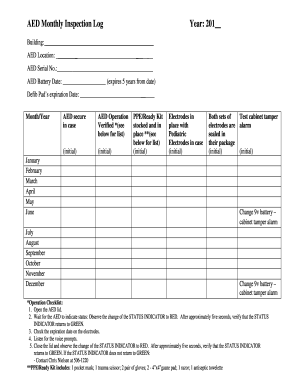
The document is an AED Monthly Inspection Log designed to track the status and maintenance of an Automated External Defi ...
Wfglicenseapps transamerica com
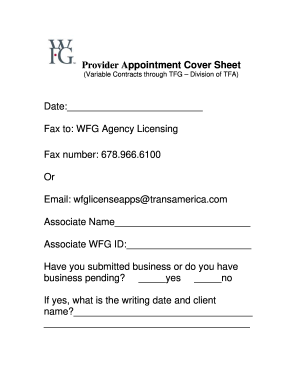
The document is a Provider Appointment Cover Sheet for variable contracts through TFG, intended for submission to WFG Ag ...
Da 200
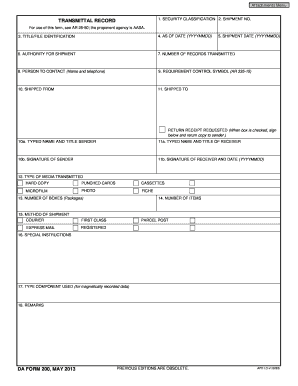
The document is a Transmittal Record form used for shipping records, detailing information such as security classificati ...
Nc health assessment form pdf
The document is a North Carolina Health Assessment Transmittal Form, designed for parents to provide confidential health ...
Chemotherapy consent form pdf
The document is a consent form for chemotherapy treatment, detailing patient identification, the recommended chemotherap ...
Cy 866 form

Fl 430
The document FL-430 is an application form used in the Superior Court of California for requesting the issuance, modific ...