Grant deed trust 2026

Get Form
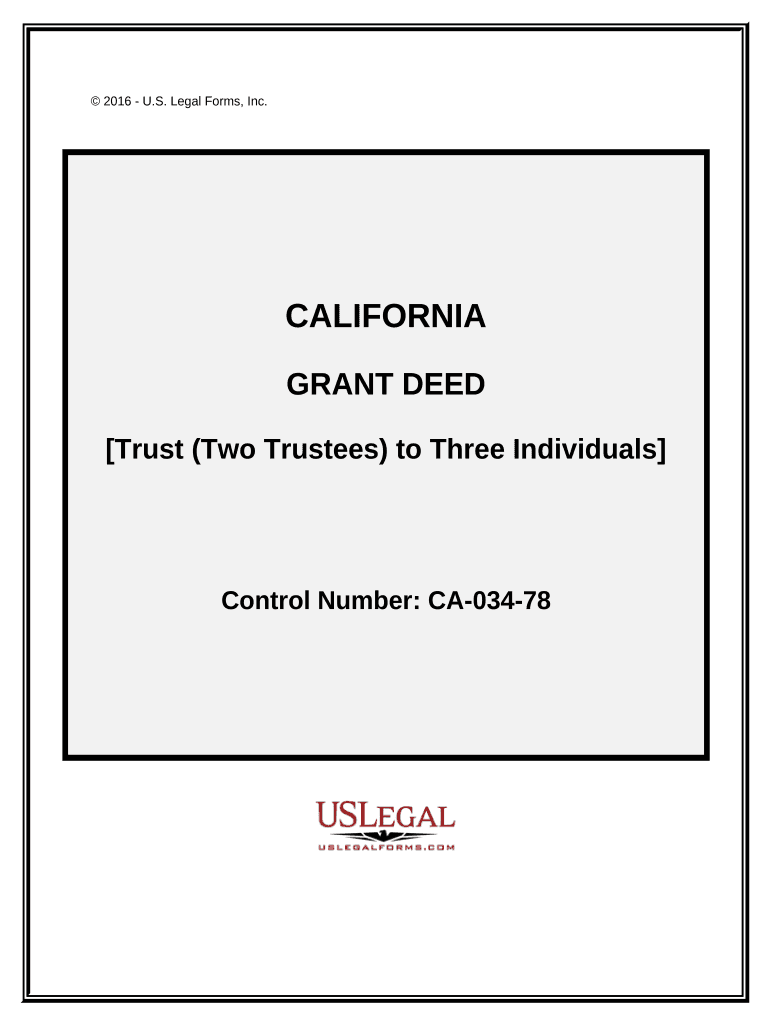
grant deed trust Preview on Page 1

Here's how it works

01. Edit your form online
Type text, add images, blackout confidential details, add comments, highlights and more.
02. Sign it in a few clicks
Draw your signature, type it, upload its image, or use your mobile device as a signature pad.
03. Share your form with others
Send it via email, link, or fax. You can also download it, export it or print it out.

How to use or fill out grant deed trust with our platform

Form edit decoration
9.5
Ease of Setup
DocHub User Ratings on G2
9.0
Ease of Use
DocHub User Ratings on G2
  1. Click ‘Get Form’ to open the grant deed trust in the editor.
  2. Begin by filling in the names of the trustees and the individuals receiving the property. Ensure accuracy as this establishes legal ownership.
  3. In the section for 'Basis of Exemption from Transfer Tax', select the appropriate exemption category that applies to your situation, such as 'Conveyance Confirming Title in Grantee'.
  4. Complete the property description by attaching Exhibit A, which includes a detailed legal description of the property being transferred.
  5. Sign and date the document where indicated. Each trustee must provide their signature, ensuring all parties acknowledge their agreement.
  6. Finally, review all entries for accuracy before saving or printing your completed grant deed trust.

Start using our platform today to streamline your document editing and signing process for free!

be ready to get more

Complete this form in 5 minutes or less

Get form

Got questions?

We have answers to the most popular questions from our customers. If you can't find an answer to your question, please contact us.
Contact us
☞ No Safeguards Against Undisclosed Defects: A grant deed typically does not include any protection for the grantee against defects in the property that the grantor did not disclose. The grantee may be responsible for any liens or encumbrances on the property that the grantor did not disclose.
A general warranty deed is often considered the most common way to transfer real property. It is used when you are aware and confident that the title to your property is good and marketable. It is most commonly used for residential real estate transactions.
The primary way they differ from TOD deeds is that living trusts can hold all types of assets, not just real estate. Your living trust may include real estate, but it can also include stocks, bank accounts, valuable belongings, and any other assets you want to transfer to someone upon your passing.
The major difference between a grant deed vs deed of trust has to do with the presence of a loan and future obligations. Once a grant deed has been executed, the grantor is usually no longer involved with the real estate.
A warranty deed offers the strongest protection. It protects the party receiving the property title in case there turns out to be any issues with the title.

Security and compliance

At DocHub, your data security is our priority. We follow HIPAA, SOC2, GDPR, and other standards, so you can work on your documents with confidence.

Learn more
ccpa2
pci-dss
gdpr-compliance
hipaa
soc-compliance
be ready to get more

Complete this form in 5 minutes or less

Get form