




Here's how it works

01. Edit your dochub com fillable form online
Type text, add images, blackout confidential details, add comments, highlights and more.

02. Sign it in a few clicks
Draw your signature, type it, upload its image, or use your mobile device as a signature pad.

03. Share your form with others
Send california spousal support calculator via email, link, or fax. You can also download it, export it or print it out.
How to use or fill out California Spousal Support with our platform

- Click ‘Get Form’ to open the California Spousal Support document in the editor.
- Begin by entering the name of the Petitioner and Respondent in the designated fields at the top of the form. Ensure that you accurately represent both parties involved.
- In the 'CAUSE NO.' section, input the case number assigned by the court. This is crucial for proper identification of your case.
- Proceed to the stipulation section where you will indicate that the Petitioner waives all rights to receive spousal support. Clearly state this waiver in the provided space.
- In the explanation field, provide a detailed reason for this waiver. Be concise yet thorough to ensure clarity for all parties involved.
- Finally, have both parties sign and print their names in the respective signature fields at the bottom of the form. This step is essential for validating your agreement.
Start using our platform today to fill out your California Spousal Support form online for free!
Fill out california spousal support online
It's free
Security and compliance
At DocHub, your data security is our priority. We follow HIPAA, SOC2, GDPR, and other standards, so you can work on your documents with confidence.
Learn more


Related forms
Pa retired registration
The document is an application form for a retired person's $10.00 processing fee on vehicle registration in Pennsylvania ...
Medicaid lien request
The document W-588AA is a fax form used by the Investigation, Revenue and Enforcement Administration's Division of Liens ...
Hipaa confidentiality agreement template
The document is a HIPAA Confidentiality Agreement outlining the responsibilities of employees and partners regarding the ...
Puerto rico certificate form
The document is a Certificate for Exempt Purchases and Services Subject to the 4% Special-SUT issued by the Commonwealth ...
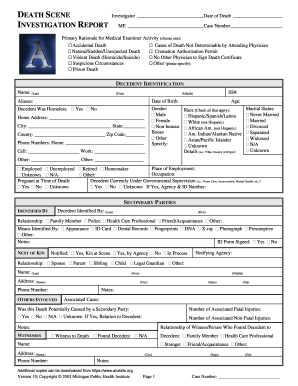
Death investigation report example
The document is a detailed investigation report concerning a death scene, outlining the circumstances surrounding the de ...

Stall cards for horses
The document is a feeding schedule for a horse, detailing the types of feed and supplements given at different times of ...
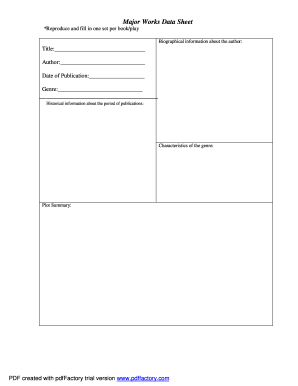
Works sheet
The document is a template for a Major Works Data Sheet, designed to collect and organize key information about literary ...
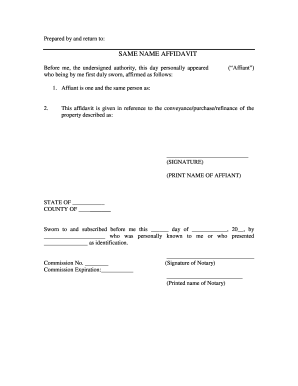
Same name affidavit florida
The document is a Same Name Affidavit, where an individual (Affiant) affirms their identity in relation to the conveyanc ...