




01. Edit your maricopa county recorder forms online
Type text, add images, blackout confidential details, add comments, highlights and more.

Type text, add images, blackout confidential details, add comments, highlights and more.

Draw your signature, type it, upload its image, or use your mobile device as a signature pad.

Send maricopa county recorder cover sheet via email, link, or fax. You can also download it, export it or print it out.

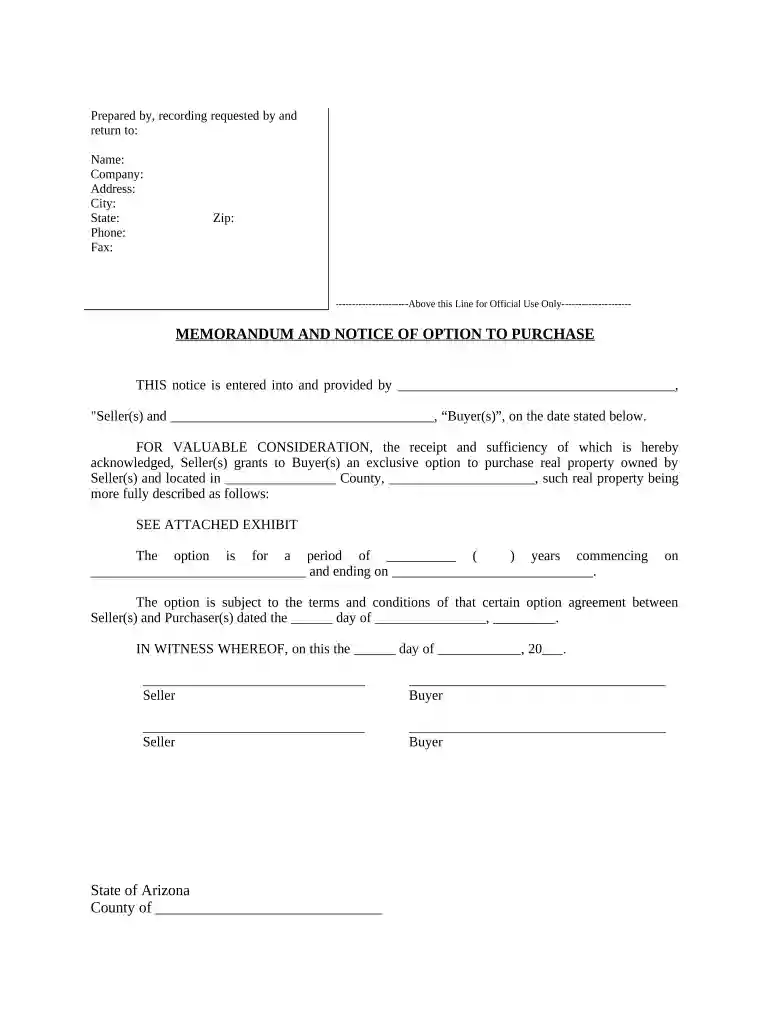
Start using our platform today to easily complete your Notice of Option for Recording - Arizona for free!
At DocHub, your data security is our priority. We follow HIPAA, SOC2, GDPR, and other standards, so you can work on your documents with confidence.
Three options for video recording exist at ASTEC: The instructor is not requesting copies of the recorded activity. In these instances, the simulation isRead more
Aug 13, 2020 1 Introduction 2 Types of fees 3 News media, and educational or noncommercial scientific requesters. 3.1 Representative of the news media.Read more


