




Here's how it works

01. Edit your acceptance of service form arizona online
Type text, add images, blackout confidential details, add comments, highlights and more.

02. Sign it in a few clicks
Draw your signature, type it, upload its image, or use your mobile device as a signature pad.

03. Share your form with others
Send acceptance of service form via email, link, or fax. You can also download it, export it or print it out.
How to use or fill out Arizona Acceptance Service with our platform

- Click ‘Get Form’ to open the Arizona Acceptance Service document in the editor.
- Begin by filling in your name, mailing address, city, state, zip code, and phone number in the designated fields. Ensure all information is accurate for effective communication.
- Indicate whether you are representing yourself or an attorney by selecting the appropriate option. If you are an attorney, enter your State Bar Number.
- In the section labeled 'Type of Case', describe the nature of the case related to the documents you have received. This helps clarify the context of your acceptance.
- List each individual document you have received under 'I have received and voluntarily accept service of the legal documents listed below'. Be thorough to avoid any confusion.
- Sign and date the form where indicated. Remember that this signature must be witnessed by a Notary Public or a Clerk of the Superior Court.
Start using our platform today for free to streamline your document editing and signing process!
Fill out arizona acceptance service online
It's free
It's free
Security and compliance
At DocHub, your data security is our priority. We follow HIPAA, SOC2, GDPR, and other standards, so you can work on your documents with confidence.
Learn more


Related forms
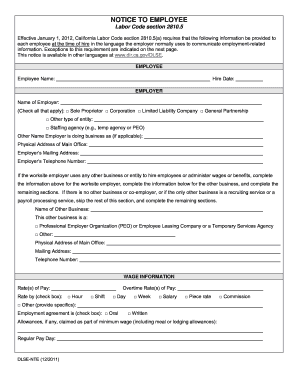
Dlse nte 2011 form
The document is a notice required by California Labor Code section 2810.5, which mandates that employers provide specifi ...
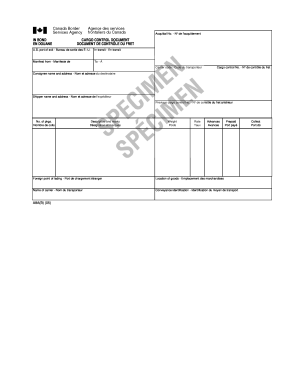
A8a form example
The document is a Cargo Control Document used for customs purposes, detailing information about the shipment including t ...
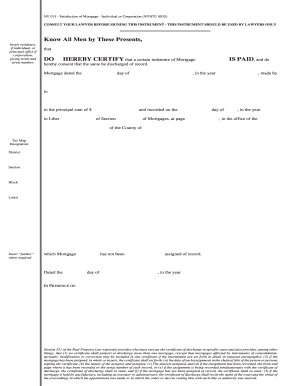
Satisfaction of mortgage form new york
The document is a legal instrument titled 'Satisfaction of Mortgage' intended for use by lawyers in New York. It certifi ...

How to fill out rita form 37 2012
The document is a tax form (Form 37) for the Regional Income Tax Agency (RITA) for the year 2012, used by individuals to ...
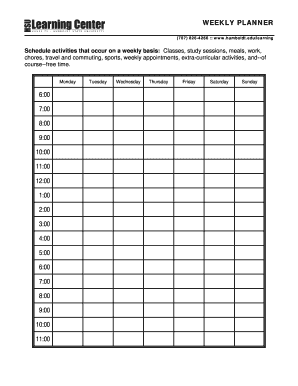
Fillable calendar
The document is a weekly planner guide that helps individuals organize their time effectively by scheduling recurring ac ...
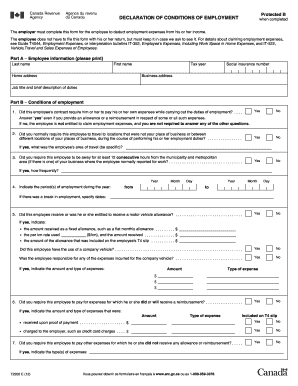
T2200 2012 form
The document is a 'Declaration of Conditions of Employment' form that employers must complete to allow employees to dedu ...
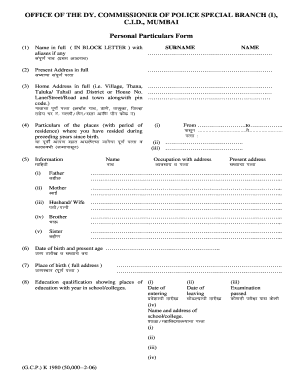
Application to commissioner superintendent of police for noc
The document is a Personal Particulars Form issued by the Office of the Deputy Commissioner of Police, Special Branch, C ...
Ct pc 440 rev 4 18 2018 schedule
The document is an inventory form used by the Connecticut Court of Probate for recording the assets of a decedent's esta ...