




Here's how it works

01. Edit your mutual agreement online
Type text, add images, blackout confidential details, add comments, highlights and more.

02. Sign it in a few clicks
Draw your signature, type it, upload its image, or use your mobile device as a signature pad.

03. Share your form with others
Send lease amendment template via email, link, or fax. You can also download it, export it or print it out.
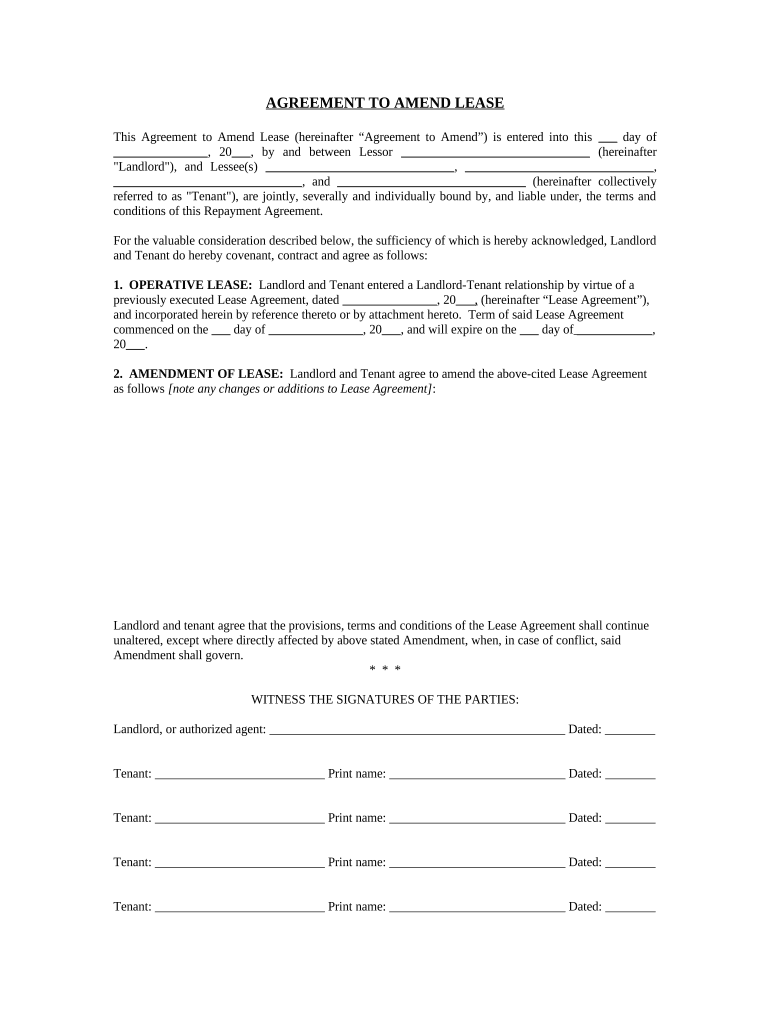
How to use or fill out amendment lease tenant with our platform

- Click ‘Get Form’ to open the amendment lease tenant in the editor.
- Begin by filling in the date at the top of the form where it states 'this ___ day of ______, 20___'. This is essential for establishing when the amendment takes effect.
- Next, enter the names of the Landlord and all Tenants in their respective fields. Ensure that all parties are accurately represented as they will be bound by this agreement.
- In the section labeled 'OPERATIVE LEASE', provide details about the original Lease Agreement, including its date and term. This context is crucial for clarity regarding what is being amended.
- For 'AMENDMENT OF LEASE', clearly outline any changes or additions to the original Lease Agreement. Be specific to avoid any misunderstandings.
- Finally, ensure all parties sign and date the document at the bottom. Each Tenant must print their name next to their signature for verification purposes.
Start using our platform today to easily complete your amendment lease tenant form online for free!
Fill out amendment lease tenant online
It's free
It's free
Security and compliance
At DocHub, your data security is our priority. We follow HIPAA, SOC2, GDPR, and other standards, so you can work on your documents with confidence.
Learn more


Related forms
Choir final guide
The document is a study guide for a choir final exam, covering music symbols, Italian musical terms, note identification ...
Medical undertaking symbiosis
The document is a Letter of Undertaking and Authorization from a parent or guardian of a student at Symbiosis Internatio ...

Pinewood derby check in sheet
The document is a Vehicle Inspection and Registration Form for Pinewood Derby cars, detailing specifications and require ...

Smart start incident report
The document is a Smart Start Incident Report Form that requests client information and details about an incident. It in ...
Appointment of contractor form
The document is a Contractor Appointment Form from KH Management (Qld) Pty Ltd, appointing a contractor to perform repai ...
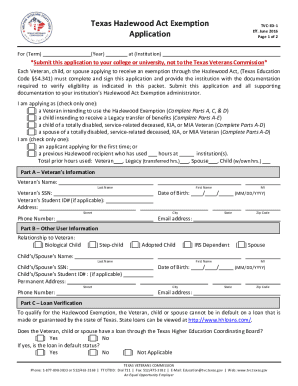
Hazelwood act form
The document outlines the application process for the Texas Hazlewood Act Exemption, which provides tuition and fee exem ...

Job application for kids
The document is a Classroom Job Application form for students to apply for various classroom jobs. It includes sections ...

Pediatric doctors note template
The document is a release form authorizing Cincinnati Children’s Hospital Medical Center to photograph, film, or record ...