



01. Edit your patch test waiver form template free online
Type text, add images, blackout confidential details, add comments, highlights and more.

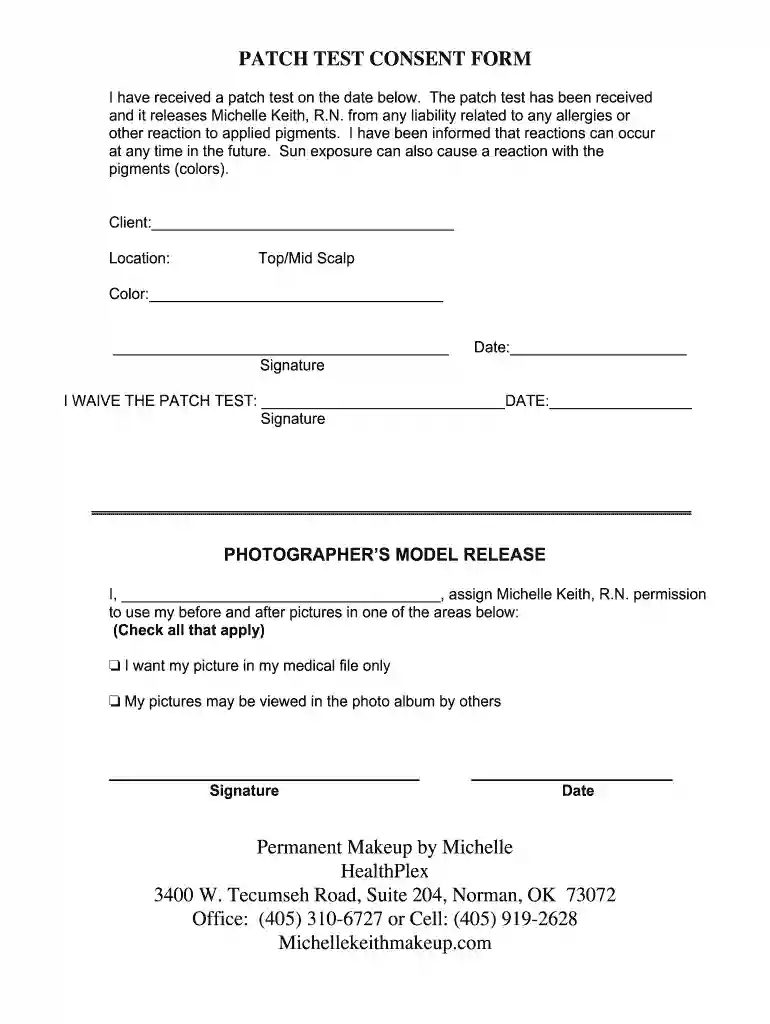
Type text, add images, blackout confidential details, add comments, highlights and more.

Draw your signature, type it, upload its image, or use your mobile device as a signature pad.

Send patch test form template via email, link, or fax. You can also download it, export it or print it out.

Start using our platform today for free to easily complete your printable patch test disclaimer form!
As outlined by eSignature regulations, documents approved digitally have the same validity as those approved with pen and paper. You can eSign almost any business and private documentation. Four types of paperwork still require wet signatures only - wills and testamentary trusts, court orders and other court papers, state statutes governing divorce, adoption, or other family law, and notice of cancellation of utility services. If you follow the guidelines and use a secure and compliant software solution, like DocHub, you can eSign your patch test waiver form without printing it.
It is a no-brainer on a computer or via a mobile phone to complete a patch test consent form with DocHub. All you need to do is open any installed internet browser on your smartphone and proceed to the DocHub website. Once authenticated, add your file and open it in editing mode. Use our toolbar to make your edits and save changes. Optionally, keep your document in your files or send it to a recipient immediately.
At DocHub, your data security is our priority. We follow HIPAA, SOC2, GDPR, and other standards, so you can work on your documents with confidence.
You are being asked to join a research study, which will take place at [insert institution name]. This form tells important information about the research.Read more
Confidentiality Statement. Confidentiality Statement: Data and information contained in this document are considered to constitute trade secrets.Read more


