Type text, add images, blackout confidential details, add comments, highlights and more.
02. Sign it in a few clicks
Draw your signature, type it, upload its image, or use your mobile device as a signature pad.
03. Share your form with others
Send it via email, link, or fax. You can also download it, export it or print it out.
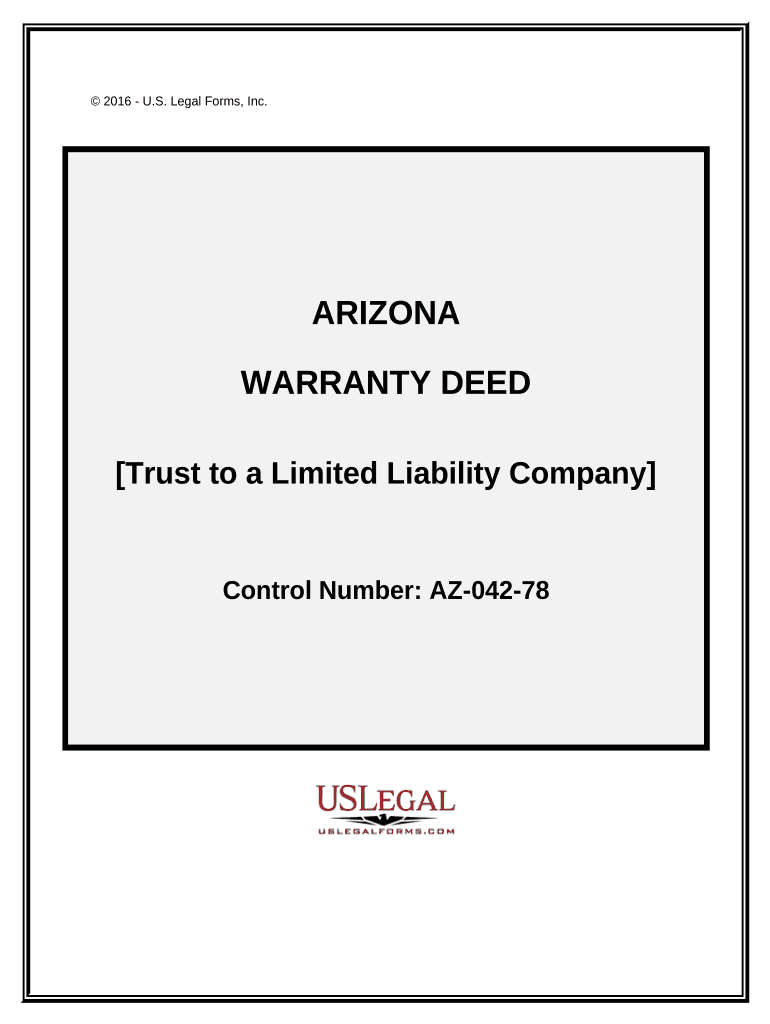
How to use or fill out Warranty Deed - Trust to a Limited Liability Company - Arizona
Ease of Setup
DocHub User Ratings on G2
Ease of Use
DocHub User Ratings on G2
Click ‘Get Form’ to open it in the editor.
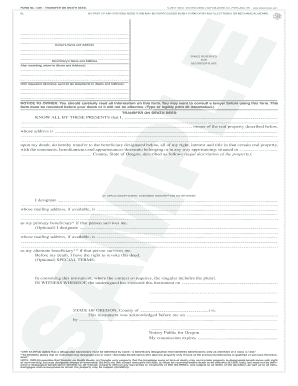
Begin by entering the Grantor's information, including the name of the trust and the trustee's details. Ensure accuracy as this identifies who is transferring the property.
Next, fill in the Grantee's information, which is the limited liability company receiving the property. Include its legal name and address.
In the section for legal description, attach Exhibit A that outlines specific details about the property being conveyed. This is crucial for clarity.
Complete any additional fields regarding current taxes and encumbrances as noted in Exhibit B. This ensures all parties are aware of existing obligations.
Finally, have the document signed by the trustee and notarized to validate the transfer legally. Ensure all signatures are clear and legible.
Start using our platform today to easily complete your Warranty Deed for free!
Fill out Warranty Deed - Trust to a Limited Liability Company - Arizona online It's free
by ES Miller 2011 Cited by 1 deed of trust was properly executed and could not be set aside. People v. Highgate LTC Management, LLC, 887 N.Y.S.2d 298 (App. Div. 3 Dept. 2009). An LLC rd.Read more
A deed restriction on the property prevents unacceptable exposure to onsite soil contamination and restricts the property for industrial use only. Current dataRead more
1. A deed that represents the payment in full or forfeiture of a recorded contract for the sale of real property. 2. A lease or easement on real property.Read more
Cookie consent notice
This site uses cookies to enhance site navigation and personalize your experience.
By using this site you agree to our use of cookies as described in our Privacy Notice.
You can modify your selections by visiting our Cookie and Advertising Notice.