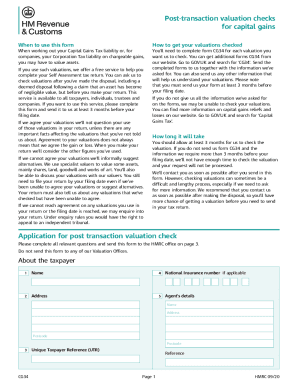
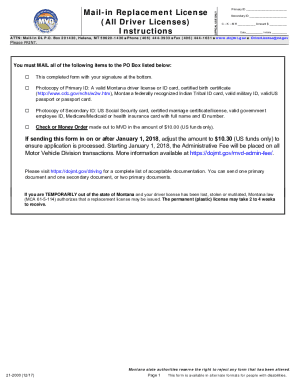
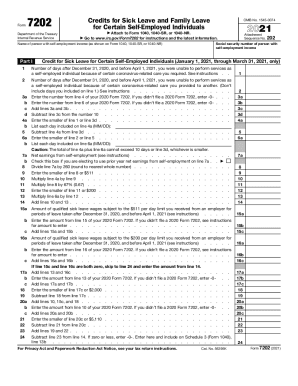
Sample records form 2026

Get Form
sample records form Preview on Page 1

Here's how it works

01. Edit your form online
Type text, add images, blackout confidential details, add comments, highlights and more.
02. Sign it in a few clicks
Draw your signature, type it, upload its image, or use your mobile device as a signature pad.
03. Share your form with others
Send it via email, link, or fax. You can also download it, export it or print it out.

How to use or fill out the sample records form with our platform

Form edit decoration
9.5
Ease of Setup
DocHub User Ratings on G2
9.0
Ease of Use
DocHub User Ratings on G2
  1. Click ‘Get Form’ to open the sample records form in the editor.
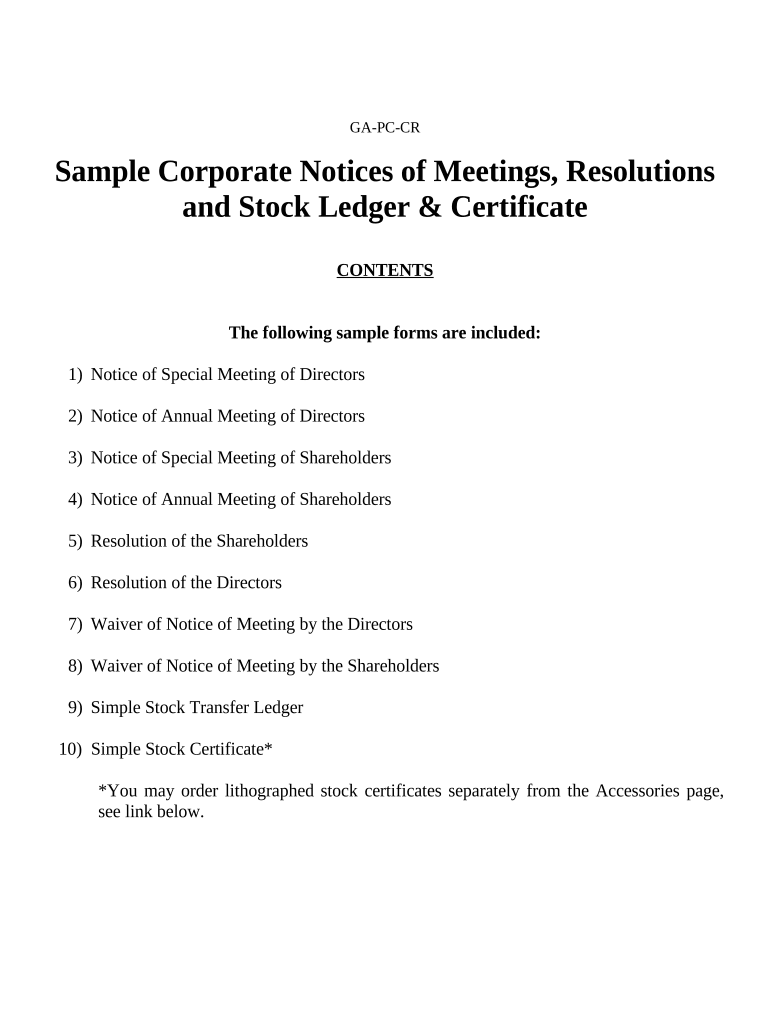
  2. Begin by entering the 'Name of Corporation' in the designated field at the top of each notice. This is crucial for identifying which corporation the meeting pertains to.
  3. Fill in the 'Date of Meeting' and 'Time' fields accurately to ensure all participants are informed of when the meeting will take place.
  4. In the 'Address of Meeting' section, provide a complete address where the meeting will be held. This ensures that all directors or shareholders know where to gather.
  5. Specify the 'Purpose of Meeting' clearly, as this informs attendees about what will be discussed or decided during the meeting.
  6. Finally, have the Secretary sign and date the notice at the bottom. This adds authenticity and confirms that proper procedures were followed.

Start using our platform today for free to streamline your document editing and form completion!

be ready to get more

Complete this form in 5 minutes or less

Get form

Got questions?

We have answers to the most popular questions from our customers. If you can't find an answer to your question, please contact us.
Contact us
A Record captures data and provides evidence of something that happened on a particular date (and time). Tax returns, meeting minutes, batch records, production reports, site safety inspections, audit reports, are all examples of records.
Types of Records I. Administrative Records. Records which pertain to the origin, development, activities, and accomplishments of the agency. II. Legal Records. III. Fiscal Records. IV. Historical Records. V. Research Records. VI. Electronic Records.
There are four types of records: official records, transitory records, non-records, and personal records. Some records are kept for a short amount of time, and some records have long retention periods. Retention periods for records are approved by Retention and Disposal Schedules.
Records can be physical (e.g., paper documents) or digital (e.g., electronic records), and they can pertain to different aspects of an individual or organizations life (e.g., financial records, medical records, legal records, personnel records).
A record is something that evidences an event, from something as simple as a team meeting to recorded conversations used in a criminal trial. Documents can be altered, whether by a simple edit, additions made to the whole document, or even deletion. Once accepted as a record, that document cannot be altered in any way.

Security and compliance

At DocHub, your data security is our priority. We follow HIPAA, SOC2, GDPR, and other standards, so you can work on your documents with confidence.

Learn more
be ready to get more

Complete this form in 5 minutes or less

Get form

People also ask

The value of an A record is always an IP address, and multiple A records can be configured for one domain name. For example, altostrat.com is a Google domain with an A record pointing to 68.178. 232.100. This means that all traffic to altostrat.com is directed to the server with the IP address 68.178.
In simple terms, of record refers to any information or document that has been officially entered and recorded in a court or public office.

Related links