Georgia landlord in 2026

Get Form
georgia landlord in Preview on Page 1

Here's how it works

01. Edit your form online
Type text, add images, blackout confidential details, add comments, highlights and more.
02. Sign it in a few clicks
Draw your signature, type it, upload its image, or use your mobile device as a signature pad.
03. Share your form with others
Send it via email, link, or fax. You can also download it, export it or print it out.

How to use or fill out Georgia Landlord Notice with our platform

Form edit decoration
9.5
Ease of Setup
DocHub User Ratings on G2
9.0
Ease of Use
DocHub User Ratings on G2
  1. Click ‘Get Form’ to open the Georgia Landlord Notice in the editor.
  2. Begin by entering the date at the top of the form. This is crucial for record-keeping and legal purposes.
  3. Fill in the tenant’s name and address of the premises where they reside. Ensure accuracy to avoid any confusion.
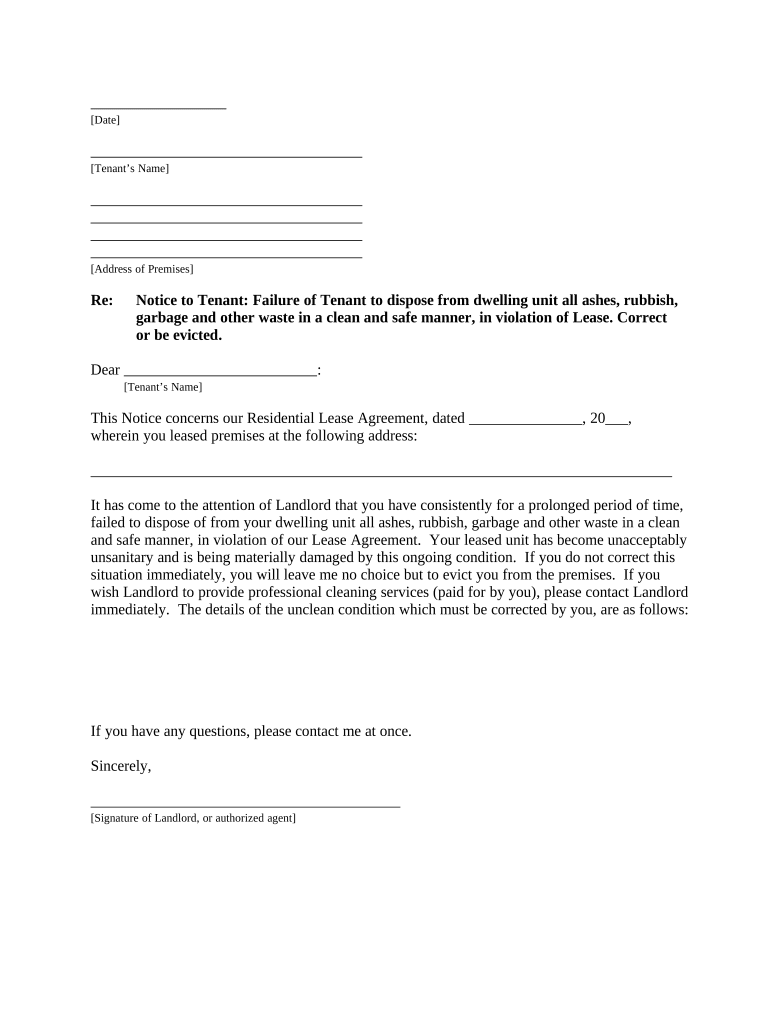
  4. In the body of the notice, clearly state the violation regarding waste disposal. Be specific about what actions are required from the tenant.
  5. Include details about your Residential Lease Agreement, such as its date and any relevant terms that pertain to this notice.
  6. Provide a section for your signature or that of an authorized agent, ensuring it is signed before delivery.
  7. Select how you will deliver this notice to the tenant by checking one of the options provided at the bottom of the form.

Start using our platform today to streamline your document editing and ensure effective communication with tenants!

be ready to get more

Complete this form in 5 minutes or less

Get form

Got questions?

We have answers to the most popular questions from our customers. If you can't find an answer to your question, please contact us.
Contact us
Keeping a deposit for wear and tear, failing to provide an itemized list to offset deductions, or failing to return money within 30 days are all against Georgia landlord law. Deposits only cover unpaid rent or actual damages (not routine cleaning or minor repairs).
Unless a tenants lease outlines a certain notice period, a landlord can determine how much time they want to give their tenant to pay before they begin the eviction process. Georgia is a landlord-friendly state because its security deposit laws do not limit the amount a landlord can collect for a security deposit.
Your landlord must provide you with a three-day grace period before they can file for an eviction in the court. This three-day grace period is known as the right to cure. The landlord must give you three-days written notice to vacate the home or pay all pending rent, utilities, fees, and other charges.
What is the new maximum amount a landlord can charge for a security deposit in Georgia? A new law in Georgia, passed in 2024, set the maximum security deposit a landlord can charge a tenant at two months rent. This means landlords can charge no more than two times the monthly rent as a refundable deposit.
Georgia Eviction Timeline (2025) StageTimelineKey Points Initial Notice Period 3 days to 60 days Based on the reason for eviction and lease type Filing and Serving Notice 7 days Tenant must respond or comply within this timeframe Writ of Possession 7 days after judgment Tenant must vacate within 7 days Jul 8, 2025

Security and compliance

At DocHub, your data security is our priority. We follow HIPAA, SOC2, GDPR, and other standards, so you can work on your documents with confidence.

Learn more
ccpa2
pci-dss
gdpr-compliance
hipaa
soc-compliance

People also ask

If you are not behind in your rent but the landlord wants you to move out, they must give you a written notice. Only a 30-day notice is required if all tenants have lived there less than a year. A 60-day notice is required if all tenants have lived there a year or longer. There is an exception to this rule.
In Georgia, you can be evicted if you do not pay rent, if you break an important part of your lease, or if your lease expired. However, your landlord cannot make you move without a court order. Evictions are called dispossessory actions.
The Landlord and Tenant Branch is eviction court, and you do not have to be a landlord to file a case to evict someone. You do not have to use the Landlord and Tenant Branch, but it is usually the fastest way to get a judgment to remove a person from your property.

Related links