




01. Edit your wyoming llc annual report online
Type text, add images, blackout confidential details, add comments, highlights and more.

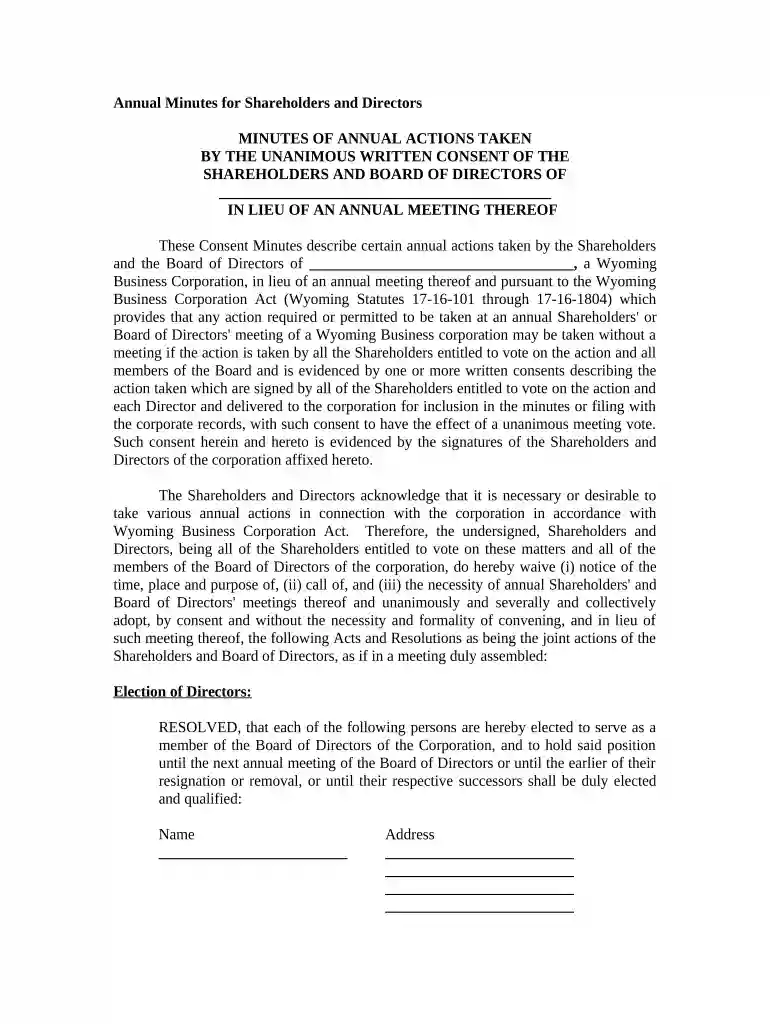
Type text, add images, blackout confidential details, add comments, highlights and more.

Draw your signature, type it, upload its image, or use your mobile device as a signature pad.

Send filing wyoming annual report via email, link, or fax. You can also download it, export it or print it out.

Start using our platform today to streamline your document editing and signing process for free!
At DocHub, your data security is our priority. We follow HIPAA, SOC2, GDPR, and other standards, so you can work on your documents with confidence.
annual filers shall submit returns on or before January 31 of each calendar year. A party liable for sales or use tax who is unable to file a tax returnRead more
Black Butte/Leucite Hills Mine is a surface coal mine located 38 miles east of Rock Springs, Sweetwater County, Wyoming. The mine produces sub-bituminous coal.Read more
Annual Reports for corporations, LLCs, LPs, RLLPs and SFs are due on the first day of the anniversary month of formation.Read more


