Consent personal representative 2026

Get Form
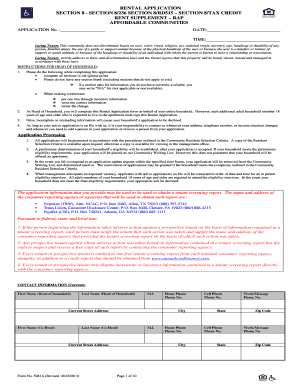
consent personal representative Preview on Page 1

Here's how it works

01. Edit your form online
Type text, add images, blackout confidential details, add comments, highlights and more.
02. Sign it in a few clicks
Draw your signature, type it, upload its image, or use your mobile device as a signature pad.
03. Share your form with others
Send it via email, link, or fax. You can also download it, export it or print it out.

How to use or fill out consent personal representative with our platform

Form edit decoration
9.5
Ease of Setup
DocHub User Ratings on G2
9.0
Ease of Use
DocHub User Ratings on G2
  1. Click ‘Get Form’ to open the consent personal representative document in the editor.
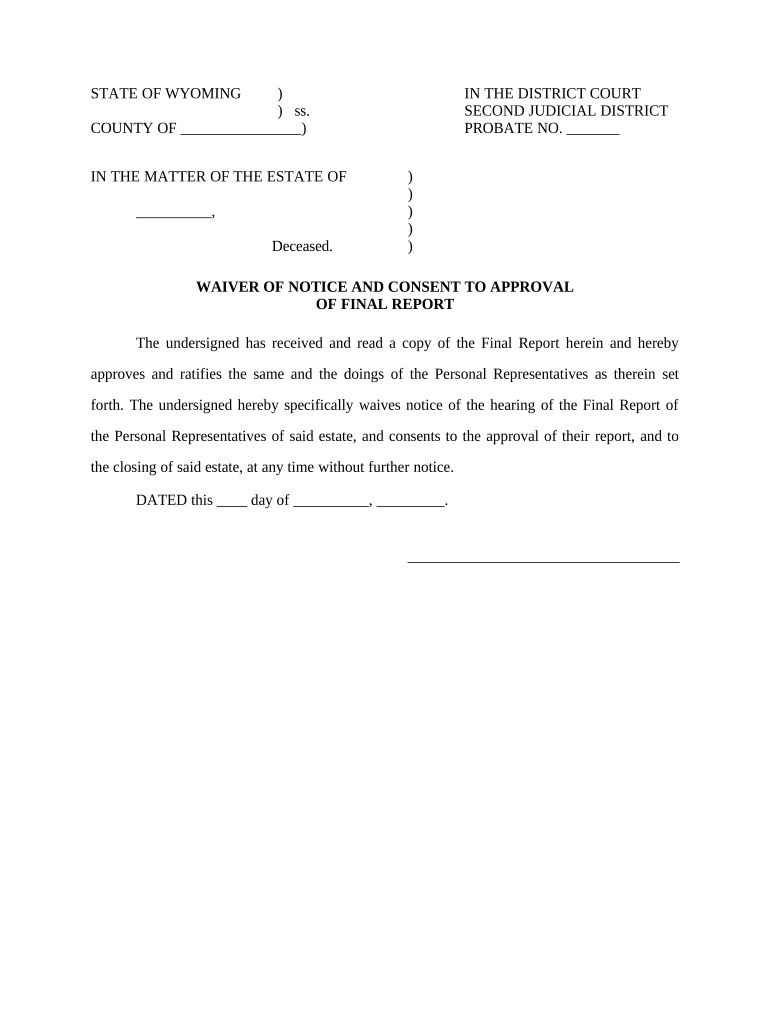
  2. Begin by filling in the 'COUNTY OF' section with the appropriate county name where the estate is being probated.
  3. In the 'IN THE MATTER OF THE ESTATE OF' field, enter the name of the deceased individual.
  4. Complete the 'PROBATE NO.' section with the assigned probate number for this case.
  5. Review the waiver statement carefully. Ensure you understand that you are waiving notice of any hearings regarding this report.
  6. Sign and date the document at the bottom, ensuring that your signature matches your printed name above.

Start using our platform today to easily complete your consent personal representative form online for free!

be ready to get more

Complete this form in 5 minutes or less

Get form

Got questions?

We have answers to the most popular questions from our customers. If you can't find an answer to your question, please contact us.
Contact us
For example, a Personal Representative may be asked to: Help make funeral arrangements. Locate the will. Talk with the lawyer who will serve as attorney for the estate and help arrange for probate of the will. Meet with family members to determine their immediate needs;
A personal representative (or legal personal representative), also known as the executor, is the individual chosen to administer the estate of a deceased person. They are designated as such by the decedent or by a court.
As a personal representative (an executor or administrator) youre legally responsible for the money, property and possessions of the person who died (the estates assets). Youre responsible for the assets from the date of death until the date everything has been passed on to the beneficiaries.
A personal representative is a person, appointed by will or the court, to administer the decedents estate.
While the starting position is that a Will can appoint anyone as a personal representative, there are some legal requirements limiting the possible executors. A personal representative must be: Over 18. Mentally capable.

Security and compliance

At DocHub, your data security is our priority. We follow HIPAA, SOC2, GDPR, and other standards, so you can work on your documents with confidence.

Learn more
ccpa2
pci-dss
gdpr-compliance
hipaa
soc-compliance

People also ask

The Key Differences between a POA and a PR: Purpose: A Power of Attorney is often used for incapacity planning or to facilitate decision making during the individuals lifetime, while a PR is appointed to handle the affairs of a deceased individuals estate after their death.
A Personal Representative is the person appointed by the court who handles the probate. The Personal Representative is responsible for all of the following: Gathering property owned by the person who died. Notifying creditors and heirs or devisees.

Related links