




01. Edit your safeguard gap insurance online
Type text, add images, blackout confidential details, add comments, highlights and more.

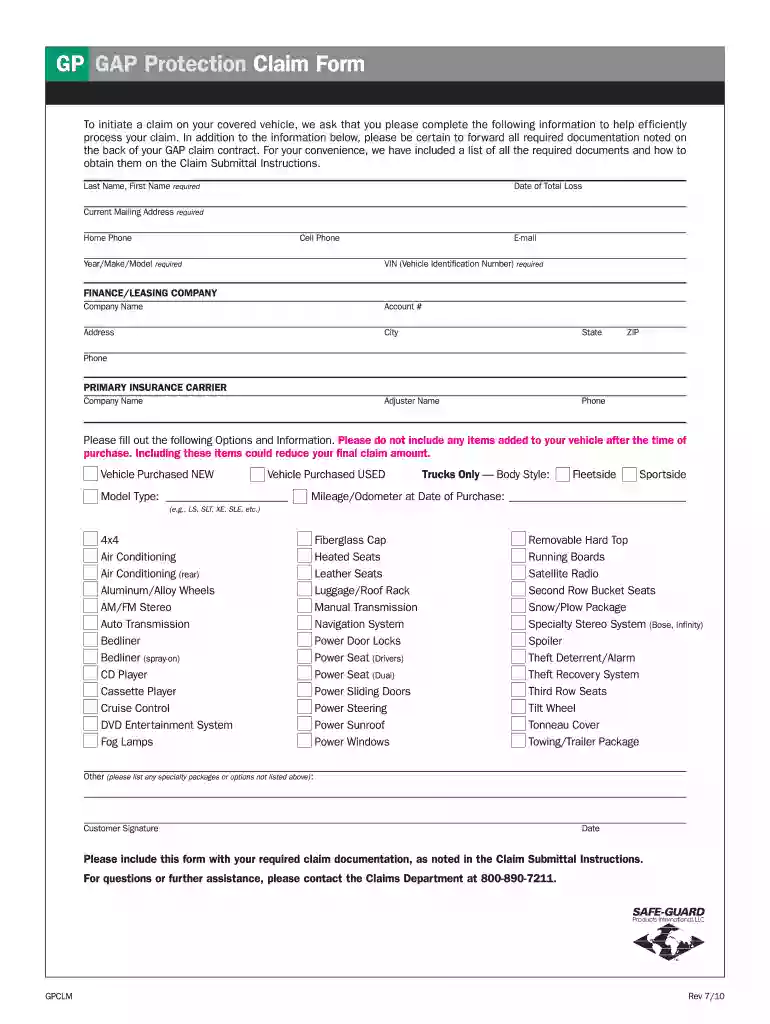
Type text, add images, blackout confidential details, add comments, highlights and more.

Draw your signature, type it, upload its image, or use your mobile device as a signature pad.

Send safe guard gap insurance via email, link, or fax. You can also download it, export it or print it out.

Start filling out your gap protection claim today using our platform for free!
We've got more versions of the safeguard gap insurance form. Select the right safeguard gap insurance version from the list and start editing it straight away!
At DocHub, your data security is our priority. We follow HIPAA, SOC2, GDPR, and other standards, so you can work on your documents with confidence.
Mar 12, 2024 GAP is an optional product that is intended to cover the difference between the amount you owe on your auto loan and the amount the insurance company pays.Read more
You are submitting this form because you have indicated that your pet did not receive veterinary care during the dates for which we previously requestedRead more
by JM Feinman Cited by 11 A major problem, and a clear instance of the protection gap, is the extent to which homeowners frequently are underinsured for their losses. The most frequentlyRead more


