Wisconsin husband wife 2026

Get Form
husband wi Preview on Page 1

Here's how it works

01. Edit your husband wi online
Type text, add images, blackout confidential details, add comments, highlights and more.
02. Sign it in a few clicks
Draw your signature, type it, upload its image, or use your mobile device as a signature pad.
03. Share your form with others
Send it via email, link, or fax. You can also download it, export it or print it out.

How to use or fill out Wisconsin Husband Wife with our platform

Form edit decoration
9.5
Ease of Setup
DocHub User Ratings on G2
9.0
Ease of Use
DocHub User Ratings on G2
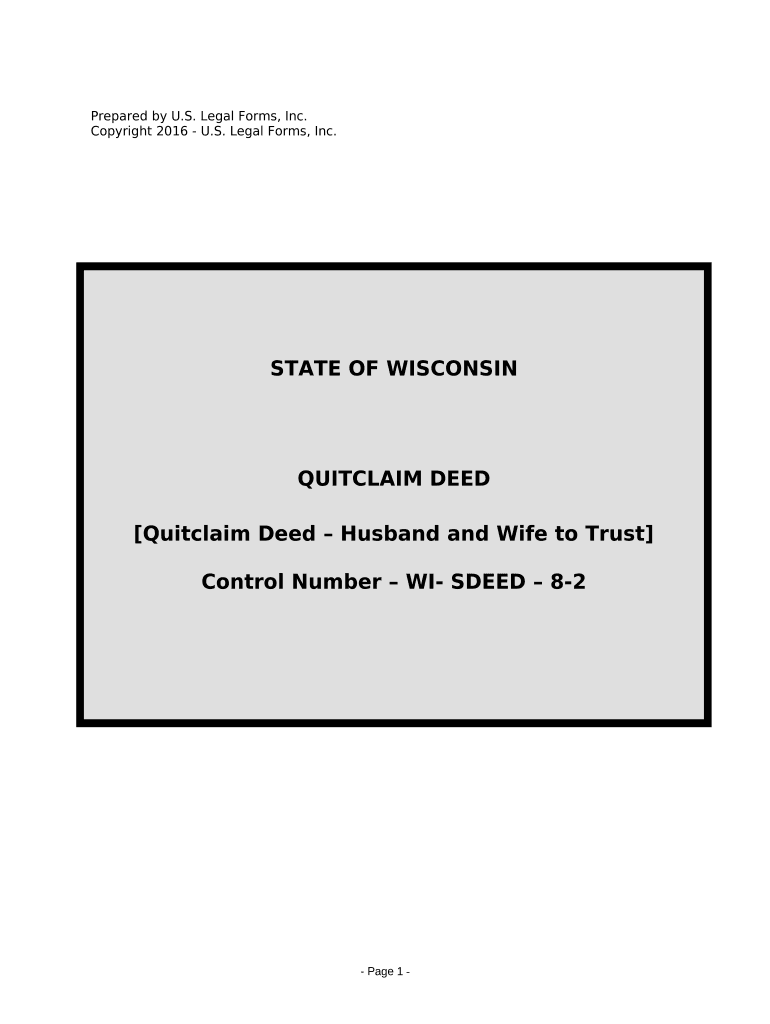
  1. Click ‘Get Form’ to open the Wisconsin Husband Wife Quitclaim Deed in the editor.
  2. Begin by entering the names of both Grantors (Husband and Wife) in the designated fields. Ensure that you accurately type their full legal names.
  3. Next, specify the Trustee's name under whom the property will be held. This is crucial for establishing trust ownership.
  4. In the property description section, either attach a detailed description or write 'SEE DESCRIPTION ATTACHED' if applicable. Include the Parcel Identification Number for clarity.
  5. Indicate whether the property is part of the homestead of Grantors by selecting the appropriate option provided in the form.
  6. Finally, have both Grantors sign and date the document. If notarization is required, ensure that a Notary Public completes this section appropriately.

Start using our platform today to fill out your Wisconsin Husband Wife Quitclaim Deed easily and for free!

be ready to get more

Complete this form in 5 minutes or less

Get form

Got questions?

We have answers to the most popular questions from our customers. If you can't find an answer to your question, please contact us.
Contact us
Wisconsin does not recognize common law marriages, regardless of how long a couple may have lived together or presented themselves as married. This means that if youre living in Wisconsin, the only way to be legally recognized as married is to go through a formal marriage process.
They have been recognized in Wisconsin since August 3, 2009. Domestic partnerships in Wisconsin provide select rights, such as the ability to inherit a partners estate in the absence of a will, hospital and jail visitation, and the ability to access family medical leave to care for a sick partner.
Adultery is technically a class I felony in Wisconsin. This means that, while you cant sue a spouse in a civil court for cheating, they could theoretically be brought up on criminal charges.
There are no common law marriages in Wisconsin. The length of time you have been living with a domestic partner is irrelevant, yet, the myth of common law marriage persists. For Immediate help with your family law case or answering any questions please call (262) 221-8123 now!
Wisconsin does not recognize common law marriage. This means that unmarried couples do not have any of the protections afforded married couples in the event of a death. In order to protect yourself and your partner, unmarried couples need to execute a will.

Security and compliance

At DocHub, your data security is our priority. We follow HIPAA, SOC2, GDPR, and other standards, so you can work on your documents with confidence.

Learn more
ccpa2
pci-dss
gdpr-compliance
hipaa
soc-compliance

People also ask

These days, it is not uncommon for couples to live together without marrying. However, unmarried, cohabitating couples in Wisconsin do not have the same protections as married couples with regard to property division when the relationship ends.
Under Wisconsin divorce law, all property owned by the spouses (except gifted and inherited property) is presumed to be divided equally, even if acquired prior to the marriage. While these rights are protected, spouses have the ability to alter Wisconsin property and divorce law through a marital property agreement.
Behind the jokes lies a legal reality that is often overlooked by Wisconsin residents. Wisconsin is a community property state. That means that all property individually accumulated by each spouse in a marriage is legally shared 50-50 between the spouses.

Related links