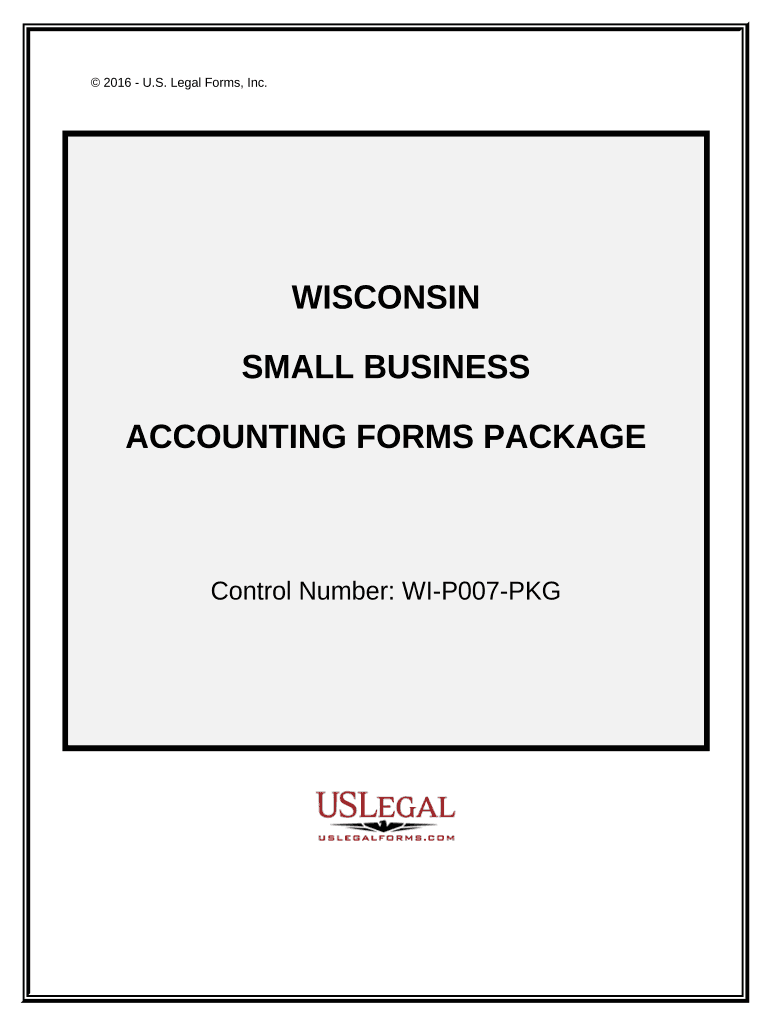
Small Business Accounting Package - Wisconsin 2026

Get Form
Small Business Accounting Package - Wisconsin Preview on Page 1

Here's how it works

01. Edit your form online
Type text, add images, blackout confidential details, add comments, highlights and more.
02. Sign it in a few clicks
Draw your signature, type it, upload its image, or use your mobile device as a signature pad.
03. Share your form with others
Send it via email, link, or fax. You can also download it, export it or print it out.

How to use or fill out Small Business Accounting Package - Wisconsin with our platform

Form edit decoration
9.5
Ease of Setup
DocHub User Ratings on G2
9.0
Ease of Use
DocHub User Ratings on G2
  1. Click ‘Get Form’ to open the Small Business Accounting Package in the editor.
  2. Begin with the Profit and Loss Statement. Enter your total revenues and expenses in the designated fields to assess your business's financial performance.
  3. Next, navigate to the Aging Accounts Payable form. Use the table provided to input account details, ensuring you track payment timelines effectively.
  4. Proceed to fill out the Balance Sheet Deposit form by entering your assets and liabilities, allowing for a clear comparison of financial health over time.
  5. For daily tracking, utilize the Daily Accounts Receivable form. Input daily payments received to maintain an accurate record of cash flow.
  6. Complete additional forms such as Invoices and Purchase Orders by filling in necessary details like item descriptions, quantities, and prices as required.

Start using our platform today for free to streamline your small business accounting needs!

be ready to get more

Complete this form in 5 minutes or less

Get form

Security and compliance

At DocHub, your data security is our priority. We follow HIPAA, SOC2, GDPR, and other standards, so you can work on your documents with confidence.

Learn more
ccpa2
pci-dss
gdpr-compliance
hipaa
soc-compliance
be ready to get more

Complete this form in 5 minutes or less

Get form