Type text, add images, blackout confidential details, add comments, highlights and more.
02. Sign it in a few clicks
Draw your signature, type it, upload its image, or use your mobile device as a signature pad.
03. Share your form with others
Send it via email, link, or fax. You can also download it, export it or print it out.
How to use or fill out Wisconsin Deed TOD with DocHub
Ease of Setup
DocHub User Ratings on G2
Ease of Use
DocHub User Ratings on G2
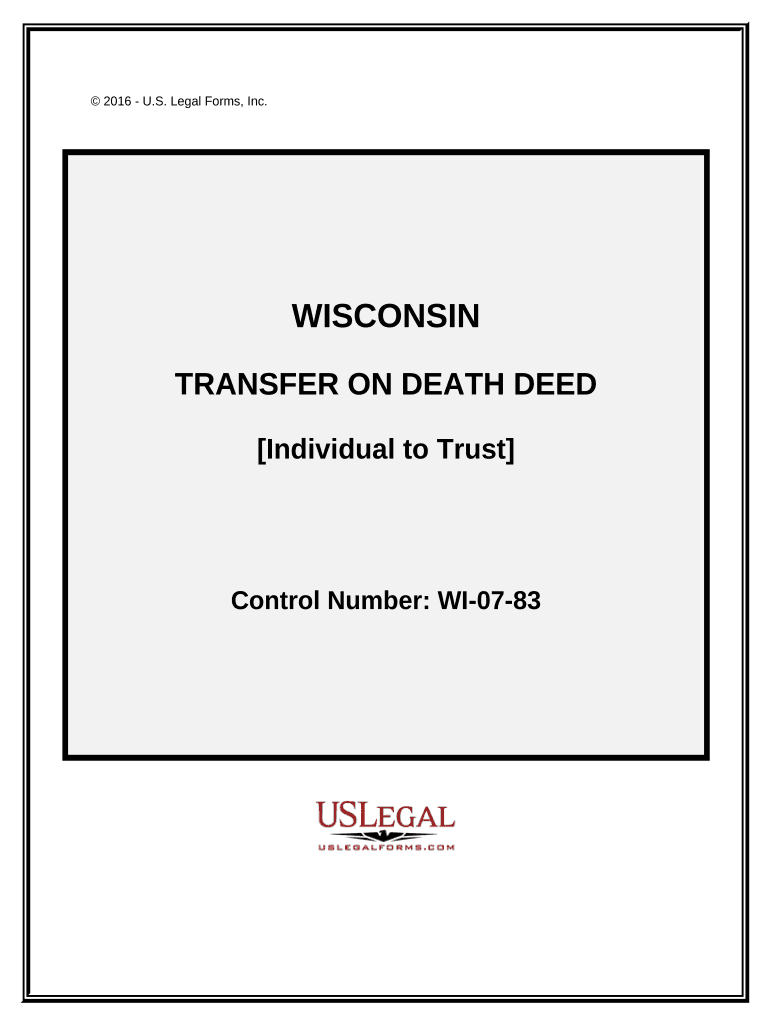
Click ‘Get Form’ to open the Wisconsin Transfer on Death Deed in our editor.
Begin by entering the Grantor's name in the designated field. This is the individual transferring the property.
Next, input the Grantee's information, which includes the name of the trust and trustee. Ensure accuracy as this identifies who will receive the property upon death.
Fill in the legal description of the property being transferred. This may require referencing an attached document for precise details.
Complete any additional fields such as Parcel Identification Number (PIN) and confirm if it is homestead property.
Finally, sign and date the document where indicated. If necessary, arrange for notarization to validate your deed.
Start using our platform today to easily complete your Wisconsin Deed TOD online for free!
Wisconsin deed tod formTransfer on death deed Wisconsin costWisconsin deed tod beneficiaryProblems with transfer on death deedsTransfer on death (TOD deed)Designation of TOD beneficiary WisconsinTransfer on death (TOD deed form)TOD-110 Form Wisconsin
Security and compliance
At DocHub, your data security is our priority. We follow HIPAA, SOC2, GDPR, and other standards, so you can work on your documents with confidence.
The sole purpose of this instrument is to revoke all previous TOD beneficiary designations. State Bar of Wisconsin Form 9-2009. DESIGNATION OF TOD BENEFICIARY.Read more
Cookie consent notice
This site uses cookies to enhance site navigation and personalize your experience.
By using this site you agree to our use of cookies as described in our Privacy Notice.
You can modify your selections by visiting our Cookie and Advertising Notice.