Type text, add images, blackout confidential details, add comments, highlights and more.
02. Sign it in a few clicks
Draw your signature, type it, upload its image, or use your mobile device as a signature pad.
03. Share your form with others
Send it via email, link, or fax. You can also download it, export it or print it out.
How to use or fill out waiver liability track with our platform
Ease of Setup
DocHub User Ratings on G2
Ease of Use
DocHub User Ratings on G2
Click ‘Get Form’ to open the waiver liability track in the editor.
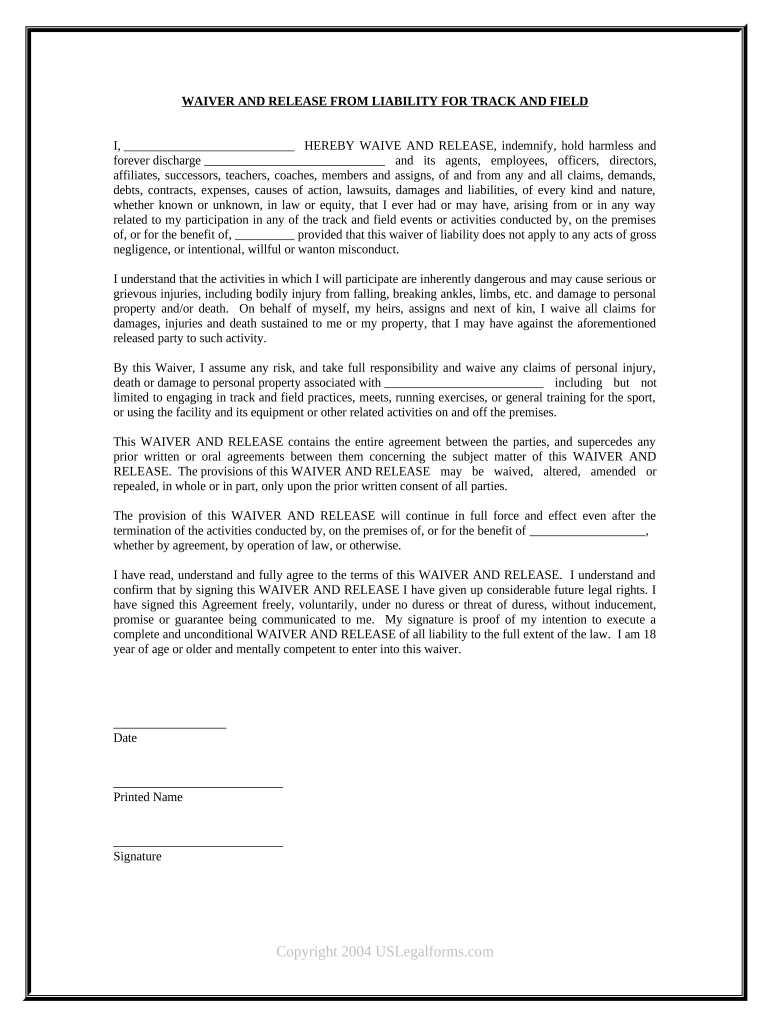
Begin by entering your name in the designated field at the top of the form. This identifies you as the participant waiving liability.
Review the waiver carefully, ensuring you understand all terms regarding risks associated with track and field activities. This section outlines potential dangers and your acknowledgment of them.
In the signature section, sign your name to confirm that you agree to the terms outlined in the waiver. Ensure that you are at least 18 years old and mentally competent to enter into this agreement.
Finally, date your signature to indicate when you completed this waiver. This is crucial for record-keeping purposes.
Start using our platform today for free to easily complete your waiver liability track!
I am the parent or legal guardian of the child named below and give my permission for him/her to participate in the Indoor Track located at the AlbuquerqueRead more
WAIVER: I for myself, my heirs, personal representatives or assigns, do hereby covenant not to sue, and release, waive, and discharge from liability the CollegeRead more
The Contractor is required to: Read and sign the Code of Conduct, Liability Waiver (if applicable), and Conflict Resolution Policy. Through an invitationRead more
Cookie consent notice
This site uses cookies to enhance site navigation and personalize your experience.
By using this site you agree to our use of cookies as described in our Privacy Notice.
You can modify your selections by visiting our Cookie and Advertising Notice.